
HubSpot built its reputation on a genuinely useful free CRM and a polished user experience, and for a lot of small teams it’s still the right starting point. But talk to any business that has scaled past ten or fifteen employees and you’ll usually hear the same complaint: the moment you need real marketing automation, custom reporting, or more than one hub, the price jumps hard. A 2026 HubSpot Professional Customer Platform subscription can run a 10-person team upward of $1,300 a month before onboarding fees, and stacking Marketing Hub, Sales Hub, and Service Hub separately multiplies that cost further. That pricing structure, sometimes called the “ecosystem tax,” is the single biggest reason businesses start searching for the best HubSpot CRM alternatives.
It isn’t only about money. Some teams outgrow HubSpot’s automation ceiling on lower tiers. Others find the interface too marketing-heavy when what they actually need is a lean sales pipeline. And some just want a CRM that doesn’t require an implementation partner to configure properly.
This guide walks through the strongest HubSpot competitors on the market right now, covering free HubSpot CRM alternatives for bootstrapped teams and paid HubSpot CRM alternatives for businesses ready to invest in deeper automation. Whether you’re a startup, an agency, a sales-led SaaS company, or an enterprise evaluating a CRM migration from HubSpot, you’ll find a fit here.
How We Came Up With This List
Every CRM in this roundup was evaluated against the same criteria, not chosen because it’s popular or because it pays affiliate commissions.
We looked at ease of use for non-technical teams, the depth of sales automation and marketing automation, how capable the AI features actually are versus how they’re marketed, current pricing (checked against official pricing pages and 2026 buyer guides), value for money at each tier, integration depth, reporting and dashboard quality, scalability from solo founder to enterprise, and the real-world quality of the free plan where one exists.
We also cross-referenced user sentiment from G2, Capterra, and independent CRM review sites, and weighed how difficult a migration from HubSpot would realistically be for each platform. Tools that looked good on a features page but consistently drew complaints about hidden costs or support quality were flagged rather than ignored.
Key takeaway: A cheap CRM that lacks automation isn’t actually cheaper once you factor in the manual hours your team spends compensating for it. The right question isn’t “what’s the lowest price” but “what does this cost me at the tier where it actually does what I need.”
Quick Summary
| CRM | Best For | Starting Price | Free Plan | AI Features | Rating |
| Zoho CRM | Best overall value | $14/user/mo | Yes (3 users) | Zia AI | 4.3/5 (G2) |
| Pipedrive | Best for sales teams | $14 to $24/user/mo | No | AI email/deal scoring | 4.3/5 (G2) |
| Freshsales | Best free CRM | $0 | Yes (3 users) | Freddy AI | 4.5/5 (G2) |
| monday CRM | Best for visual workflows | $12/user/mo | No (14-day trial) | AI assistant, automations | 4.7/5 (G2) |
| ActiveCampaign | Best marketing CRM | $15/mo (1,000 contacts) | No | Predictive sending, Active Intelligence | 4.5/5 (G2) |
| Salesforce Starter Suite | Best for enterprises | $25/user/mo | No | Agentforce AI | 4.4/5 (G2) |
Best overall: Zoho CRM, for the sheer amount of functionality per dollar.
Best free CRM: Freshsales, for the most usable no-cost tier.
Best for startups: Zoho CRM or Pipedrive, depending on whether marketing or sales matters more.
Best for enterprises: Salesforce, for depth of customization and ecosystem.
Best value: Zoho CRM Professional at $23/user/month.
Best marketing CRM: ActiveCampaign, for automation depth per dollar.
Best sales CRM: Pipedrive, for pipeline clarity and rep adoption.
Main Alternatives
Zoho CRM
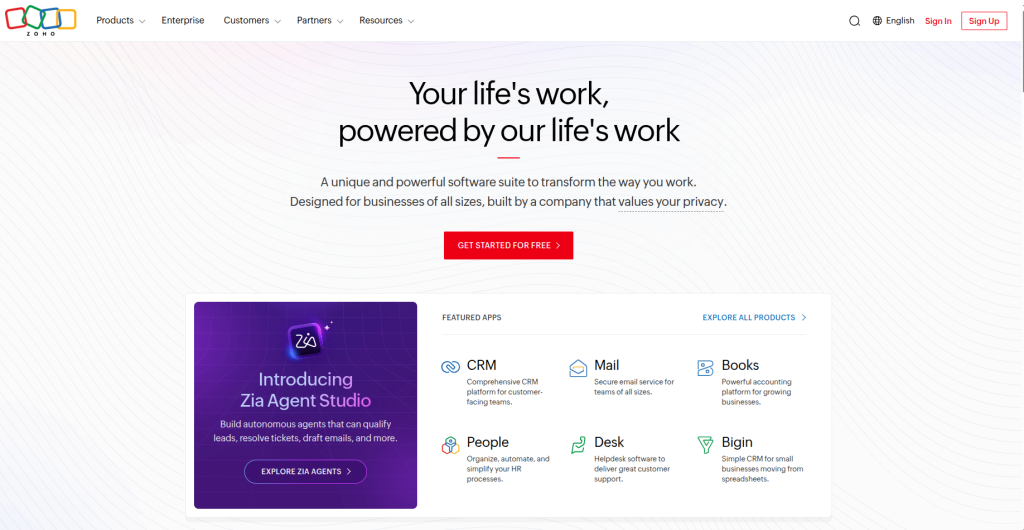
Zoho CRM is a cloud-based platform covering the full customer lifecycle: leads, deals, email, telephony, social, and reporting, all in one system. It serves more than 250,000 businesses and has become the default answer whenever someone asks for an affordable alternative to HubSpot CRM that doesn’t feel stripped down.
Why It’s a Good HubSpot Alternative
Where HubSpot’s Professional tier gates marketing automation and reporting behind a steep price jump, Zoho includes workflow automation, lead scoring, and multiple pipelines starting on its Standard plan. Its Enterprise tier, at roughly $40 per user monthly, includes Zia (Zoho’s AI assistant), custom modules, and territory management, features that would require Salesforce’s Professional tier or HubSpot’s Sales Hub Professional to match.
Key Features
- Lead, contact, and deal management with visual pipelines
- Blueprint, a stage-by-stage process enforcement tool (Professional tier and up)
- Zia AI for sales forecasting, anomaly detection, and best-time-to-contact recommendations
- Workflow automation and scoring rules
- Native integration across the wider Zoho ecosystem (Books, Campaigns, Desk, Analytics)
Pros
Excellent price-to-feature ratio, especially at Professional and Enterprise tiers. Broad feature set covers sales, light marketing, and support without buying separate hubs. Frequent product updates and an active community.
Cons
The interface can feel cluttered compared to HubSpot’s cleaner design. There’s a real learning curve if you try to configure everything at once. Support responsiveness on lower tiers gets mixed reviews.
Pricing
Free for up to 3 users. Standard is around $14/user/month, Professional around $23, Enterprise around $40, and Ultimate around $52 (all annual billing).
Best For
Small to mid-sized businesses, agencies managing multiple client pipelines, and any team that wants HubSpot-level functionality without HubSpot-level spend.
Real-World Use Case
A 12-person digital agency migrating from HubSpot Starter uses Zoho’s Blueprint feature to enforce a consistent onboarding process for new clients, automatically assigning tasks and updating deal stages as each milestone is completed, something that would require HubSpot’s Professional Sales Hub to replicate.
Migration Difficulty: Moderate. Zoho’s import tools handle standard contact and deal data well, but custom HubSpot workflows and properties need manual rebuilding.
Pipedrive
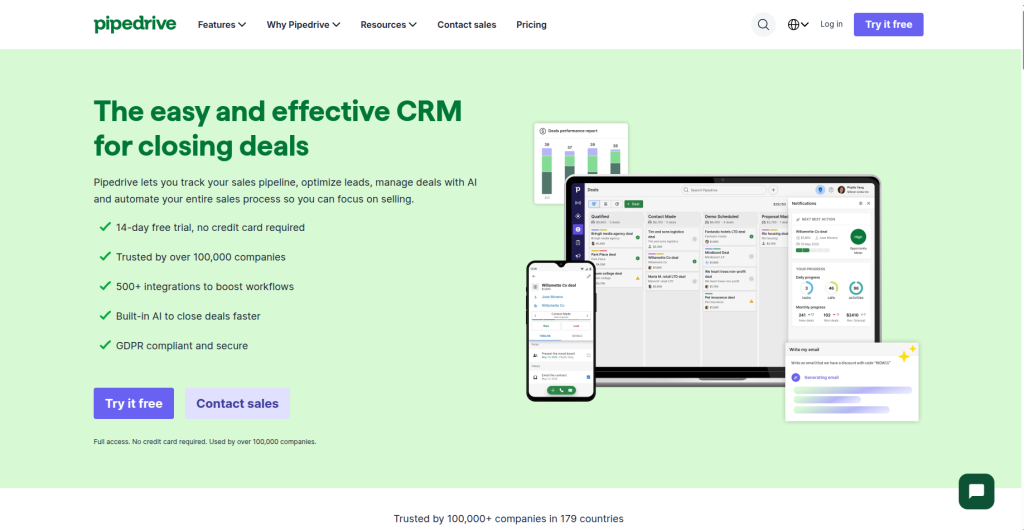
Pipedrive is a sales-first CRM built around visual pipeline management. It deliberately avoids trying to be an all-in-one marketing suite, which is exactly why sales teams that found HubSpot too marketing-heavy tend to gravitate here.
Why It’s a Good HubSpot Alternative
HubSpot’s free CRM is generous but its Sales Hub Professional tier costs roughly $90 to $100 per seat once you need real automation and forecasting. Pipedrive’s Advanced tier delivers workflow automation, email sync, and AI deal scoring for around $29 per seat, and its Professional tier adds forecasting and custom dashboards for around $59, still well under HubSpot’s equivalent.
Key Features
- Fully customizable visual pipelines with drag-and-drop stages
- Workflow Builder for auto-creating activities and triggering emails
- AI-powered email assistant and deal scoring
- Revenue forecasting and custom fields
- LeadBooster and Smart Docs as add-ons
Pros
Extremely intuitive for sales reps who’ve never used a CRM before. Fast onboarding. Strong activity-based selling structure that keeps pipelines from going stale.
Cons
No free plan, only a 14-day trial. Add-ons like Web Visitors, Campaigns, and LeadBooster are priced separately and can meaningfully inflate the real monthly cost. Marketing automation is basic compared to dedicated marketing CRMs.
Pricing
Essential around $14 to $24/user/month, Advanced around $29, Professional around $59, Power around $69, Enterprise around $99 (annual billing varies by source and region).
Best For
Sales-led teams, SDR and AE organizations, and any business where pipeline visibility matters more than marketing sophistication.
Real-World Use Case
A 6-person outbound sales team switches from HubSpot’s free CRM to Pipedrive Advanced, using the Workflow Builder to auto-assign new leads by territory and trigger a follow-up email sequence the moment a deal stalls in a stage for more than five days.
Migration Difficulty: Easy. Pipedrive’s CSV import and deal-stage mapping are among the more straightforward migrations in this list, since it doesn’t try to replicate HubSpot’s marketing objects.
Freshsales (Freshworks CRM)
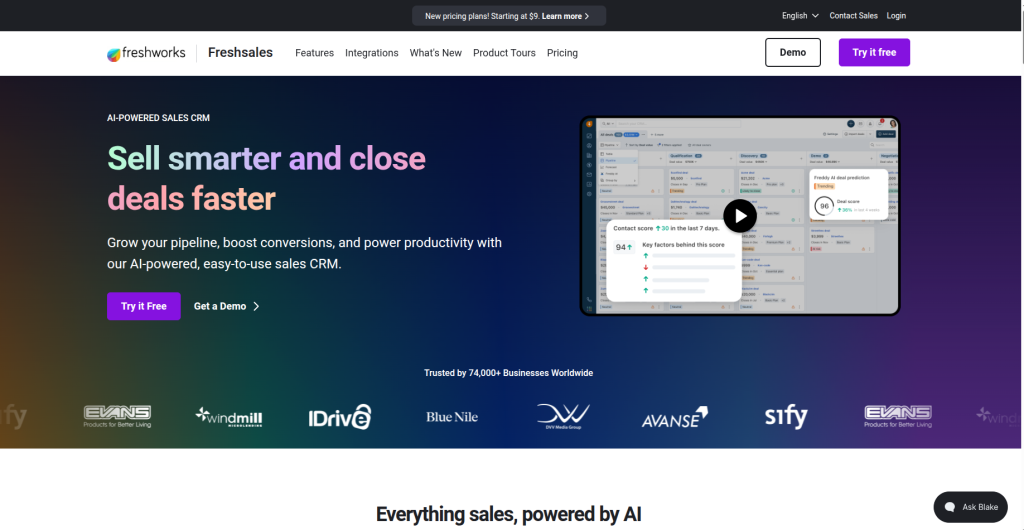
Freshsales is Freshworks’ sales CRM, combining calling, email, and lead tracking with Freddy AI for lead scoring and next-step suggestions. It’s consistently named one of the better free HubSpot CRM alternatives for small teams that need more structure than a spreadsheet but aren’t ready to pay for automation yet.
Why It’s a Good HubSpot Alternative
Freshsales offers a genuinely usable free plan for up to 3 users, and its paid Growth tier starts around $9 to $11 per user, well under HubSpot’s Starter pricing, while still including web forms, basic workflows, and a product catalog.
Key Features
- Built-in phone, email, SMS, and WhatsApp within the CRM
- Freddy AI for lead scoring and deal-stall detection
- Visual pipelines and deal timeline view
- Multiple pipelines and advanced workflows (Pro tier and above)
- Native integration with Freshdesk and Freshmarketer
Pros
Clean, fast interface that first-time CRM users adopt quickly. Genuinely free tier, not just a trial dressed up as free. Strong integration if you already use other Freshworks products.
Cons
The free and Growth tiers omit AI lead scoring, sales sequences, and multiple pipelines, features most growing teams eventually need. Marketing automation lives in a separate product (Freshmarketer), so it isn’t truly all-in-one out of the box.
Pricing
Free for up to 3 users. Growth is around $9 to $11/user/month, Pro is around $39 to $47, Enterprise around $59 to $71.
Best For
Solo founders, very small sales teams, and SMBs that want built-in calling without paying for a separate dialer tool.
Real-World Use Case
A two-person B2B startup uses the free Freshsales plan to track fifty active leads, log calls directly in the CRM, and follow the deal timeline view to see every touchpoint before upgrading to Growth once they hire their first dedicated salesperson.
Migration Difficulty: Easy for basic contact and deal data. Moderate if you relied heavily on HubSpot’s marketing automation, since that functionality sits in a separate Freshworks product.
monday CRM
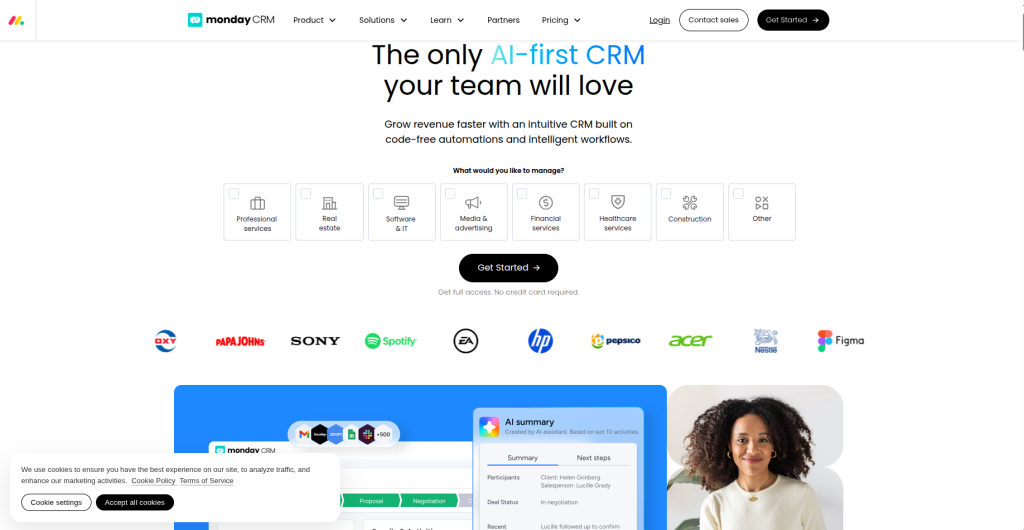
monday CRM is the sales-focused product built on monday.com’s Work OS. It trades a rigid CRM data model for fully customizable boards, which appeals to teams that found HubSpot’s structure too fixed for their actual sales process.
Why It’s a Good HubSpot Alternative
Teams that use HubSpot mainly as a glorified pipeline tracker often find monday CRM’s no-code flexibility a better match, especially when sales and post-sale project work need to live in the same system. Its visual dashboards update in real time and its no-code automations don’t require developer support.
Key Features
- Fully customizable boards, columns, and pipeline stages
- Two-way email sync with Gmail and Outlook
- No-code automations for lead assignment and stage changes
- AI-powered email generation and data enrichment
- Post-sale project management on the same platform as the pipeline
Pros
Genuinely intuitive for teams already familiar with monday.com. Excellent for bridging sales and delivery, a closed deal can spin up a new project board automatically. Strong customization without needing an administrator.
Cons
No permanent free CRM plan, only a 14-day trial. Three-seat minimum on paid plans. Reporting and forecasting depth still trails dedicated sales CRMs like Pipedrive or Salesforce.
Pricing
Basic around $12/user/month, Standard around $17, Pro around $28, Enterprise by quote (all annual billing, 3-seat minimum).
Best For
Cross-functional teams, agencies handing off from sales to delivery, and businesses that already use monday.com for project management.
Real-World Use Case
A marketing agency closes a deal in monday CRM, which automatically generates a new onboarding project board with pre-set tasks, keeping the sales and delivery teams working from the same record instead of re-entering client details into a separate project tool.
Migration Difficulty: Moderate. Data imports are straightforward, but rebuilding custom board structures to match your process takes deliberate setup time.
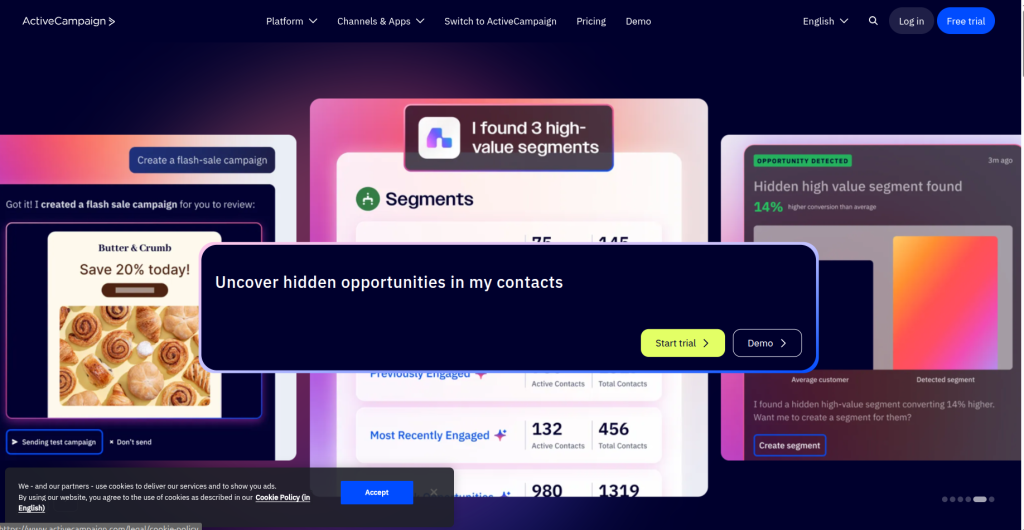
ActiveCampaign
ActiveCampaign built its name on marketing automation and email, and its built-in Sales CRM (available from the Plus tier up) makes it a strong pick for businesses whose growth is driven primarily by lifecycle marketing rather than outbound sales.
Why It’s a Good HubSpot Alternative
For businesses that chose HubSpot mainly for its email marketing and workflow automation, ActiveCampaign offers a comparably deep automation builder for a fraction of the cost. Its Plus plan, which unlocks the CRM, landing pages, and lead scoring, runs around $49/month for 1,000 contacts versus HubSpot Marketing Hub Professional’s $890/month.
Key Features
- Visual automation builder with branching logic
- Built-in Sales CRM (Plus tier and above)
- Predictive sending and Active Intelligence AI features (Pro tier)
- Site tracking and ecommerce integrations
- Lead scoring and conditional content
Pros
The strongest automation builder in its price bracket. Genuinely capable AI-assisted content and send-time optimization on higher tiers. No setup fees.
Cons
No free plan. Pricing scales with contact count, so costs climb quickly as your list grows, sometimes doubling or tripling between contact bands. Extra user seats and transactional email are separate add-ons.
Pricing
Starter around $15/month, Plus around $49, Professional around $79, Enterprise around $145 (all for 1,000 contacts, annual billing; prices scale up with contact volume).
Best For
Marketing-led businesses, ecommerce brands running lifecycle campaigns, and teams where sales and marketing automation need to work off the same contact record.
Real-World Use Case
An ecommerce brand builds a branching automation that sends a discount code to cart abandoners, escalates to a personal email from a sales rep if the discount isn’t used within 48 hours, and logs the entire journey inside the built-in CRM, without needing a separate marketing platform.
Migration Difficulty: Moderate. Contact data transfers cleanly, but HubSpot workflows built on its native reporting and attribution tools need to be rebuilt from scratch in ActiveCampaign’s automation builder.
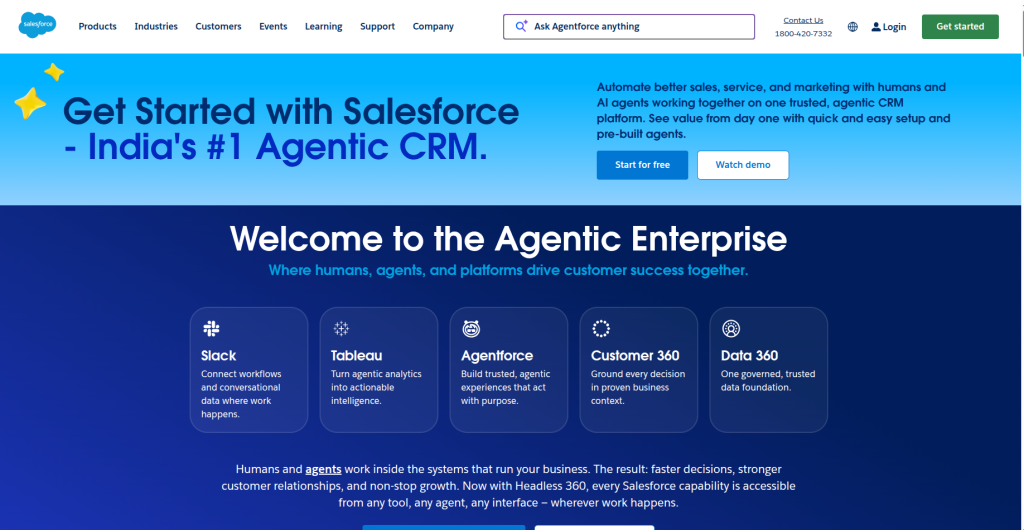
Salesforce (Starter Suite / Sales Cloud)
Salesforce remains the industry benchmark for CRM depth and customization. Its Starter Suite, introduced to compete directly with HubSpot and Zoho at the small-business level, bundles sales, service, marketing, and Slack for a flat per-user rate.
Why It’s a Good HubSpot Alternative
Businesses that expect to scale into complex approval workflows, territory management, or heavy customization eventually find HubSpot’s ceiling too low. Salesforce’s Enterprise edition, at around $175/user/month, opens up API access, custom app development, and Agentforce AI, capabilities that require stitching together multiple HubSpot hubs to approximate.
Key Features
- Starter Suite bundling sales, service, marketing, and commerce basics
- Agentforce AI for predictive insights and conversation intelligence
- Extensive AppExchange marketplace for add-ons
- Advanced pipeline management, forecasting, and territory rules (Enterprise tier)
- Deep API access for custom integrations
Pros
Unmatched customization and ecosystem depth for complex sales organizations. Strong AI roadmap under the Agentforce brand. Scales cleanly from small business to global enterprise.
Cons
Pricing beyond Starter Suite requires talking to sales, and costs escalate fast with add-ons, Premier Support, and implementation. Steep learning curve without a dedicated administrator. Overkill for teams with a simple, linear sales process.
Pricing
Starter Suite around $25/user/month. Pro Suite around $100. Enterprise around $175. Unlimited around $350. Agentforce 1 Sales around $550 (annual billing on Enterprise and above).
Best For
Enterprises, complex B2B sales organizations, and any team anticipating significant scale or custom development needs.
Real-World Use Case
A mid-market SaaS company with 60 sales reps across three regions uses Salesforce Enterprise’s territory management and advanced pipeline features to route leads automatically by region and enforce a multi-step approval process on discounts above 20 percent.
Migration Difficulty: Advanced. Salesforce’s data model is more rigid and powerful than HubSpot’s, and a proper migration usually involves a certified implementation partner, particularly for custom objects and validation rules.
Workflow Examples by Team Type
Startups usually do best starting on Zoho CRM’s Standard plan or Freshsales’ free tier, since neither requires paying for automation depth they don’t need yet.
Agencies benefit from Zoho or monday CRM, both of which handle multiple client pipelines and can bridge into delivery or project tracking.
SaaS businesses with product-led growth motions often pair ActiveCampaign’s automation with a lightweight sales CRM, or move straight to Salesforce once enterprise deals require approval workflows.
Sales teams running high call volumes tend to prefer Pipedrive or Freshsales for their native calling and activity-based structure.
Marketing teams whose growth depends on nurture sequences and lifecycle campaigns get the most value from ActiveCampaign.
Customer success teams benefit from Zoho’s or Freshworks’ native ticketing integrations (Zoho Desk, Freshdesk), keeping the post-sale relationship in the same ecosystem as the deal history.
Freelancers and very small teams are usually best served by Freshsales’ free plan or a lightweight tool like Capsule CRM, since most CRM automation is wasted on a one-person pipeline.
Ecommerce companies benefit most from ActiveCampaign’s site tracking and cart-abandonment automation, paired with a simple deal pipeline for wholesale or B2B accounts.
Best Practices
Pro tip: Choose a CRM based on where your business will be in 18 months, not where it is today, but don’t overbuy for a scale you haven’t reached. Zoho and Pipedrive both scale reasonably well without forcing an early jump to enterprise pricing.
Avoid loading up on every available feature during setup. Start with core pipeline stages and basic automation, then add complexity as your team actually needs it. Before committing, run a real migration test: import a sample of your HubSpot contacts and deals into the trial account and see how cleanly custom properties translate. Map your existing HubSpot workflows on paper before rebuilding them, since most CRMs won’t import workflow logic directly.
Common Mistakes
The most common mistake is choosing a CRM purely on sticker price without checking what’s actually included at that tier. A $14 seat that lacks workflow automation isn’t cheaper than a $23 seat that includes it, once you factor in the manual work saved.
Other frequent mistakes include ignoring integration requirements until after signing a contract, skipping a formal onboarding plan, buying an enterprise-tier CRM before the sales process is complex enough to need it, and underestimating how long a clean data migration actually takes.
Limitations and Considerations
Every alternative on this list involves trade-offs. Zoho’s breadth comes with a steeper learning curve than HubSpot’s cleaner interface. Pipedrive’s simplicity means weaker native marketing automation. monday CRM’s flexibility can turn into inconsistent data structure without discipline. ActiveCampaign’s contact-based pricing can escalate unexpectedly as your list grows. Salesforce’s power comes with implementation costs that can rival or exceed the license fees themselves.
Data portability is worth checking regardless of which platform you choose. Most CRMs make it easy to get data in and comparatively harder to get a clean export out, so avoid heavy reliance on proprietary automation logic that can’t be rebuilt elsewhere if you switch again later.
Conclusion
There’s no single best HubSpot CRM alternative, only the best fit for your stage and workflow. For overall value, Zoho CRM is hard to beat, it covers sales, light marketing, and support at a fraction of HubSpot’s stacked-hub pricing. If your team lives and dies by pipeline visibility, Pipedrive remains the cleanest sales-first option. Freshsales is the strongest genuinely free CRM if you’re not ready to pay yet. monday CRM suits teams that want visual flexibility over rigid structure. ActiveCampaign wins if marketing automation is what’s driving your revenue. And Salesforce is still the right call once your sales process outgrows what mid-market CRMs can handle.
Whichever you choose, start with a free trial, import a real sample of your HubSpot data, and confirm the automation you actually rely on today can be rebuilt before you commit to a full migration.
Frequently Asked Questions
What is the best alternative to HubSpot CRM?
Zoho CRM is generally considered the best overall alternative for most small and mid-sized businesses, offering comparable functionality at a significantly lower price. The right choice still depends on whether sales, marketing, or enterprise scale matters most to you.
What is the best free HubSpot CRM alternative?
Freshsales offers the most usable free plan for up to 3 users, including basic pipeline management, email, and calling, without the automation restrictions found in some other free tiers.
Is Zoho CRM better than HubSpot?
Zoho CRM offers more features at lower price tiers, particularly automation and customization, but HubSpot has a cleaner interface and stronger native marketing tools on its higher tiers. Which is “better” depends on budget and feature priorities.
Which HubSpot alternative is best for startups?
Zoho CRM and Pipedrive are the most commonly recommended for startups, since both offer affordable entry tiers with room to scale automation as the sales team grows.
Does Pipedrive have a free plan?
No. Pipedrive offers a 14-day free trial but no permanent free tier, unlike HubSpot, Zoho, or Freshsales.
What is the cheapest CRM software with automation included?
Zoho CRM’s Standard plan, at roughly $14/user/month, is among the most affordable options that includes workflow automation, though ActiveCampaign’s Plus plan is comparable if marketing automation is the priority.
Which CRM is easiest to migrate to from HubSpot?
Pipedrive and Freshsales tend to be the easiest migrations for standard contact and deal data, since neither tries to replicate HubSpot’s full marketing object structure. Salesforce migrations are the most involved.
Is Salesforce a good HubSpot alternative for small businesses?
Salesforce’s Starter Suite, at $25/user/month, is positioned to compete directly with HubSpot and Zoho at the small-business level, but most small teams will find Zoho or Freshsales a better value at a comparable price point.
What’s the best CRM for marketing automation instead of HubSpot?
ActiveCampaign delivers the deepest automation builder outside of HubSpot itself, at a fraction of the cost of HubSpot’s Marketing Hub Professional tier.
How do I know when it’s time to switch from HubSpot?
Common signals include hitting HubSpot’s pricing cliff between Starter and Professional tiers, needing marketing automation you can’t afford at your current tier, or finding that your sales process has outgrown the free CRM’s capabilities faster than your budget for paid hubs.