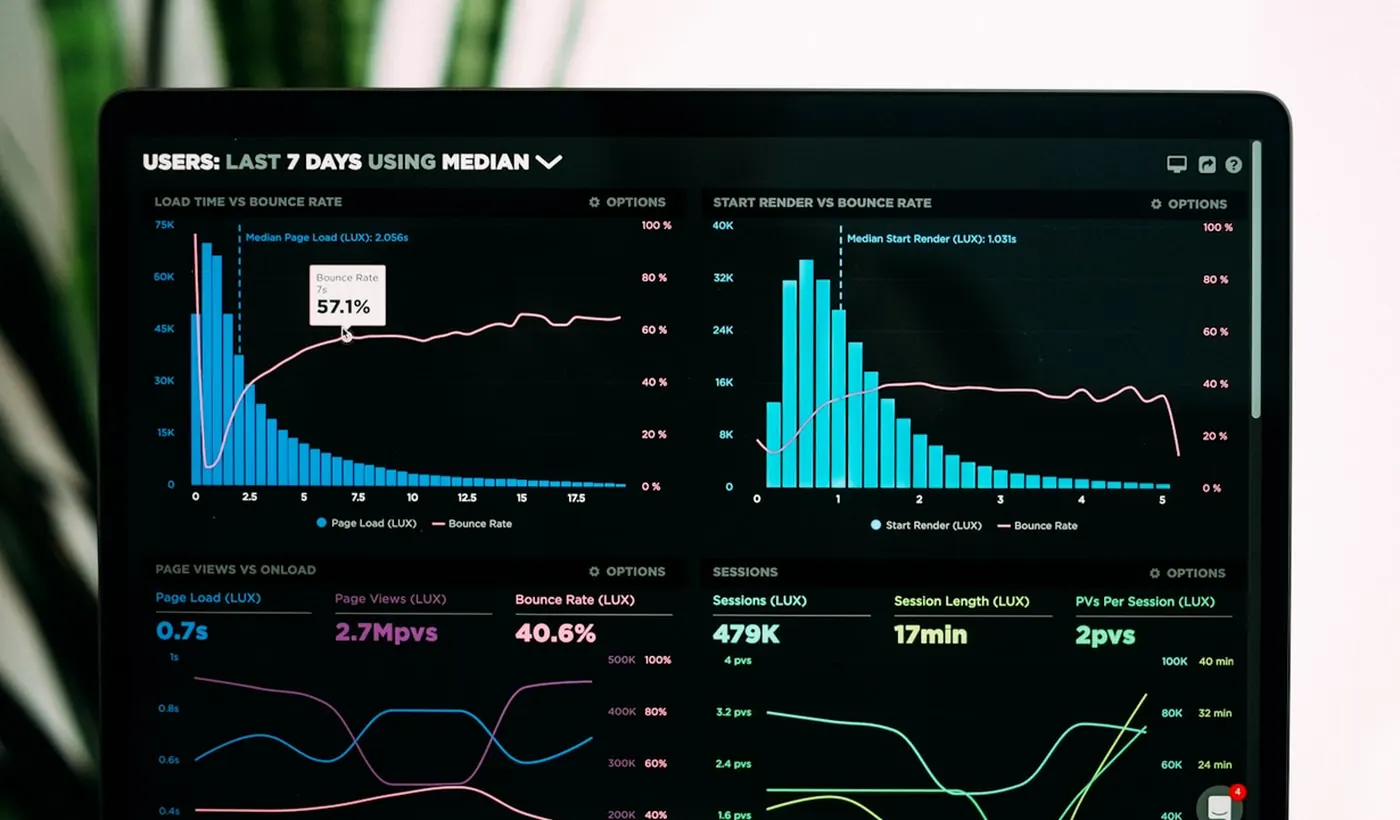
Troubleshooting should start with safe checks before resets, billing changes, account changes, or support escalation.
How to use this hub
Start with the overview, then open the guide that matches your current decision or problem.
What you will find here
This section covers common AI, SaaS, browser, login, sync, export, and performance problems. The guides are written to help you narrow the likely cause without making the issue worse.
How to compare options
Compare fixes by symptom, device, browser, account state, status-page signal, extension conflicts, network conditions, and whether the change could remove data or settings.
Recommended next step
Start with the closest troubleshooting guide. For ChatGPT or browser issues, use the error checker or browser extension conflict checker first.