
Software development in 2026 looks fundamentally different from what it did three years ago. AI coding assistants have moved well beyond predictive autocomplete. Today’s best tools can index your entire repository, refactor code across dozens of files, write and run tests, resolve GitHub issues autonomously, and execute multi-step agentic workflows without constant hand-holding.
According to the 2025 Stack Overflow Developer Survey, 84% of developers use or plan to use AI tools, and 51% of professionals use them daily. Yet only a minority fully trust AI output — which is exactly why choosing the right tool matters more than simply choosing one.
The problem is that the category has fractured. “AI coding assistant” now covers IDE plugins, full VS Code forks, terminal agents, open-source bring-your-own-key tools, and enterprise platforms. They are not interchangeable. The best tools now score above 80% on SWE-bench Verified, meaning they can resolve genuine software bugs that would take a human engineer hours.
This guide compares the tools developers are actually evaluating in 2026, with current pricing, honest tradeoffs, and clear recommendations based on workflow, budget, and team size.
Quick Summary: Best AI Coding Assistants in 2026
| Category | Top Pick |
| Best Overall | Cursor |
| Best for Beginners | GitHub Copilot |
| Best for Teams | GitHub Copilot Business |
| Best Free Option | Gemini Code Assist (Individual) |
| Best for Enterprise | Tabnine or GitHub Copilot Enterprise |
| Best Open-Source | Continue.dev or Cline AI |
| Best Agentic Terminal Tool | Claude Code |
| Best Value | GitHub Copilot Pro ($10/month) |
What Is an AI Coding Assistant?
An AI coding assistant is a software tool that integrates directly into your development environment and uses large language models (LLMs) to help you write, understand, debug, refactor, and document code.
Featured snippet answer: An AI coding assistant is a developer tool powered by large language models that provides real-time code suggestions, multi-file editing, debugging help, test generation, and autonomous agentic task execution directly inside your IDE or terminal.
Modern AI coding assistants work by analyzing your open files and surrounding codebase, often indexing the entire repository for context. When you type or prompt, the model generates code completions, explains logic, detects bugs, or executes multi-step tasks depending on the tool’s capability level.
Key capabilities in 2026 include:
Inline code completion and autocomplete, AI chat within the editor, multi-file editing and refactoring, repository-level context awareness, autonomous agent mode that executes terminal commands, test generation and documentation writing, code review assistance, and MCP (Model Context Protocol) integration for connecting AI to external tools like GitHub, Notion, or databases.
How We Evaluated These Tools
Every tool in this guide was assessed across the following criteria:
Code quality – Does the generated code work correctly, follow best practices, and require minimal editing?
Repository awareness – Can the tool understand your full codebase, not just the file currently open?
Agent capabilities – Can it execute autonomous multi-step tasks, including terminal commands and test runs?
IDE and language support – Which editors and programming languages are supported natively?
Pricing and value – What do you actually get at each tier, and what does heavy usage cost?
Privacy and enterprise readiness – Are there options for on-premises deployment, SSO, audit logs, and IP indemnification?
Benchmark performance – How do tools score on SWE-bench Verified and real-world developer productivity metrics?
MCP support – Can the assistant integrate with external tools and data systems?
Best AI Coding Assistants in 2026
GitHub Copilot
GitHub Copilot is the lowest-friction option for most developers. It runs as an extension across VS Code, JetBrains, Visual Studio, Neovim, and Xcode. Teams already living in GitHub get AI suggestions where they already write code, and the Copilot Coding Agent can have GitHub issues assigned directly to it.
GitHub Copilot serves 1.8 million paying developers, making it the most widely adopted AI coding tool in the market.
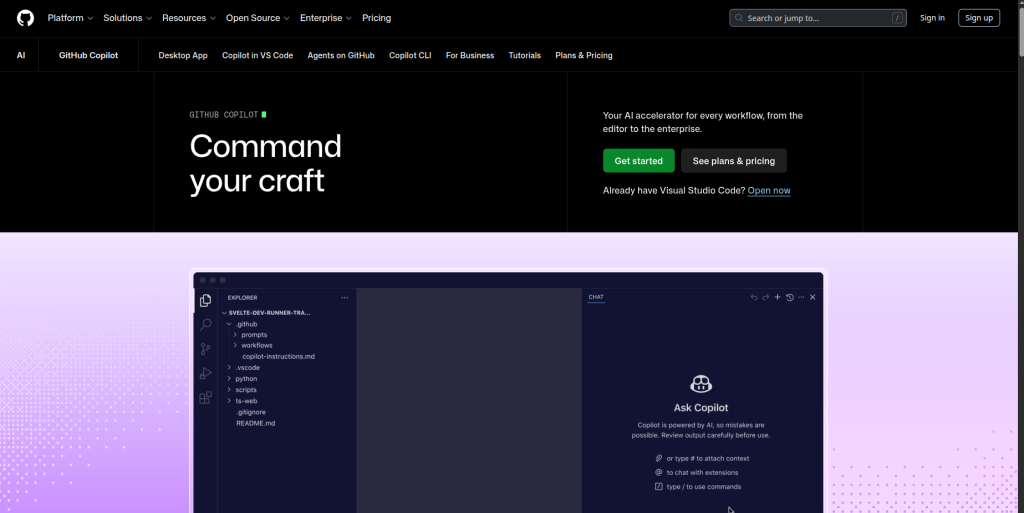
Best For: Developers already in the GitHub ecosystem, beginners, teams wanting low setup friction.
Key Features: Inline autocomplete, AI chat, Copilot Coding Agent, multi-model support (GPT-5, Claude, Gemini), GitHub PR integration, code review assistance.
Pricing (as of July 2026):
GitHub Copilot Free includes limited usage. Pro is $10/month. Pro+ is $39/month. A new Max tier is $100/month. Business is $19/user/month. Enterprise is $39/user/month. GitHub moved Copilot to usage-based billing on June 1, 2026, where 1 AI Credit equals $0.01.
Pros: Widest IDE compatibility, lowest paid entry point, deep GitHub integration, multi-model flexibility, generous free tier.
Cons: Agent capabilities lag behind Cursor and Claude Code. Enterprise features require higher tiers. Autocomplete quality is strong but context window is narrower than competitors.
Supported IDEs: VS Code, JetBrains, Visual Studio, Neovim, Xcode, GitHub.com.
Languages: 30+ languages including Python, JavaScript, TypeScript, Go, Ruby, Java, C#, C++.
Best use case in practice: A developer opens a GitHub issue, assigns it to Copilot Coding Agent, and lets it draft the fix as a pull request — reviewed and merged without the developer writing a line.
Pro Tip: GitHub Copilot Pro at $10/month offers the best value among commercial tools — 300 premium requests, a coding agent, code review, and multi-model support including Claude Opus 4.6.
Cursor
Cursor is the AI-native IDE that has taken the developer world by storm. Built on VS Code but designed from the ground up around AI assistance, it offers the most integrated AI coding experience available. It provides deep codebase understanding by indexing your entire project for context-aware suggestions, Composer mode for generating entire features with natural language, multi-model support to switch between Claude, GPT-4, and others, and agent capabilities to execute commands, run tests, and iterate.
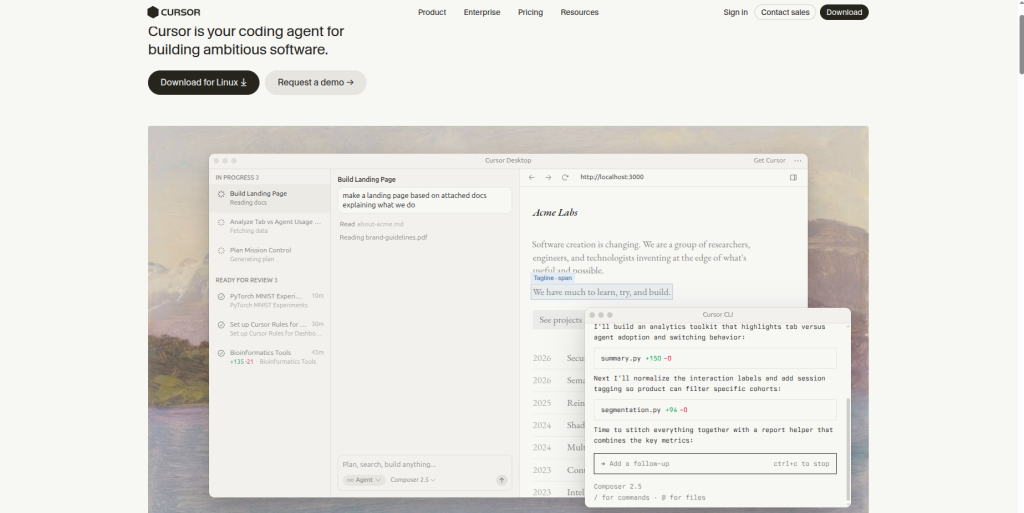
Cursor AI achieved a $10 billion valuation with 50% Fortune 500 adoption.
Best For: Power users, full-stack developers, teams doing heavy multi-file work.
Key Features: Composer mode, multi-file editing, MCP support, repository indexing, inline diff editor, multi-model switching, 8 parallel agents.
Pricing:
Cursor Pro is $20/month. Pro+ is $60/month. Ultra is $200/month. Cursor’s own documentation notes that daily Agent users are usually closer to $60-$100/month than $20/month
Pros: Best multi-file editing in the market, familiar VS Code interface, strong agent capabilities, active development cycle, MCP integrations for GitHub/Linear/Notion/Postgres.
Cons: IDE lock-in (you must use Cursor’s app, not VS Code directly). Setup of MCP requires manual configuration of .cursor/mcp.json. Pricing escalates fast for heavy agent users.
Supported IDEs: Cursor (VS Code fork – standalone app).
Languages: All VS Code-supported languages.
Best use case in practice: A frontend developer opens Composer mode, describes a new React component in plain English, and Cursor writes the component, updates imports across three files, and runs the test suite.
Key Takeaway: Cursor wins on multi-file editing and IDE experience. If you live in your editor and need deep codebase context, it is the most capable tool available.
Claude Code
Claude Code (Anthropic) is an agentic assistant that works in your terminal, IDE, desktop app, and even Slack. It is built for autonomous, multi-step coding tasks. Unlike IDE-first tools, Claude Code is terminal-native — it reads, edits, and executes across your entire codebase with a level of reasoning that is difficult to match for complex refactors.
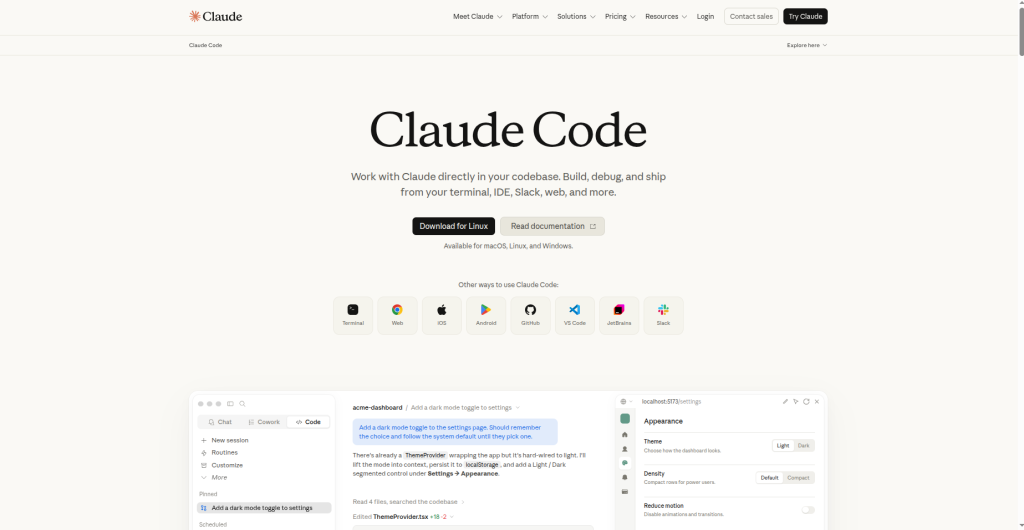
Best For: Senior engineers, complex reasoning tasks, large refactors, terminal-centric workflows.
Key Features: Agentic terminal execution, full codebase read/write, strong multi-step reasoning, MCP native integration, Slack integration, Claude Sonnet 5 as default model.
Pricing:
Claude Code comes through Claude plans. Pro is $20/month. Max is $100/month for 5x Pro usage or $200/month for 20x Pro usage. Claude Sonnet 5 became the default model on June 30, 2026.
Pros: Best reasoning quality for complex logic, strong planning on large refactors, MCP native support, no IDE lock-in.
Cons: Terminal-first workflow is a barrier for developers accustomed to IDE-based tools. Usage-based costs can be unpredictable at the enterprise tier. Claude Code Teams is capped at 150 seats, which limits it for larger organizations.
Supported IDEs: Terminal, VS Code (via extension), JetBrains, Claude Desktop, Slack.
Languages: All major languages.
Best use case in practice: A backend engineer opens the terminal, asks Claude Code to audit the authentication module, refactor it to a new pattern, write unit tests, and commit with a descriptive message — all in a single session.
Pro Tip: Cursor + Claude Code is the power combo — Cursor for in-editor work, Claude Code for big autonomous tasks. Many high-output developers use both simultaneously.
Windsurf AI (formerly Codeium)
Windsurf AI (by Codeium) is known for its Cascade Agent, which deeply understands codebase context to automate multi-file tasks. Cascade features “remote awareness,” adapting to the codebase as it evolves.
Windsurf has the strongest free tier among VS Code-fork editors, offering unlimited tab completions and access to Cascade agent mode.
Best For: Developers wanting strong agentic features at a lower price, free tier users.
Key Features: Cascade Agent, multi-file editing, codebase remote awareness, MCP support, TypeScript project strength.
Pricing:
The free tier includes unlimited autocomplete limits and access to Cascade agent mode. The Pro plan costs $20/month (raised from $15 in May 2026). A new Max tier at $200/month offers higher quotas for power users. Enterprise pricing is custom.
Pros: Most generous free tier in the IDE-fork category, strong Cascade agent, good TypeScript handling, OpenAI backing accelerating development.
Cons: Daily and weekly usage quotas replaced the old credit pool in March 2026, which can disrupt sprint-heavy workflows. MCP ecosystem is still catching up to Cursor.
Supported IDEs: Windsurf (VS Code fork).
Languages: All major languages; particularly strong on TypeScript/JavaScript.
Google Gemini Code Assist
Gemini Code Assist is powered by Gemini 2.5 Pro and offers an industry-leading 1 million token context window and 180,000 free completions per month, making it ideal for understanding and refactoring large codebases.
Gemini Code Assist embeds Gemini Pro reasoning into VS Code, JetBrains, and Android Studio. Live Cloud Run telemetry and infrastructure configurations feed directly into its reasoning loop.
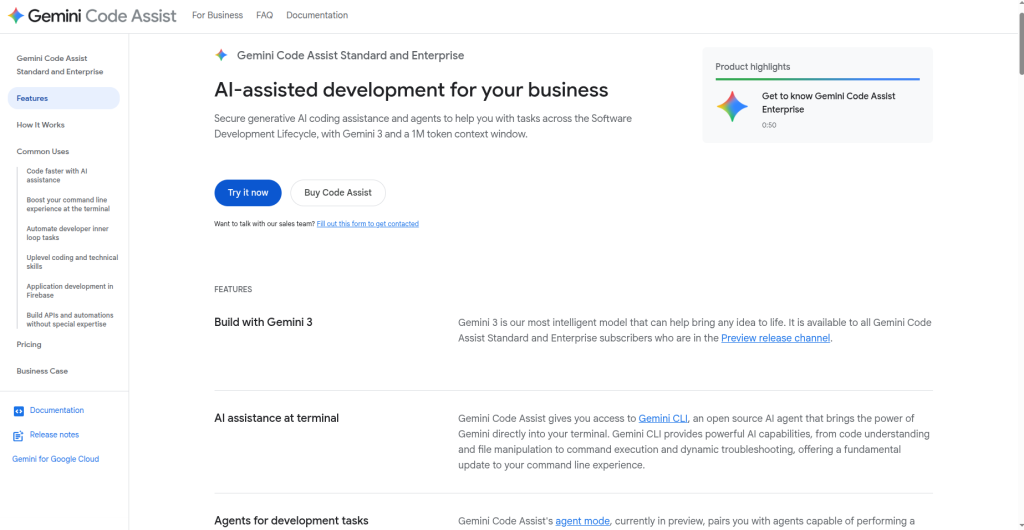
Best For: GCP users, large codebase work, Android developers, teams wanting a free enterprise-quality tool.
Key Features: 1M token context window, 180k free completions/month, GCP-native integration, Android Studio support.
Pricing: Free individual tier with large daily quota. Enterprise is pay-as-you-go.
Pros: Best context window in the category, most generous free tier for completions, strong GCP/Firebase integration.
Cons: Less powerful agent mode compared to Cursor or Claude Code. Best value for developers in the Google Cloud ecosystem.
Amazon Q Developer
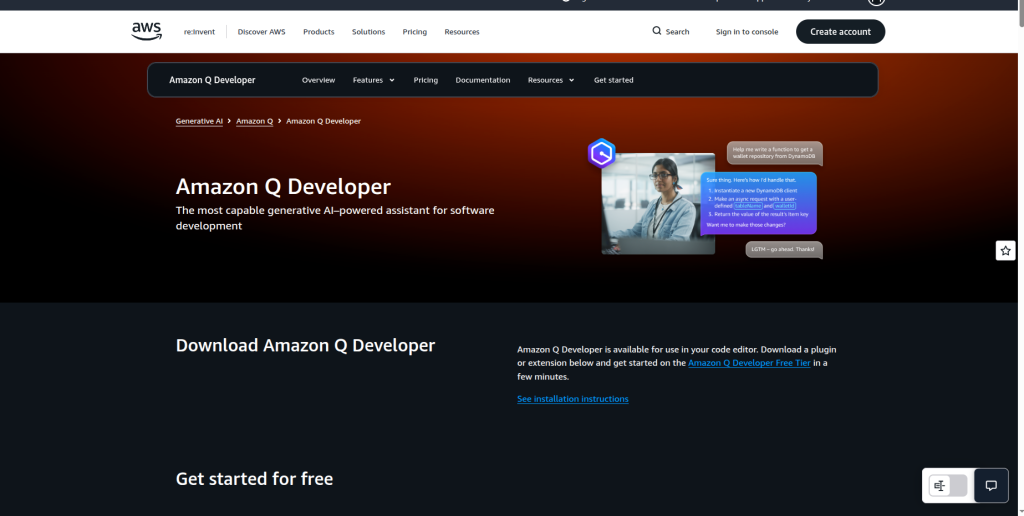
Amazon Q Developer is AWS’s official AI coding assistant, purpose-built for teams working within the AWS ecosystem. It integrates deeply with Lambda, CloudFormation, CDK, and the broader AWS service catalog.
Best For: AWS-native teams, DevOps engineers, teams using CDK or SAM.
Key Features: AWS service-aware completions, security scanning, agent mode for feature development, inline chat.
Pricing: Free tier with code completion and basic AI chat (with usage limits). Pro is $19/user/month, unlocking advanced agent modes and security scanning.
Pros: Deep AWS context awareness, built-in security scanning, competitive free tier.
Cons: Limited value outside the AWS ecosystem. Agent capabilities lag behind Cursor and Claude Code.
Supported IDEs: VS Code, JetBrains, Visual Studio, AWS Cloud9.
Codeium (Windsurf Free / Codeium Extension)
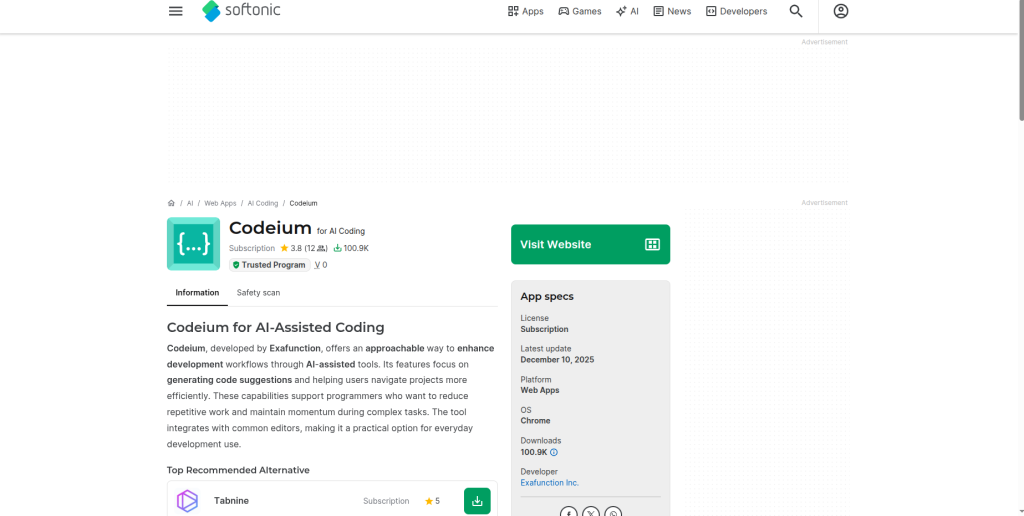
Codeium’s standalone VS Code extension (separate from the Windsurf IDE) remains one of the best free AI coding assistants available. It offers unlimited AI-powered code completion on the Individual plan, making it a great choice for developers who want intelligent autocomplete without switching editors or paying for a subscription.
Best For: Developers looking for a free AI autocomplete extension, students, and VS Code users who don’t want to migrate to a new IDE.
Key Features: Unlimited AI code completion, inline suggestions, AI chat, support for multiple programming languages, VS Code and JetBrains extensions, and fast autocomplete with minimal setup.
Pricing: Free Individual plan with unlimited code completion. Team and Enterprise plans are available with additional collaboration, security, and administrative features.
Pros: Completely free for autocomplete, easy installation, works inside existing IDEs, supports many programming languages, and ideal for beginners.
Cons: Fewer advanced agentic features than Windsurf IDE or Cursor. Multi-file editing and autonomous workflows are limited compared to full AI-native IDEs.
Continue.dev
Continue.dev is an MIT-licensed, fully open-source AI coding assistant supporting VS Code, JetBrains, and Neovim. It can connect to over 100 AI models, including local LLMs via Ollama, enabling private deployment with zero data leakage.
Best For: Privacy-conscious developers, enterprises behind firewalls, developers who want full model control.
Key Features: 100+ model integrations, local LLM support via Ollama, MIT license, VS Code + JetBrains + Neovim support.
Pricing: Completely free and open-source. You pay only for model API costs if using cloud models.
Pros: Full data privacy, zero vendor lock-in, supports local models at zero cost.
Cons: Requires more configuration than plug-and-play tools. Agent capabilities are less polished than Cursor or Windsurf.
Cline AI
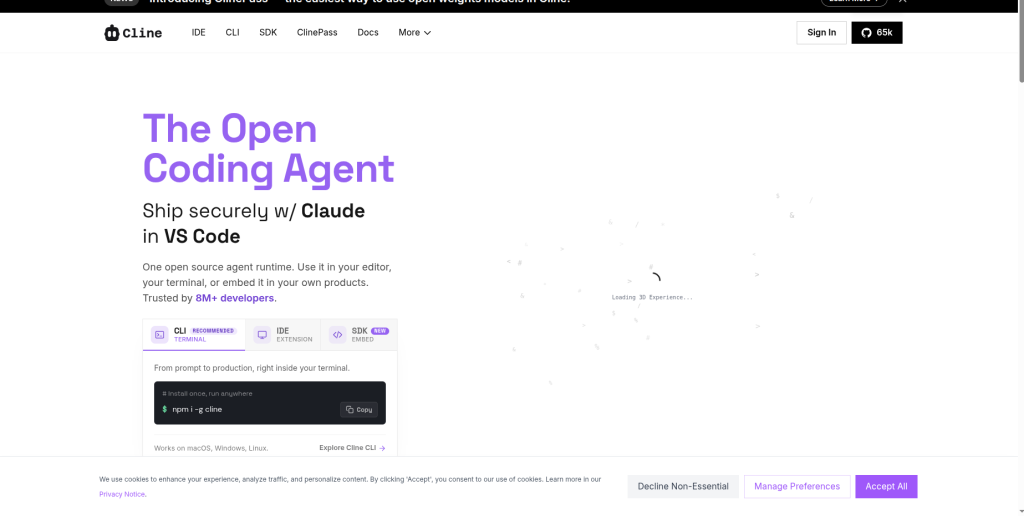
Cline AI is an open-source AI Agent extension for VS Code that allows developers to bring their own key (BYOK), choosing from Claude, GPT-4o, Gemini, or local models. Cline can browse the web, run terminal commands, and read/write files to complete complex tasks. It is completely free (pay only for API usage), ideal for privacy-conscious or budget-aware developers.
Best For: Developers wanting full control, open-source advocates, teams with custom model requirements.
Key Features: BYOK model support, web browsing, terminal execution, file read/write, open-source.
Pricing: Free. You pay only for the underlying model API you connect.
Pros: Maximum flexibility, true open-source, supports any model, active community development.
Cons: Requires API key management. No built-in model — costs depend on which model you connect.
Tabnine
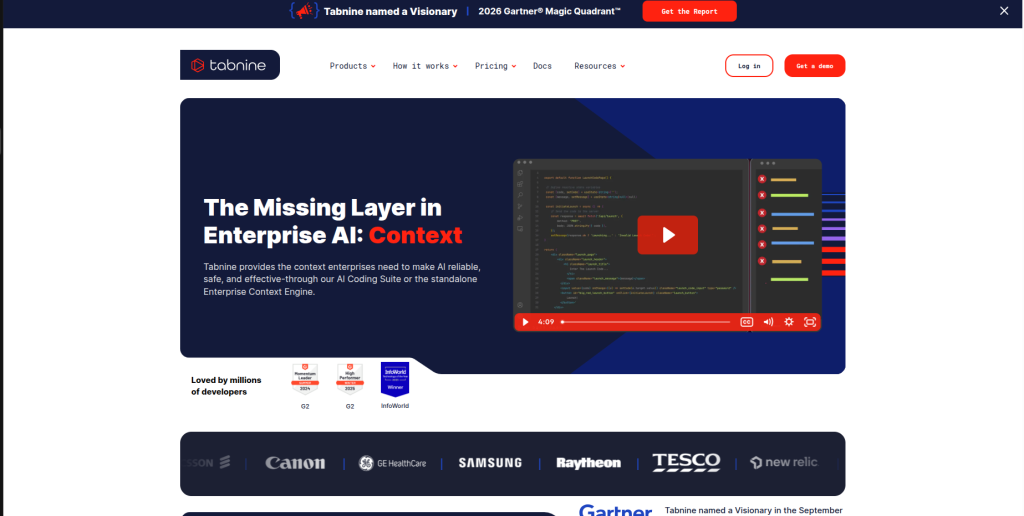
Tabnine is the most security-focused AI coding assistant in the enterprise market, offering on-premises, VPC private cloud, and air-gapped deployment options to ensure code never leaves the corporate environment.
Best For: Finance, healthcare, government, and other regulated industries.
Key Features: Self-hosted deployment, air-gapped options, SOC 2 compliance, agent mode, enterprise admin controls.
Pricing: Basic is free. Pro is $9/month. Enterprise is $59/month.
Pros: Best-in-class data security, on-premises deployment, compliance certifications.
Cons: Innovation pace is slower than Cursor or Claude Code. The free version lacks AI chat and has limited completion length.
Feature Comparison Table
| Tool | Free Plan | Starting Paid | Agent Mode | Multi-File Editing | MCP Support | Repo Awareness | Offline/Self-Hosted | IDE Lock-In |
| GitHub Copilot | Yes | $10/mo | Yes | Partial | Yes (via extensions) | Partial | No | No |
| Cursor | Yes (Hobby) | $20/mo | Yes | Yes | Yes | Yes | No | Yes |
| Claude Code | Via Claude Free | $20/mo | Yes | Yes | Yes (native) | Yes | No | No |
| Windsurf | Yes (generous) | $20/mo | Yes (Cascade) | Yes | Yes | Yes | No | Yes |
| Gemini Code Assist | Yes (180k/mo) | Pay-as-you-go | Partial | Partial | No | Partial | No | No |
| Amazon Q Developer | Yes | $19/mo | Yes | Partial | No | Partial | No | No |
| Cline AI | Yes (BYOK) | API cost only | Yes | Yes | Yes | Yes | Yes (local models) | No |
| Continue.dev | Yes | Free (API cost) | Partial | Partial | Yes | Yes | Yes | No |
| Tabnine | Yes (basic) | $9/mo | Yes | Partial | No | Partial | Yes | No |
| Codeium | Yes (unlimited) | $15-20/mo | Partial | Partial | No | Partial | No | No |
Read More:AI Hallucinations Explained: Everything You Need to Know
GitHub Copilot vs Cursor: Deep Comparison
This is the comparison most developers care about most. Both tools are excellent, but they solve different problems.
UI and Editor Experience
GitHub Copilot runs as a VS Code extension. You keep your existing editor setup, extensions, and keybindings. Cursor is a separate VS Code fork — you install a new app and migrate your configuration. Cursor and Windsurf are not VS Code extensions. They are separate applications that require migrating away from your existing VS Code setup.
Autocomplete Quality
Both tools are strong at inline completion. GitHub reports that developers accept approximately 30% of Copilot’s suggestions and write code 55% faster. Cursor’s completions are more context-aware thanks to full repository indexing, but the gap has narrowed as Copilot improved its codebase awareness.
Multi-File Editing
Cursor wins clearly here. Composer mode allows changes across multiple files in a single natural language instruction. Copilot’s agent mode can do multi-file edits, but the experience is less fluid and more constrained to GitHub-connected workflows.
Codebase Understanding
Cursor indexes your entire repository locally, providing context-aware suggestions that account for your project’s architecture, naming conventions, and dependencies. Copilot’s awareness has improved but remains more file-level by default.
AI Chat
Both tools offer in-editor chat. Cursor’s chat is tightly integrated with its diff editor — you can see proposed changes inline before accepting. Copilot’s chat is solid but tighter to the GitHub ecosystem.
Debugging and Refactoring
Cursor is stronger for complex refactoring across files. Copilot is faster and lower-friction for targeted, single-function debugging.
Agent Mode
Cursor AI leads with 8 parallel agents executing complex multi-file refactoring. GitHub Copilot Coding Agent (launched May 2025) assigns GitHub issues directly to AI. For autonomous issue resolution, Copilot’s GitHub integration is unmatched. For in-editor autonomous work, Cursor is ahead.
Pricing Comparison
GitHub Copilot Pro ($10/month) is significantly cheaper than Cursor Pro ($20/month). However, heavy Cursor Agent users often find Cursor’s throughput justifies the cost.
Who Should Choose GitHub Copilot?
Developers and teams already in the GitHub ecosystem. Beginners who want low friction. Organizations that cannot change their existing IDE setup. Teams where budget is a primary constraint.
Who Should Choose Cursor?
Full-stack developers doing complex multi-file work. Frontend engineers building React, Next.js, or Angular applications. Developers who want the most integrated AI-native IDE experience and are comfortable adopting a new editor.
Best AI Coding Assistant by Use Case
Beginners and Students: GitHub Copilot (low friction, generous free tier, familiar IDE). Gemini Code Assist is the best truly free alternative.
Startups and Solo Developers: Cursor Pro ($20/month) for maximum productivity. GitHub Copilot Pro ($10/month) for best value.
Enterprise Teams: GitHub Copilot Enterprise ($39/user/month) for Microsoft ecosystem teams. Tabnine Enterprise for regulated industries requiring self-hosted deployment.
Freelancers: GitHub Copilot Pro at $10/month offers the best value. Cline AI with a budget model API is the cheapest capable option.
Python Developers: For backend work in Python, Claude Code leads thanks to its reasoning strength on complex logic and data pipelines.
JavaScript and TypeScript Developers: Cursor excels in complete component generation and JSX/TSX refactoring. Copilot is faster at autocompleting utility functions and hooks
AI Engineers: Claude Code for its MCP integrations and reasoning on complex AI pipeline logic.
DevOps Engineers: Amazon Q Developer for AWS-native teams. GitHub Copilot for infrastructure-as-code with Terraform or Pulumi.
Large Repositories: Cursor, Cline, and Windsurf are frequently praised for indexing repos and tracking dependencies. Gemini Code Assist’s 1M token context window is the largest available.
VS Code Users Who Cannot Switch Editors: GitHub Copilot, Cline, Continue.dev, Amazon Q Developer, or Gemini Code Assist — all run as true VS Code extensions without requiring migration.
JetBrains Users: GitHub Copilot, Tabnine, Gemini Code Assist, Amazon Q Developer, and Cline all have JetBrains support.
Practical Developer Workflows with AI Coding Assistants
Building a REST API: Open Cursor Composer, describe the endpoint structure in plain English, let it scaffold the route handlers, middleware, and validation. Review diffs, accept, run tests.
Debugging a Production Bug: Share the stack trace in Claude Code or GitHub Copilot chat. Ask it to trace the error through the relevant files, identify the root cause, and suggest a fix with tests.
Code Reviews: Use GitHub Copilot’s code review feature in pull requests. It summarizes changes, flags potential bugs, and leaves line-level comments automatically.
Writing Tests: Ask any of these tools to write unit tests for a function or module. Claude Code is particularly strong at writing comprehensive edge-case coverage for complex logic.
Refactoring Legacy Code: Claude Code or Cursor are best for multi-file refactors. Describe the pattern you want to migrate to, and let the agent execute it across the codebase.
Learning a New Framework: GitHub Copilot is excellent for learning — it suggests framework-idiomatic code as you type, providing real-time examples without leaving the editor.
Generating Documentation: Any tool with AI chat can generate JSDoc, docstrings, or README content. Cursor’s Composer makes this easy across multiple files at once.
SQL Generation and Database Work: Continue.dev with a local model or Claude Code work well for complex query generation and schema design.
Git Workflows and Pull Requests: GitHub Copilot’s GitHub integration is unique — it can draft PR descriptions, summarize diffs, and even create branches from natural language prompts.
Best Practices for Using AI Coding Assistants
Write specific prompts. Vague instructions produce vague code. “Write a function that validates email addresses with RFC 5322 compliance and returns structured errors” produces far better output than “write email validation.”
Always review AI output. GitHub reports developers accept roughly 30% of Copilot’s suggestions. Treat every AI output as a first draft from a junior developer, not a finished implementation.
Protect sensitive code. Avoid pasting production secrets, PII, or confidential business logic into cloud-based tools unless you have verified the provider’s data handling policy. For regulated industries, use Tabnine self-hosted or Continue.dev with local models.
Use repository context files. Tools like Claude Code use a CLAUDE.md file and Cursor uses .cursorrules to understand your project conventions. Set these up and maintain them for dramatically better output quality.
Measure your productivity. Track how often you accept suggestions, how much time you save per task, and where AI output requires the most editing. This helps you tune your usage and justify costs to stakeholders.
Combine tools strategically. The pattern among the most effective developers in 2026 is pairing two tools: an IDE-integrated assistant for day-to-day coding and a terminal-based agent for heavy lifting.
Common Mistakes Developers Make with AI Coding Tools
Blind copy-pasting. The most common and most dangerous mistake. AI-generated code can contain subtle logic errors, security vulnerabilities, or incorrect assumptions about your data model. Always read and test every output.
Skipping tests. Generating code quickly is only valuable if the code works correctly. Write or generate tests for every AI-produced function, especially for edge cases.
Over-reliance on agent mode. Agent mode is powerful but can make cascading changes across many files. Always review diffs before accepting large batches of changes, and use version control checkpoints.
Poor prompt discipline. Without clear context — language version, framework, constraints, expected behavior — AI tools fill gaps with assumptions that may not match your codebase.
Ignoring context window limits. When working on very large codebases, some tools hit their context limits and silently drop earlier context. Segment complex tasks into smaller scoped sessions.
Not updating tool context files. As your project evolves, your .cursorrules or CLAUDE.md should evolve too. Outdated instructions produce outdated patterns.
Limitations of AI Coding Assistants
Hallucinations. All AI tools can produce plausible-looking but incorrect code. API methods that do not exist, library versions that are outdated, or logic that seems correct but fails on edge cases.
Outdated training data. Most models have knowledge cutoffs. A tool may suggest deprecated API patterns for frameworks that have released major updates since training.
Pricing unpredictability. The cost of switching tools is often underestimated: workflow disruption, team retraining, and configuration migration can represent one to two weeks of reduced productivity per developer.
Privacy and compliance risk. Code sent to cloud-based AI tools passes through third-party servers. Enterprise teams in regulated industries must carefully review data handling agreements.
Latency. In high-load periods, some tools experience noticeable response delays that interrupt coding flow. This is most acute with agent mode on complex tasks.
Context overload. Very large codebases can exceed context windows even for tools with large limits, causing the model to miss important architectural context.
The Future of AI Coding Assistants
The shift from autocomplete assistants to autonomous agents represents the defining trend of 2025-2026. Here is where the category is headed:
Fully autonomous software engineering agents. Tools like Claude Code and Cursor’s agent mode are early versions of systems that can take a feature specification and deliver working, tested code with minimal human input. This capability will expand significantly.
MCP ecosystem growth. Cursor added MCP support with community-built connectors for GitHub, Linear, Notion, and Postgres. MCP adoption will standardize how AI coding tools connect to external data sources, making context-aware coding far more powerful.
Larger context windows. Gemini Code Assist’s 1M token window is today’s ceiling. As model efficiency improves, full-codebase context awareness will become standard even for smaller models.
Codebase memory. Future tools will maintain persistent memory of your project’s history, architectural decisions, and conventions across sessions, rather than re-indexing on every new chat.
Multi-agent workflows. Rather than a single AI instance completing a task, teams of specialized agents — one for writing, one for testing, one for security review — will collaborate autonomously on software development.
IDE-native AI. JetBrains, VS Code, and other editors will increasingly embed AI natively, reducing dependence on third-party extensions.
Final Verdict
Overall winner: Cursor, for its unmatched multi-file editing, deep codebase context, and the most fluid AI-native IDE experience in the market.
Best value: GitHub Copilot Pro at $10/month. No other paid tool comes close on a per-dollar basis.
Best enterprise option: GitHub Copilot Enterprise for Microsoft ecosystem teams. Tabnine Enterprise for regulated industries requiring self-hosted deployment.
Best open-source option: Continue.dev for maximum flexibility and privacy. Cline AI for the most capable open-source agent experience.
Best for beginners: GitHub Copilot. Low friction, generous free tier, familiar interface, and the widest IDE support.
Best for power users and professionals: Cursor + Claude Code as a combined workflow. Cursor handles in-editor work; Claude Code handles complex autonomous tasks.
Best free option: Gemini Code Assist for the largest free completion quota (180,000/month) and a 1M token context window. Cline AI or Continue.dev for open-source-first developers.
The most important takeaway: The real question isn’t which tool is “best” — it’s which combination fits your workflow. Most engineers in 2026 use at least two. Start with GitHub Copilot or Gemini Code Assist to build your AI coding habits, then add Cursor or Claude Code as your projects grow in complexity.
Frequently Asked Questions
Which is the best AI coding assistant in 2026?
Cursor is the best overall AI coding assistant for advanced coding workflows, while GitHub Copilot offers the best value for most developers. Claude Code is ideal for complex reasoning and autonomous coding tasks.
Is Cursor better than GitHub Copilot?
Cursor is better for developers who need deep codebase understanding and multi-file editing. GitHub Copilot is more affordable, easier to adopt, and works seamlessly within the GitHub ecosystem.
What AI coding assistant works with VS Code?
GitHub Copilot, Cline, Continue.dev, Amazon Q Developer, and Gemini Code Assist work directly as VS Code extensions. Cursor and Windsurf require installing their standalone IDEs.
Can AI replace software developers?
No. AI coding assistants improve productivity but still rely on developers for architecture, code reviews, testing, and business logic. They are designed to assist developers, not replace them.
Is GitHub Copilot worth paying for?
Yes. GitHub Copilot Pro offers excellent value with AI code completion, chat, code review, and access to multiple leading AI models, making it a worthwhile investment for most developers.
Which AI coding assistant is best for enterprise teams?
GitHub Copilot Enterprise is a strong choice for Microsoft-based organizations, while Tabnine is ideal for regulated industries that require self-hosted and secure deployments.
What is SWE-bench and why does it matter?
SWE-bench Verified measures how well AI coding tools resolve real GitHub issues. It is one of the most trusted benchmarks for evaluating real-world AI coding performance.