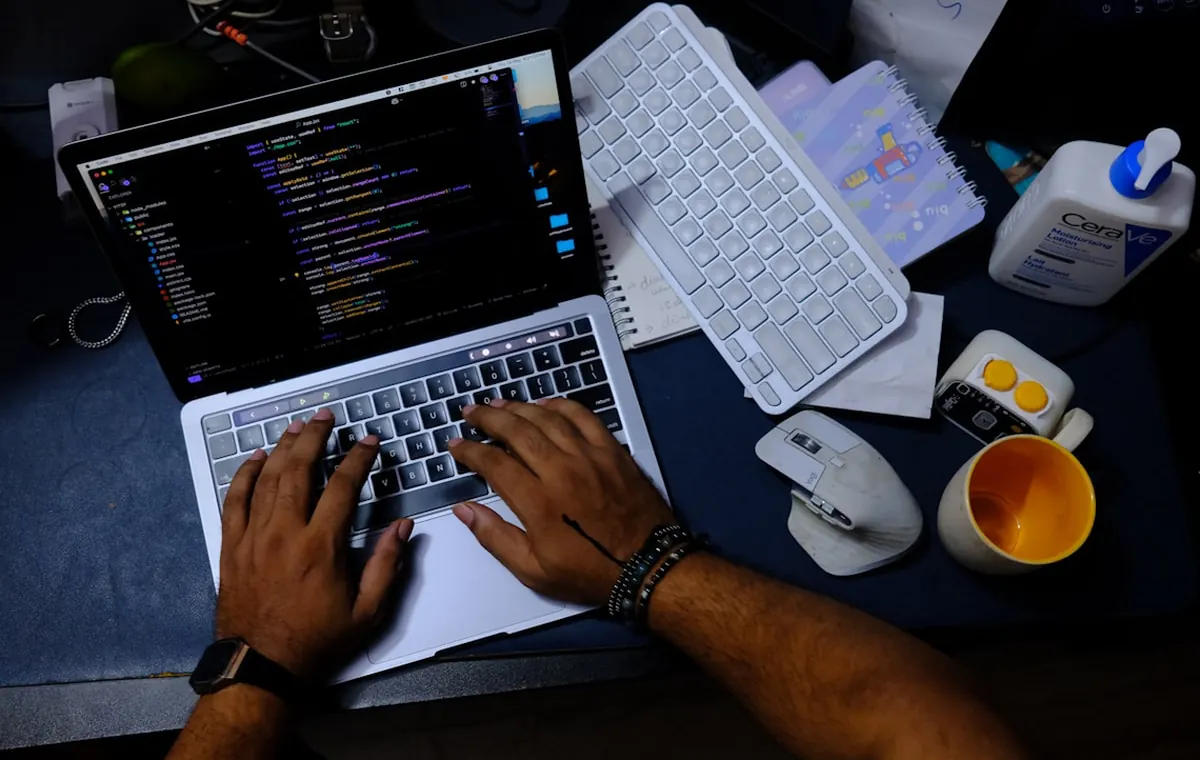
Design once moved at the pace of human hands. In 2026, it moves at the pace of a well-crafted prompt.
Artificial intelligence has fundamentally changed how designers work. Tasks that once required hours of brainstorming, reference gathering, layout exploration, and repeated revisions can now be completed in minutes. According to a 2025 McKinsey Digital report, organizations adopting AI-assisted workflows have significantly reduced design and prototyping cycles, while the global AI design tools market is projected to reach $4.5 billion in 2026.
However, AI only delivers real value when you choose the right tool. Today’s market includes dozens of AI design platforms, each built for different workflows—from image generation and UI/UX design to branding, video creation, and web design. Choosing the wrong platform can waste both time and budget.
This guide compares the best AI tools for designers in 2026, covering where each tool excels, its pricing, key strengths, limitations, and ideal use cases, so you can choose the right solution for your workflow with confidence.
Quick Summary Box
Best Overall: Adobe Firefly
Best Free Tool: Microsoft Designer
Best for Graphic Design: Canva AI
Best for UI/UX: Figma AI
Best for Branding: Ideogram
Best Image Generator: Midjourney
Best for Teams: Figma AI
Best Budget Option: Leonardo AI
The Best Ai Tools For Designers In 2026
Adobe Firefly
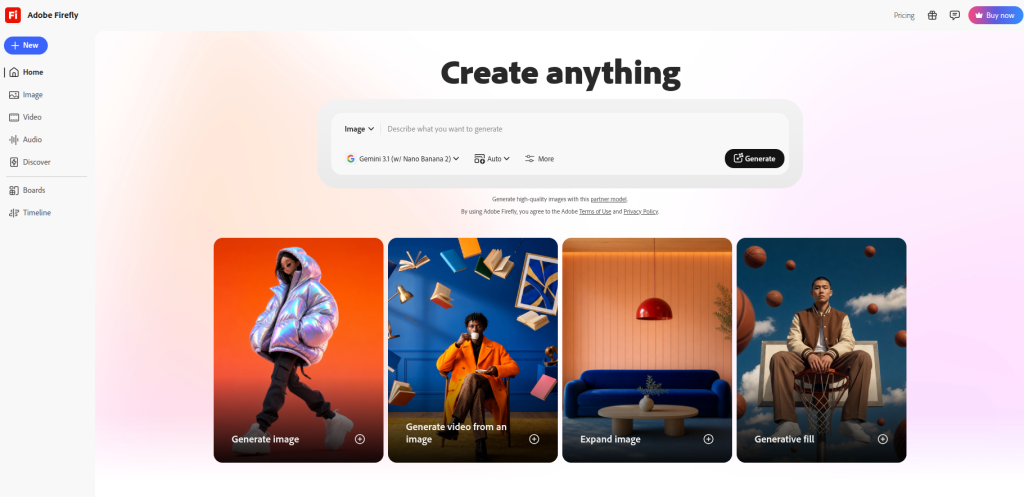
Adobe Firefly is the AI layer built directly into Photoshop, Illustrator, and Express. It stands apart from every other AI image generator in one critical way: it is trained exclusively on licensed Adobe Stock content, which means every output comes with commercial IP indemnification. For professional designers working on client work, that matters more than raw image quality.
Key Features
- Generative Fill and Generative Expand in Photoshop
- Text-to-vector generation in Illustrator
- Background removal and object replacement
- AI-powered color palette and font pairing suggestions
- Recolor artwork feature for instant brand variations
- Integrated into Creative Cloud workflows
Pros
- Commercially safe outputs with IP indemnification
- Native integration into tools designers already use
- Consistent style matching within existing artwork
- Strong for retouching, compositing, and extending images
Cons
- Not a standalone tool for concept generation
- Subscription-only, and the single-app price is steep for occasional use
- Less useful for pure ideation compared to Midjourney
Pricing
Photography Plan (Photoshop plus Lightroom): $19.99/month. Creative Cloud Pro: around $69.99/month for the full app suite.
Best For: Professional designers, agencies, and studios handling commercial work that requires clean licensing.
Real Workflow Example: A creative agency receives a brand campaign brief. They generate concept backgrounds in Firefly inside Photoshop, use Generative Fill to composite product shots, then export to Illustrator for vector refinements. Zero licensing headaches.
Expert Insight: If your team already uses Adobe Creative Cloud, Firefly is the easiest and most risk-free AI addition. You do not need a new subscription. It is already there.
Canva AI (Magic Studio)
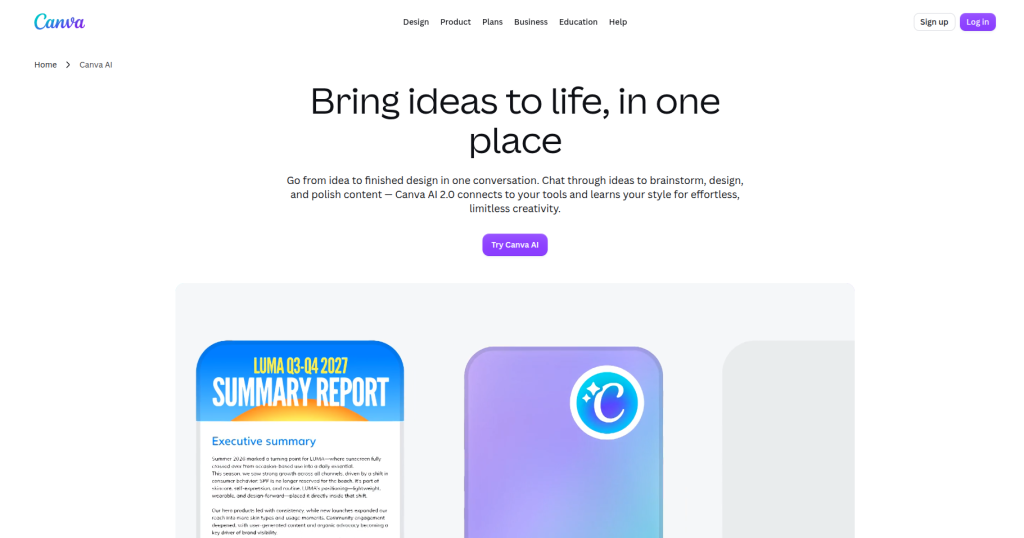
Canva’s Magic Studio is the most accessible AI design environment available. It enhances existing workflows with intelligent suggestions, auto-layouts, and generative features baked into a broader design environment. It covers social media, presentations, marketing materials, and basic brand work within a single interface.
Key Features
- Magic Design: generate full layouts from a prompt
- Magic Layers: AI-generated background scenes
- Magic Write: on-brand copy generation inside designs
- Background remover and image enhancer
- Brand Kit with AI style enforcement
- Real-time collaboration for teams
Pros
- Extremely low learning curve
- Covers the widest range of format types
- Strong free plan with generous access
- Ideal for non-designers and marketing teams
Cons
- Output quality ceiling is lower than specialist tools
- Limited control over fine design details
- Not suitable for complex UI or technical design work
Pricing
Plans range from free to $15/month. For non-designers and marketing teams producing visual content at volume, Canva Pro at $15 per month is the single most accessible and highest-value subscription available.
Best For: Marketing teams, small business owners, social media managers, and content creators.
Real Workflow Example: Campaign Brief → Magic Design generates layout options → Magic Write fills in copy → Brand Kit enforces colors and fonts → Export at correct dimensions for every channel.
Figma AI
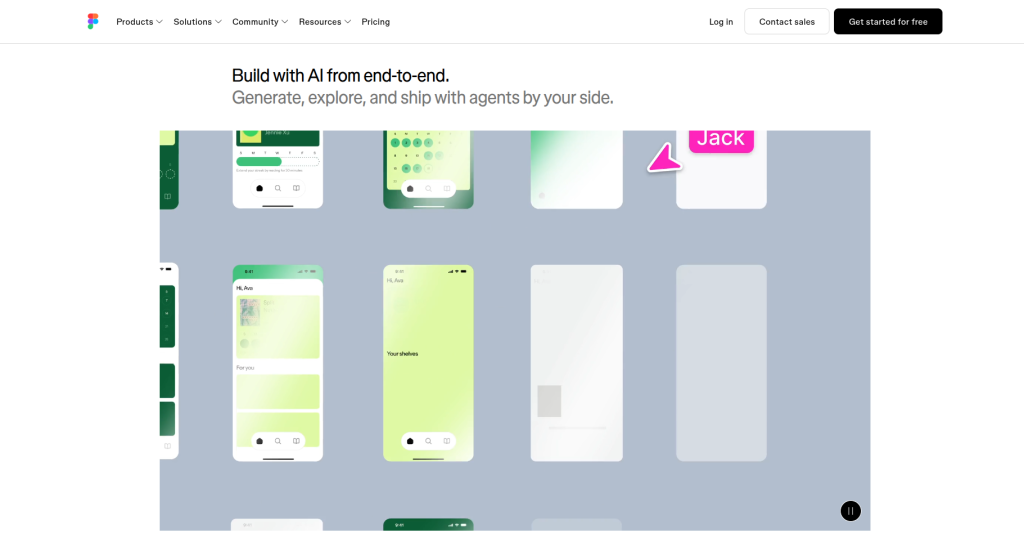
Figma has evolved from a collaborative design tool into a platform that integrates AI to streamline the entire UI/UX workflow, from initial concepts to developer handoff. Figma Make (formerly First Draft) is the headline AI feature, allowing designers to generate functional UI layouts from natural language.
Key Features
- Figma Make for interactive UI prototype generation from text prompts, automatic layer renaming for design system hygiene, AI-generated copy within designs, background removal for image assets, and AI design suggestions for existing designs
- Full collaborative environment with commenting and version history
- Developer handoff with code inspection
- FigJam AI for whiteboard brainstorming
Pros
- Industry standard for product design teams
- AI generates usable, editable components
- Tight collaboration between designers and developers
- Broad plugin ecosystem extends AI capabilities
Cons
- 33 percent price increase on Professional seats in 2025 has made Figma significantly more expensive at scale
- AI generative output often requires substantial cleanup before meeting production-ready standards
Pricing: Figma AI is the professional standard for product designers, with AI credits included in the $16/user/month Professional plan.
Best For: UI/UX designers, product teams, and design-to-development workflows.
Real Workflow Example: Wireframe → Figma Make generates component layouts from prompt → Design system applied → Framer AI exports for live web → Developer handoff via Figma inspect.
Midjourney
Midjourney produces the most aesthetically refined AI-generated images available in 2026. If you need concept art, marketing imagery, mood boards, or illustrations that actually look good without heavy post-processing, this is where the bar is set.
Key Features
- V7 model with significantly improved realism and style coherence
- Style reference and character consistency features
- Web-based interface (no longer Discord-only)
- High-resolution upscaling
- Pan, zoom, and variation controls
Pros
- Best raw image quality among AI generators
- Exceptional for concept art, mood boards, and campaign visuals
- Style references allow consistent creative direction
- Strong creative community and prompt resources
Cons
- Generates images only, not layouts or UI
- No commercial-grade IP indemnification
- Midjourney is $10 Basic up to $120 Mega. Midjourney no longer has an open free tier.
Pricing: Starts at $10/month (Basic) up to $120/month (Mega).
Best For: Concept artists, art directors, creative agencies, and photographers.
Real Workflow Example: Client Brief → Midjourney generates mood board and hero concept images → Art director selects direction → Assets brought into Photoshop for refinement → Final campaign composed in Illustrator.
Leonardo AI
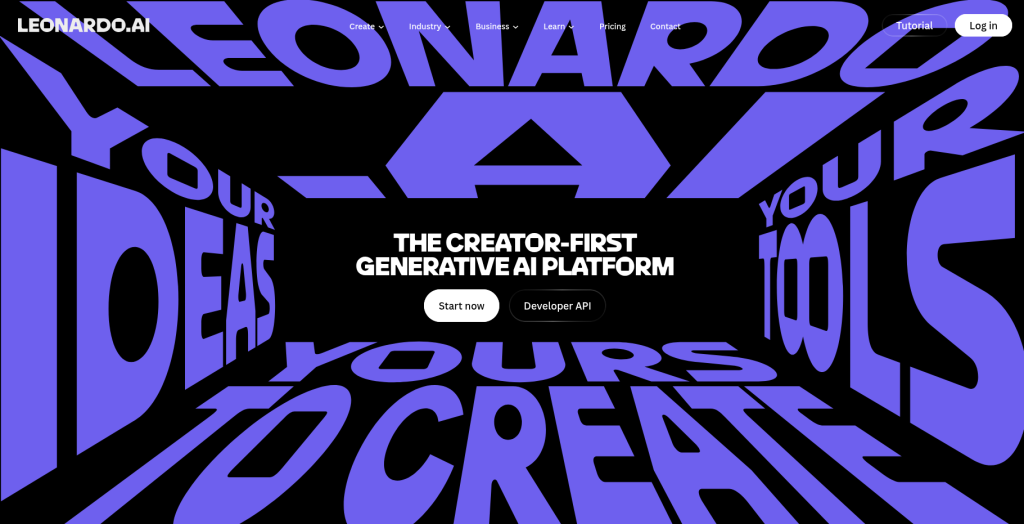
Leonardo AI is the best all-in-one pick for game asset and concept art work in 2026. The Phoenix model, fine-tunes, and real-time canvas cover most studio workflows in one tool. It also functions as a multi-model hub, giving access to Flux, Ideogram, and other models under one subscription.
Key Features
- Phoenix model for stylized and realistic generation
- Real-time canvas for iterative editing
- Video generation via integrated models
- Fine-tuning on custom datasets
- API access for production pipelines
Pros
- Generous free tier with 150 credits
- Access to multiple third-party models in one interface
- Strong for game art, concept design, and product visualization
- Affordable entry pricing
Cons
- Credit system can be confusing
- Premium models consume credits rapidly
Pricing: Leonardo is roughly $10 Apprentice, $24 Artisan, $48 Maestro.
Best For: Game designers, concept artists, digital illustrators, and studios needing multi-model access.
Ideogram
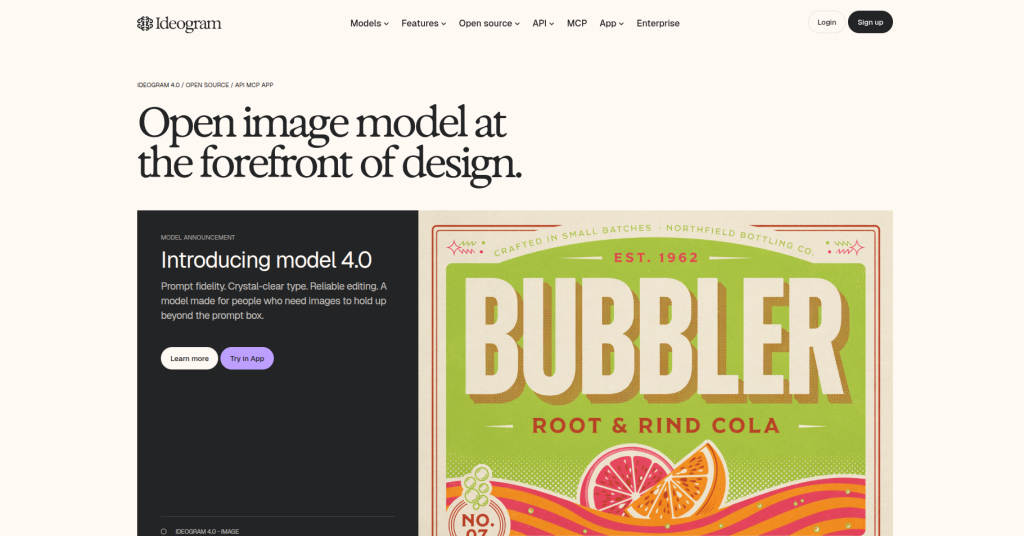
Ideogram is the AI image generator that solved text rendering. Its 3.0 model renders embedded text with 90 to 95 percent accuracy versus 30 to 40 percent for Midjourney and Stable Diffusion, making it the default choice for posters, infographics, social media ads, logos, and any image that contains words.
Key Features
- Industry-leading text-in-image accuracy
- Character reference for brand mascot consistency
- Magic Fill for inpainting and editing
- Remix tool for iterating on existing images
- Free tier with 10 prompts per day
Pros
- Best-in-class for typographic and text-heavy visuals
- Generous free tier with no credit card required
- Strong for social media graphics, posters, and packaging
Cons
- Less strong for pure photorealism
- Not a UI or layout tool
Pricing: Ideogram offers a free tier with 10 slow credits per week. Paid plans start at $15/month (Plus, billed annually) with 1,000 priority credits, up to $42/month (Pro) with 3,500 credits.
Best For: Marketing teams making social media graphics, ad agencies producing campaign visuals, content creators making YouTube thumbnails and blog headers, e-commerce sellers designing product banners, designers iterating on poster and packaging concepts.
Stable Diffusion
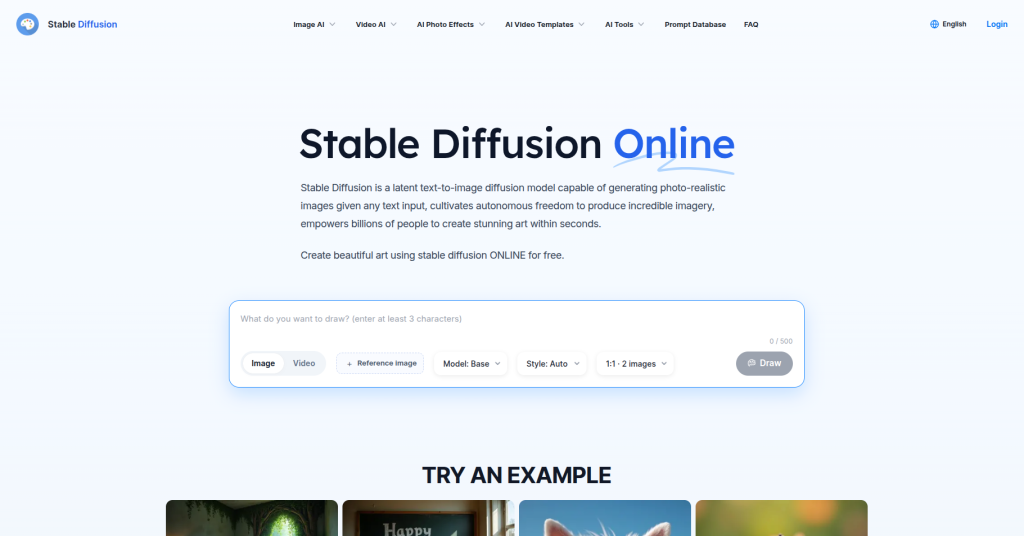
Stable Diffusion is the open-source foundation of the AI image generation ecosystem. Unlike every other tool on this list, it runs locally or on your own infrastructure, which makes it the only option with full privacy, unlimited generation, and deep customization through community-built models.
Key Features
- Runs locally with no subscription required
- Thousands of community fine-tuned models
- ControlNet for precise composition control
- Inpainting, outpainting, and img2img workflows
- Active open-source development ecosystem
Pros
- Genuinely free with no usage limits
- Maximum customization and control
- Best option for privacy-sensitive projects
Cons
- Requires technical setup and GPU hardware
- Steep learning curve for non-technical users
- Quality depends heavily on model and settings
Pricing: Free (open source). Cloud-based options via Automatic1111 or ComfyUI platforms vary.
Best For: Technical designers, developers, studios building proprietary AI workflows, and privacy-conscious teams.
Runway
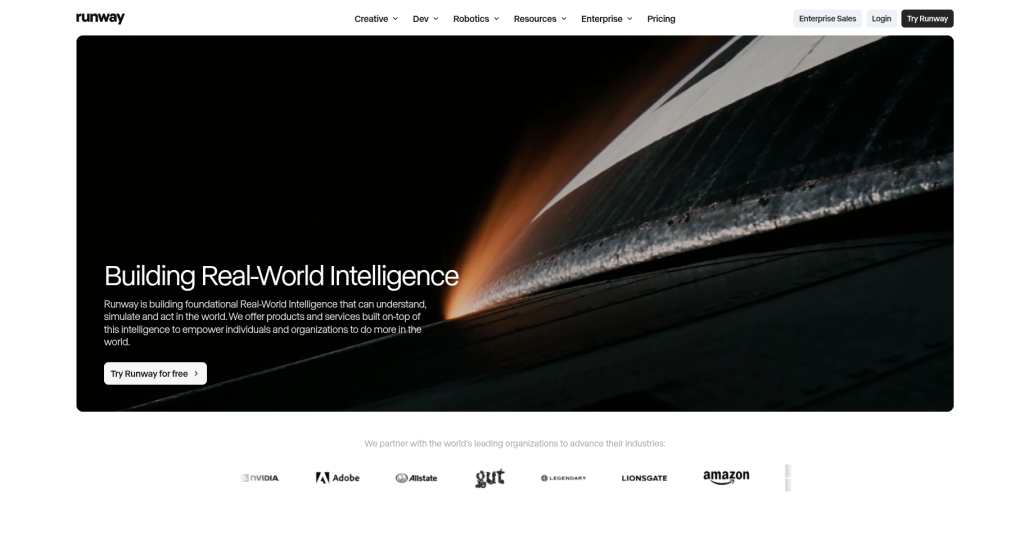
Runway is the leading AI video generation and editing platform for creative professionals. Its Gen-3 Alpha model produces impressively coherent video from text or image prompts, far ahead of earlier AI video tools.
Key Features
- Text-to-video and image-to-video generation
- Motion Brush for controlled animation
- AI background removal for video
- Frame interpolation and upscaling
- Green screen and object tracking
Pros
- Best AI video tool for creative professionals
- Strong for b-roll, product visuals, and animated content
- Active feature development with frequent model updates
Cons
- Not for long-form narrative video or precise character consistency, which remains a limitation of all AI video tools in 2026
- Credit-based pricing escalates at volume
Pricing: Free (limited minutes), $17/month (Pro), $40/month/user (Business).
Best For: Motion designers, creative agencies, social media content producers, and brand video teams.
Framer AI
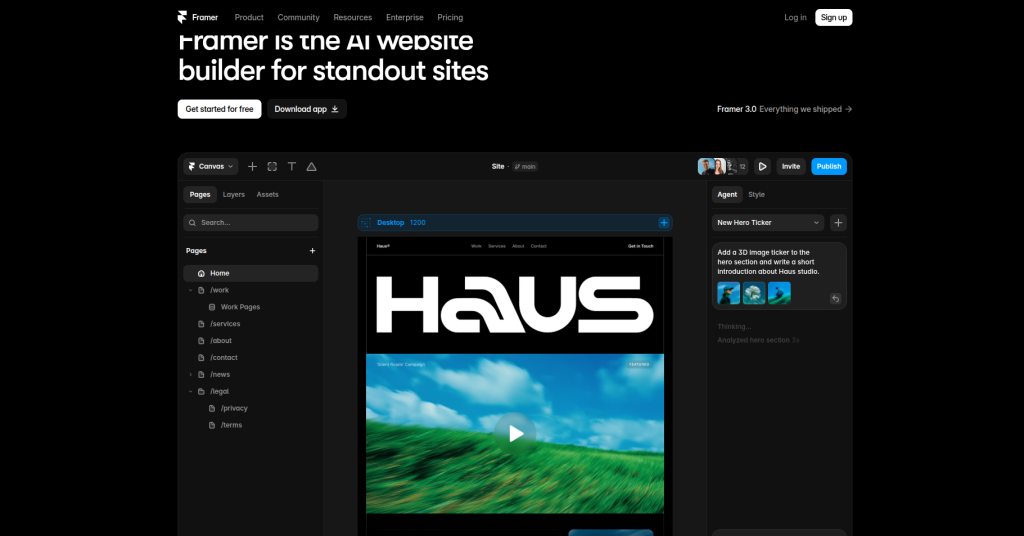
Framer AI is best for designers who want to generate and publish complete, responsive, animated websites directly from text prompts without developer involvement. It sits at the intersection of design and no-code web publishing.
Key Features
- AI website generation from text prompts
- Responsive layout engine with animations
- CMS integration for dynamic content
- Direct publish to custom domain
- Component library with AI-generated additions
Pros
- Fastest path from concept to live website
- No developer required for most projects
- Strong animation and interaction capabilities
Cons
- Less control for complex custom builds
- Output can require refinement for pixel-perfect accuracy
Pricing: Free plan available. Paid plans start at $15/month.
Best For: Freelance web designers, agencies, product teams shipping landing pages, and startups.
Uizard
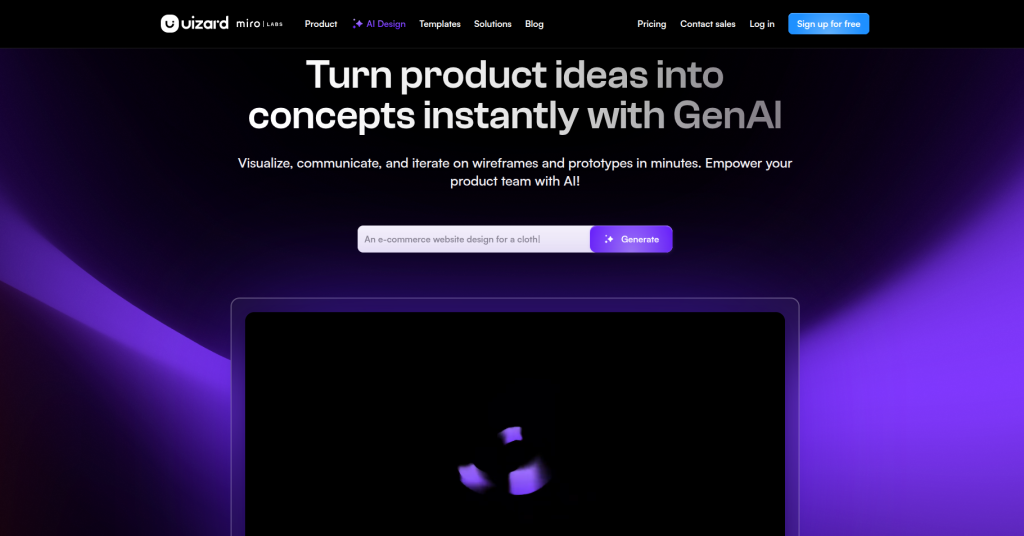
Uizard converts rough sketches and screenshots into editable UI designs using AI. It targets product managers, non-designers, and early-stage teams who need to move from idea to wireframe quickly.
Key Features
- Sketch-to-UI conversion
- Screenshot-to-design for competitive analysis
- AI-generated wireframes from text prompts
- Collaboration and sharing features
- Rapid prototyping environment
Pros
- Extremely fast for initial wireframing
- Accessible to non-designers
- Good for rapid UX validation
Cons
- Output quality requires refinement before production
- Less suitable for detailed, pixel-perfect UI work
Pricing: Uizard starts at $19/month.
Best For: Product managers, startup founders, UX researchers, and design teams needing fast concept visualization.
Comparison Tables
Overall Comparison
| Tool | Best For | Ease of Use | Commercial Use | Starting Price | Verdict |
| Adobe Firefly | Professional graphic design | Moderate | Excellent | $19.99/month | Best overall for commercial design |
| Canva AI | Marketing & social media | Easy | Very Good | Free / $15/month | Best for beginners and marketing teams |
| Figma AI | UI/UX & product design | Moderate | Excellent | $16/user/month | Best for product and design teams |
| Midjourney | Concept art & illustrations | Moderate | Good | $10/month | Best image quality |
| Leonardo AI | Game assets & concept art | Moderate | Good | $10/month | Best value for digital artists |
| Ideogram | Logos & text-heavy graphics | Easy | Good | $15/month | Best for typography and branding |
| Stable Diffusion | Custom AI workflows | Advanced | Excellent | Free | Best open-source solution |
| Runway | AI video & motion graphics | Moderate | Very Good | $17/month | Best for video creators |
| Framer AI | AI website design | Easy | Excellent | $15/month | Best for web designers |
| Uizard | Wireframing & prototyping | Easy | Excellent | $19/month | Best for rapid UI mockups |
| Microsoft Designer | Everyday graphics | Easy | Good | Free | Best free AI design tool |
Read More: Best AI Chatbots in 2026: Full Comparison (ChatGPT, Claude, Gemini, Copilot)
Practical Workflow Examples
Graphic Designers
Brief → Adobe Firefly (concept generation) → Photoshop (compositing) → Illustrator (vector refinement) → Canva (social exports)
UI Designers
Research → Uizard (sketch-to-wireframe) → Figma AI (component design) → Framer AI (live prototype and publish) → Developer handoff
Marketing Teams
Campaign Brief → Canva AI (layout generation) → Ideogram (text-heavy social assets) → Runway (animated content) → Export to all channels
Creative Agencies
Client Brief → Midjourney (concept art and mood board) → Adobe Firefly (production-quality compositing) → Illustrator (final refinement) → Canva (client-facing deliverables)
Product Teams
User Research → Uizard (wireframe from notes) → Figma AI (UI component design) → Framer AI (interactive prototype) → Usability testing
Decision Matrix
If you need commercial-safe AI image generation, choose Adobe Firefly. For social media graphics, presentations, and marketing content, Canva AI is the best option.
For UI/UX and product design, Figma AI remains the industry standard, while Midjourney is the top choice for concept art and creative illustrations.
If your work involves logos, posters, or text-heavy visuals, Ideogram offers the most reliable text rendering. For game assets and concept art, Leonardo AI provides the best balance of quality and flexibility.
Choose Framer AI if your goal is to create AI-powered websites, and Uizard if you need to turn sketches into wireframes quickly.
For AI video generation and motion graphics, Runway is the strongest option. If you’re looking for a free AI design tool, Microsoft Designer is ideal for everyday design tasks, while Stable Diffusion is the best choice for users who want complete customization and an open-source workflow.
Best Practices For Using AI Design Tools
Write better prompts. Vague inputs produce vague outputs. Describe subject, style, lighting, composition, and color tone. Reference existing artwork or brand assets where possible.
Combine tools. No single tool covers every need. Most teams run a two-tool stack. Use Midjourney for concept generation and Firefly for production refinement, or Uizard for wireframing and Figma for final UI.
Maintain brand consistency. AI tools do not inherently understand your brand. Use Brand Kits in Canva, style references in Midjourney, and character references in Ideogram to enforce visual consistency across outputs.
Always review and edit. AI outputs are starting points, not final assets. Human creative judgment is still required for quality control, brand alignment, and cultural sensitivity.
Understand copyright. AI-generated images exist in a legal gray area except where tools explicitly provide indemnification. Adobe Firefly is currently the strongest option for commercial-safe generation. Verify licensing terms before using outputs in client work.
Keep human creativity central. AI accelerates execution. The creative brief, the strategy, and the final judgment should remain human decisions.
Common Mistakes Designers Make With AI Tools
Relying entirely on AI output. Unedited AI assets are recognizable and often generic. The value is in using AI to explore faster, not to finish without thinking.
Ignoring licensing terms. Most AI generators do not provide commercial indemnification. Understand what you can and cannot use in client or commercial work.
Using weak prompts. “A logo for a coffee brand” produces generic results. Specific, detailed prompts with style references produce usable outputs.
Inconsistent branding across tools. Switching tools without enforcing brand parameters produces inconsistent visual language. Define your brand style and apply it explicitly in prompts.
Skipping manual review. AI can generate inaccurate text, distorted anatomy, and technically impossible compositions. Always review outputs before using them.
Limitations To Understand
Copyright uncertainty remains real for most AI image generators. Only Adobe Firefly currently provides full commercial indemnification.
AI models hallucinate design details, particularly hands, text, complex geometry, and fine patterns. Budget time for cleanup.
Subscription costs add up quickly. Running three or four AI design tools simultaneously can exceed $100/month. Audit your actual usage before subscribing to multiple platforms.
Privacy concerns exist for cloud-based tools. Images and prompts uploaded to AI platforms may be used for model training. Check each platform’s data policy, particularly for client work.
Output quality varies significantly based on prompt quality. The learning curve for consistent, high-quality output is real, particularly for tools like Midjourney and Stable Diffusion.
Expert Recommendations
If you are already in Adobe Creative Cloud, start with Firefly. It is already paid for and the commercial safety is unmatched.
For teams building web products, Figma AI and Framer AI create a highly efficient design-to-publish workflow with minimal tool switching.
For concept art, mood boards, and marketing visuals, Midjourney remains the quality benchmark. Nothing else consistently produces images that look that good without post-processing.
For marketing teams creating high-volume social content, Canva AI at $15/month is the highest-ROI subscription in the category.
For text-heavy visual assets like posters, ads, and packaging, Ideogram is a category winner. The text accuracy gap between Ideogram and its competitors is significant enough to make it a necessary specialist tool.
Conclusion
The best AI tools for designers in 2026 are not replacements for creative thinking. They are accelerators for it. The designers getting the most out of these tools are the ones who treat AI as a production partner rather than a shortcut.
The right stack depends on your role. Graphic designers doing commercial work should anchor on Adobe Firefly. Product and UI teams should build around Figma AI and Framer AI. Marketing teams creating content at volume will see the fastest ROI from Canva AI. Anyone working with text-heavy visuals needs Ideogram in their workflow. And for pure creative exploration, Midjourney still sets the quality standard no other tool has matched.
The practical takeaway: start with one tool that solves your biggest bottleneck, learn it properly, and add specialist tools only when your workflow demands it. Breadth of tools does not produce better design. Depth of use does.
Frequently Asked Questions
What is the best AI tool for designers in 2026?
There is no single best AI tool for all designers. Adobe Firefly is the best for commercial safety. Figma AI is the best for UI and product design. Midjourney is the best for image generation quality. Canva AI is the best for marketing and social content. Your workflow determines the right choice.
Which AI tool is best for graphic designers?
Adobe Firefly integrated with Photoshop and Illustrator is the strongest option for professional graphic designers. Canva AI is the best option for graphic designers working in marketing and social content at volume.
Are AI design tools worth paying for?
Yes, for most professional use cases. A tool saving 5 hours weekly at $75/hour delivers $1,500/month in value against a typical $15 to $50/month subscription. The ROI is clear for designers who use them consistently.
Which AI tool is best for UI design?
Figma AI is the industry standard for UI design. Uizard is the best option for quick wireframing and early-stage prototyping, particularly for non-designers and product managers.
Is Canva AI enough for professional designers?
Canva AI is sufficient for marketing, social media, and presentation work. It is not sufficient for advanced UI design, branding systems, or complex illustration. Professional graphic designers typically use it alongside specialist tools rather than as a primary platform.
Can AI replace graphic designers?
No. AI tools accelerate specific tasks like image generation, layout suggestions, and background removal. They cannot replace creative strategy, brand thinking, client communication, or the judgment required to produce work that genuinely serves a business objective.
Which AI tool creates logos?
Ideogram is currently the strongest AI tool for text-in-image work including logos. Adobe Illustrator with Firefly is the best option for production-quality vector logo creation with commercial rights.
What is the best free AI design software?
Microsoft Designer is the best fully free AI design tool. Canva’s free plan and Ideogram’s free tier are also strong options. Stable Diffusion is free and unlimited but requires technical setup.
How do professionals use AI in design workflows?
Most working designers in 2026 do not use one tool. They use one tool to plan the work, one to generate or design it, and one or two for specialized jobs like color, logos, or readable type inside images. AI handles exploration and asset generation. Human judgment handles direction, refinement, and final decisions.