
Two years ago, building a functional app without knowing how to code sounded like something straight out of a questionable online course. Fast forward to 2026, and the reality looks very different. On any given afternoon, you can open a browser tab, describe what you want in a single sentence, and watch a real, deployable product come to life while you sip your coffee. That transformation now has a name: vibe coding — a new way of building software by simply describing the outcome in plain language while AI handles the technical heavy lifting.
The appeal for beginners is obvious. Traditional programming asks you to learn a language before you can build anything worth showing someone. Vibe coding flips that order. You build first, and the learning happens as a side effect of fixing what breaks. But the tool you pick matters enormously, because the best vibe coding tools for beginners handle onboarding, error recovery, and explanation very differently, and the wrong choice can turn an exciting first project into a frustrating dead end.
This guide breaks down the tools that actually deserve a beginner’s time in 2026, based on how they perform on setup friction, prompt quality, debugging help, and whether a total newcomer can ship something real without outside help.
Quick Summary
- Best overall for beginners: Lovable, for its balance of speed, visual editing, and a genuinely usable free tier
- Best free tool: Bolt.new, with a generous 1 million tokens a month and no credit card required
- Best for non-coders: v0 by Vercel for polished interfaces, or Lovable for full working apps
- Best for learning to program alongside building: Replit, because it never hides the code from you
- Best for building production-grade web apps: Cursor, once you have outgrown pure prompt-to-app builders
- Best conversational entry point: ChatGPT, for anyone who wants to think through an idea before touching a tool
| Category | Winner |
| Fastest first working app | Bolt.new |
| Most beginner-friendly UI | Lovable |
| Best design fidelity | v0 by Vercel |
| Best for learning real code | Replit |
| Best all-around AI teacher | Claude |
| Best free autocomplete | GitHub Copilot |
| Best for leveling up | Cursor |
| Best cross-editor flexibility | Windsurf |
What Is Vibe Coding?
Vibe coding is the practice of building software by describing what you want in natural language and letting an AI model generate, run, and often deploy the code, rather than writing it line by line yourself. The term was coined in early 2025 by AI researcher Andrej Karpathy, who described a workflow where you talk to the computer and mostly accept what it suggests without reading every line.
Vibe coding works through a loop: you describe a feature, the AI generates code and a live preview, you look at the result, and you describe what to fix or add next. Modern tools run this loop inside a browser sandbox or terminal agent, so there is no separate step to compile or deploy.
It is trending because the underlying AI models finally got good enough at reasoning through multi-step programming tasks that the output is usable, not just a demo. For beginners specifically, it removes the single biggest barrier to entry: needing to know a programming language before building anything.
Best Vibe Coding Tools for Beginners in 2026
Tier 1: Absolute Beginners
Bolt.new
Bolt, built by StackBlitz, generates full-stack apps (frontend, backend, and database) from a single prompt and runs the code live in your browser using WebContainers technology, so there is nothing to install. It integrates with Figma, Supabase, Stripe, Netlify, GitHub, and Expo for mobile builds.
Strengths include speed (a working prototype in minutes) and the fact that the free plan has no time limit. Limitations show up once a project grows: Bolt uses a token-based system where larger codebases consume tokens faster just from syncing files, and costs can become unpredictable on bigger builds.
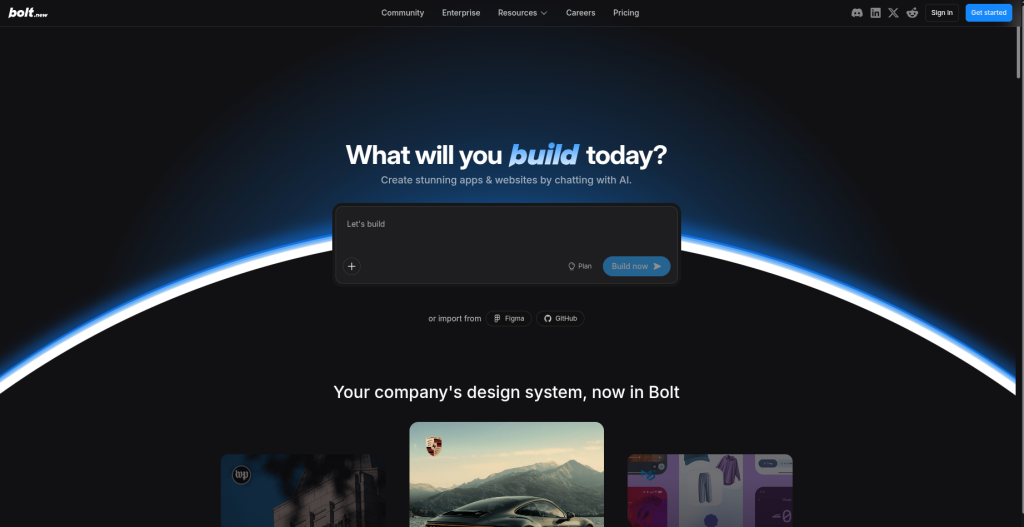
Pricing: Free with 1 million tokens per month and a 300,000 daily cap; Pro at $25 per month for 10 million tokens; Teams at $30 per member per month. Best for absolute beginners who want the fastest possible route from idea to running app.
Best for: Absolute beginners who want to go from idea to working app in minutes without installing anything. It’s ideal for quickly testing startup ideas, prototypes, or side projects with minimal friction.
Lovable
Lovable pairs a chat-based builder with Visual Edits, letting you click directly on elements to change spacing, colors, or text without spending credits. It ships every project with a Supabase backend for authentication, database, and file storage, plus two-way GitHub sync so you always own your code.
Independent developer surveys cited by industry trackers found Lovable performs best on landing pages, prototypes, and simple internal tools, and weaker on complex multi-user SaaS platforms with heavy payment logic. That makes it a strong first stop, not necessarily a lifetime home for a growing product.
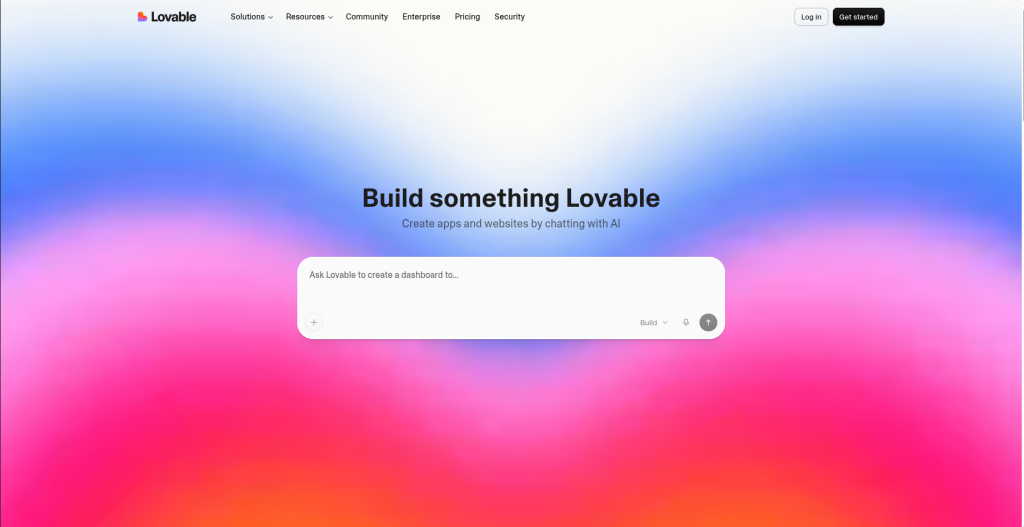
Pricing: Free tier with 5 daily credits and public-only projects; Starter/Pro at $25 per month for 100 credits; Business at $50 per month with SSO and data opt-out; Enterprise custom. Best for non-technical founders who want a real, functioning MVP fast.
Best for: Non-technical founders and solo creators who want to build real MVPs without touching much code. Its visual editing workflow makes iteration especially easy for beginners focused on shipping fast.
v0 by Vercel
v0 specializes in generating production-quality React and Next.js UI using the shadcn/ui component library and Tailwind CSS. Its February 2026 update added Git integration, a VS Code-style editor, database connectivity, and agentic workflows, moving it from a component generator toward a legitimate development tool.
The tradeoff is scope. v0 remains frontend-first, so backend logic and authentication typically require pairing it with Supabase or another service, and it locks you into the Vercel deployment ecosystem. For beginners who mainly want a polished-looking interface, that narrower focus produces cleaner output than full-stack generalist tools.
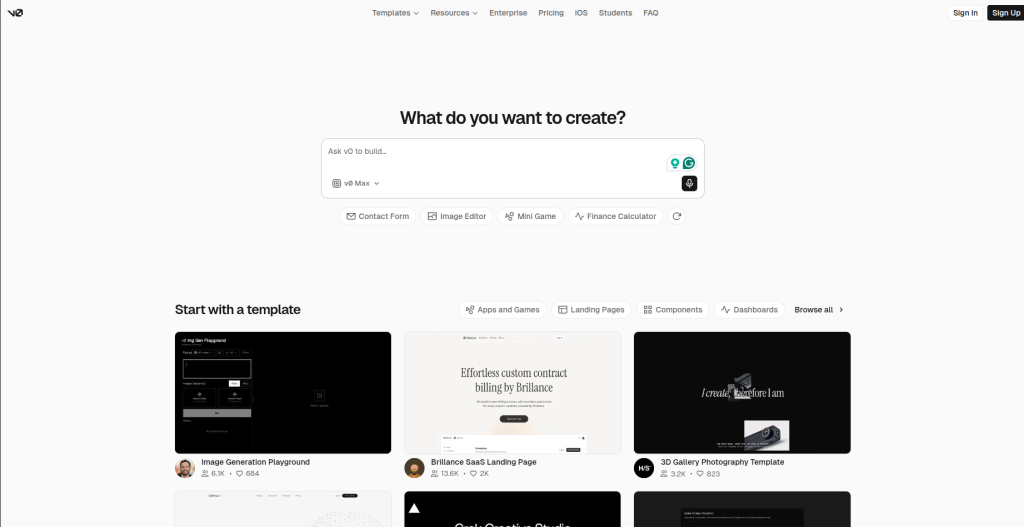
Pricing: Free with $5 in monthly credits; Premium at $20 per month; Team at $30 per user monthly; Business at $100 per user monthly; Enterprise custom. Best for beginners who care most about design quality and are comfortable staying inside the Vercel ecosystem.
Best for: Beginners who care heavily about design quality and polished frontend experiences. It works especially well for landing pages, dashboards, and modern web interfaces with clean UI.
ChatGPT
ChatGPT is not a dedicated app builder, but it remains one of the most beginner-friendly entry points into vibe coding because it teaches while it builds. You can ask it to explain a concept, generate a script, walk through an error message, or, through its integrated Codex agent, work inside a cloud sandbox to write and run code autonomously.
Its strength for true beginners is conversational flexibility: you can go from “what is an API” to a working prototype in the same thread. Its weakness is that it is not a purpose-built deployment platform, so shipping a finished web app usually means exporting code into another tool.
Pricing: Free plan available; Go at $8 per month; Plus at $20 per month; Pro at $100 per month, with Codex access included across the paid tiers. Best for beginners who want to learn concepts alongside building rather than just generating a finished product.
Best for: Beginners who want to understand concepts while building instead of only generating code. It’s great for learning APIs, debugging issues, and turning rough ideas into clear technical plans.
Tier 2: Learning While Building
Replit
Replit runs a full cloud IDE with an AI Agent that can scaffold an entire application, including database setup, authentication, and testing, from a plain-English description. Unlike pure prompt-to-app builders, Replit keeps the actual code editor front and center, so beginners see and can modify what the AI writes rather than treating it as a black box.
That visibility is exactly why it belongs in the “learning while building” tier: you are gently pulled toward understanding the code, even if you never write a line of it yourself at first. Deployment costs run separately from the subscription, typically five to twenty dollars a month in compute for a small live app.
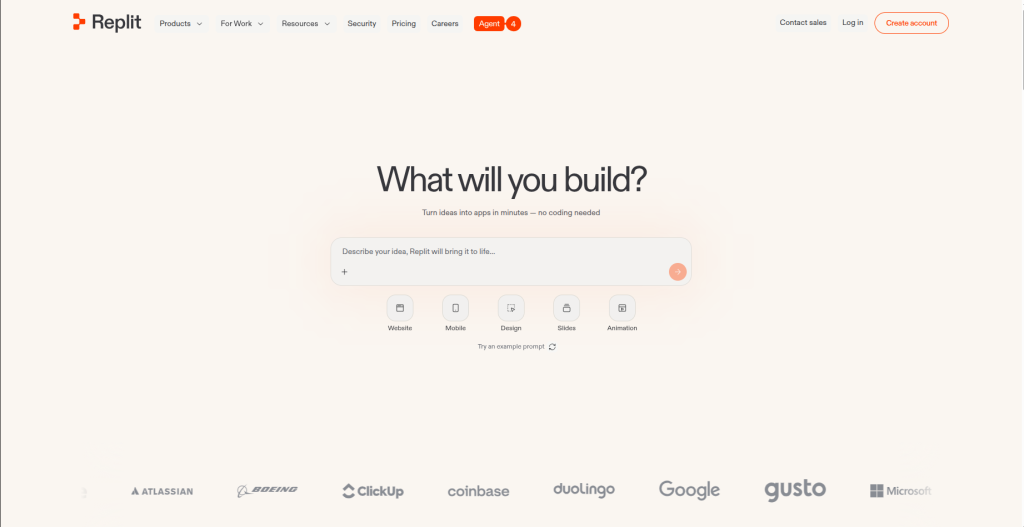
Pricing: Free Starter plan with basic compute; Core at $25 per month (around $20 on annual billing) for full Agent access and deployments; Teams at $40 per user monthly. Best for students and aspiring developers who want a bridge from prompting to real programming literacy.
Best for: Students and aspiring developers who want to learn programming while building real applications. Its cloud IDE keeps code visible, making it easier to understand what the AI is actually doing.
Claude
Claude, Anthropic’s assistant, is widely used both directly in chat for planning and debugging, and through Claude Code, a terminal-based coding agent that reads entire codebases, plans multi-step changes, and runs tests autonomously. For beginners, Claude’s explanations of error messages and its willingness to walk through reasoning step by step make it a strong companion tool alongside a builder like Bolt or Lovable.
Its context window, up to a million tokens on higher tiers, lets it hold large projects in memory at once, which matters once a beginner’s “one weekend project” turns into a multi-file application. The tradeoff is that Claude Code is a terminal tool, so it has a steeper initial learning curve than a pure browser builder.
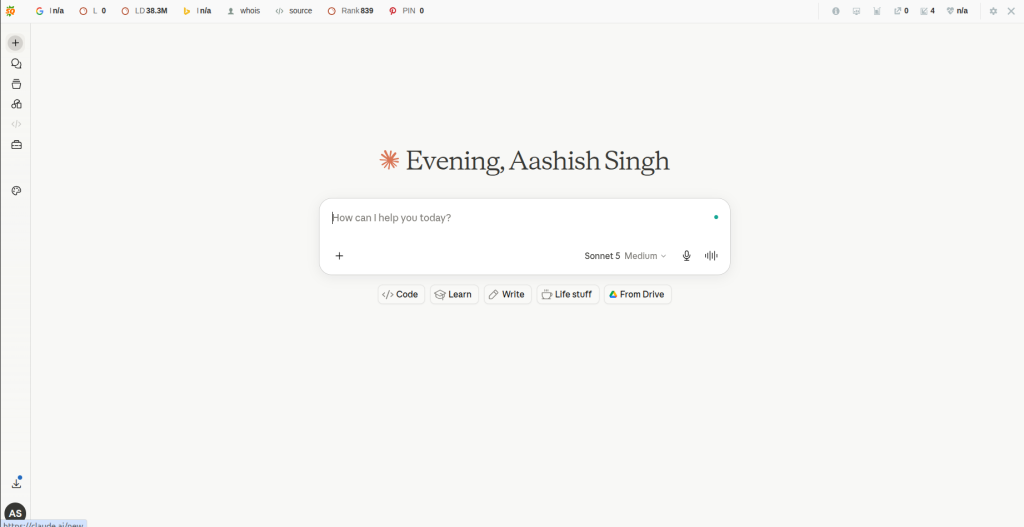
Pricing: Free plan available; Pro at $20 per month (around $17 annually), which includes Claude Code; Max at $100 or $200 per month for heavier usage; Team plans from $25 to $125 per seat. Best for beginners who want an AI that teaches as it fixes things, not just one that fixes things.
Best for: Beginners who need strong debugging help and deeper explanations of technical concepts. It shines when you want an AI that explains why something broke, not just how to fix it.
GitHub Copilot
Copilot is the most established name in AI coding assistance, built directly into VS Code, JetBrains, and other major editors. Its agent mode, now generally available across both VS Code and JetBrains as of March 2026, can plan and execute multi-file changes, run terminal commands, and iterate on errors on its own.
For beginners, Copilot’s biggest advantage is that inline code completions and next-edit suggestions remain free and unlimited on every plan, so even cost-conscious learners get meaningful help without paying anything. Its chat, agent mode, and code review features draw from a metered credit pool that GitHub introduced in June 2026, so heavier agentic use can add up.
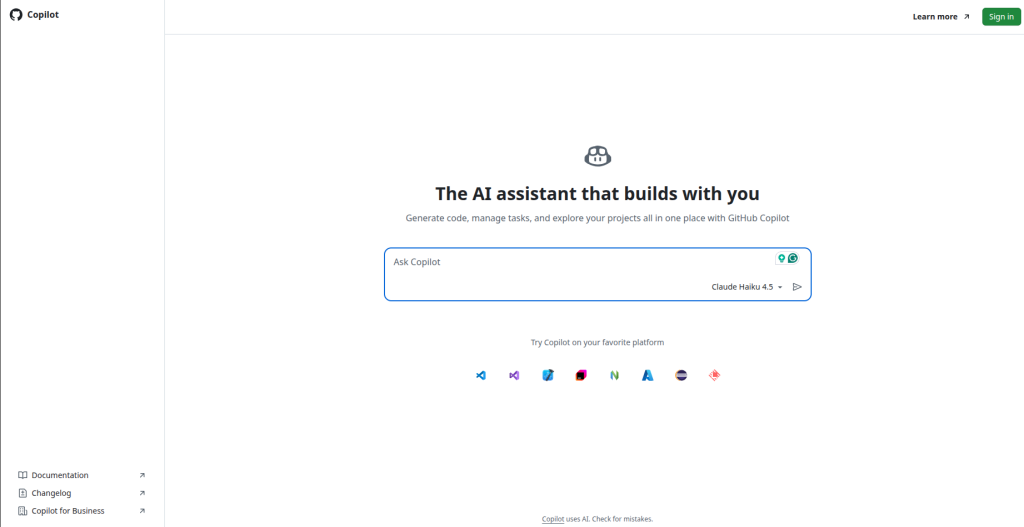
Pricing: Free plan with 2,000 completions and 50 chat requests monthly; Pro at $10 per month; Pro+ at $39 per month; Business at $19 per user monthly; Enterprise at $39 per user monthly. Best for beginners who are already committed to a traditional code editor and want AI help layered on top rather than a separate app builder.
Best for: Learners already comfortable using editors like Visual Studio Code or JetBrains tools who want AI assistance inside their workflow. It improves coding speed through inline suggestions without replacing the traditional development environment.
Tier 3: Advanced Beginner / Level-Up Tools
Cursor
Cursor is a full IDE, a fork of VS Code, rebuilt around AI-first workflows including predictive Tab completions, an autonomous Composer/Agent mode, and Background Agents that keep working while you do something else. It has become the default upgrade path for beginners who outgrow prompt-to-app builders and want to work directly with real code in a professional environment.
The learning curve is real. Cursor assumes some comfort with an actual code editor, version control, and reading diffs, so it fits best once someone has already shipped a project or two elsewhere. In exchange, it offers far more control and access to frontier models like Claude and GPT for premium requests.
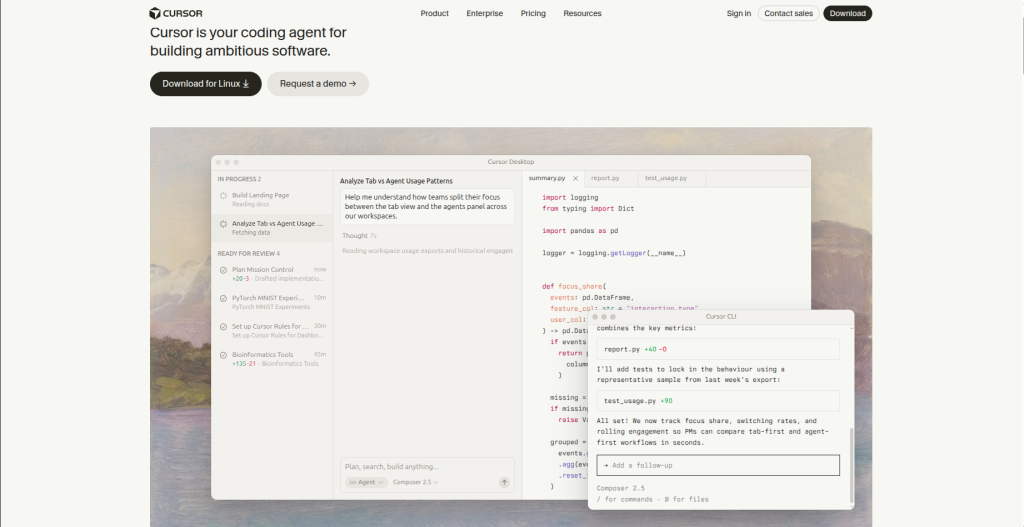
Pricing: Limited free tier; Pro at $20 per month; Pro+ at $60 per month; Ultra at $200 per month; Teams around $40 per user monthly. Best for beginners ready to graduate from pure vibe coding into a real developer workflow.
Best for: Advanced beginners ready to transition from no-code builders to a professional coding workflow. It offers much more control once you start working directly with larger codebases and real development practices.
Windsurf
Windsurf, acquired by Cognition (the company behind Devin) in mid-2025, centers on its Cascade agent, which pulls in relevant codebase context automatically and completes longer multi-file tasks with fewer manual interruptions than Cursor’s more approval-heavy loop. As of March 2026, Windsurf priced Pro identically to Cursor at $20 a month, ending its previous price advantage, but it still offers plugins for over 40 editors including JetBrains, Vim, and Xcode, which Cursor does not.
For beginners specifically, Windsurf’s automatic context handling and quota-based (rather than credit-based) billing make usage more predictable month to month. Its enterprise compliance certifications matter less to a solo learner, but its gentler learning curve, noted repeatedly in head-to-head reviews, does.

Pricing: Free tier available; Pro at $20 per month; Teams at $40 per user monthly; Max at $200 per month; Enterprise custom. Best for beginners who want IDE flexibility and a slightly more forgiving agent than Cursor.
Best for: Beginners who want AI-assisted coding inside their preferred editor without being locked into one IDE. Its smoother agent workflow and automatic context handling reduce friction during larger coding tasks.
Comparison Table
| Tool | Starting Price | Free Plan | Learning Curve | Best Use Case | Beginner Friendliness |
| Bolt.new | $25/mo Pro | Yes, 1M tokens/mo | Low | Fast full-stack prototypes | High |
| Lovable | $25/mo Pro | Yes, 5 credits/day | Low | Non-coder MVPs | Very High |
| v0 by Vercel | $20/mo Premium | Yes, $5 credits | Low-Medium | Polished UI components | High |
| ChatGPT | $20/mo Plus | Yes | Low | Learning concepts + light coding | High |
| Replit | $25/mo Core | Yes, limited compute | Medium | Learning to code while building | Medium-High |
| Claude | $20/mo Pro | Yes | Medium | AI-assisted debugging and reasoning | Medium-High |
| GitHub Copilot | $10/mo Pro | Yes, 2,000 completions | Medium | Editor-based AI assistance | Medium |
| Cursor | $20/mo Pro | Limited | Medium-High | Leveling up into real development | Medium |
| Windsurf | $20/mo Pro | Yes | Medium | Multi-IDE agentic coding | Medium |
How to Use Claude AI for Coding: Full Guide : Read More
Real-World Workflows and Use Cases
A non-technical founder validating an idea will typically get the fastest path from Lovable or Bolt.new: describe the product, get a working prototype with authentication and a database in under an hour, and share a live link with early users before writing a line of code.
A student learning programming fundamentals is better served starting in Replit or ChatGPT, where the code stays visible and explainable rather than abstracted away entirely. Building small scripts, then graduating to a full Repl-based app, builds real understanding alongside working software.
A freelancer building client MVPs often blends tools: Lovable or v0 for the visual layer and client demos, then Cursor or Claude Code once the project needs custom backend logic, integrations, or performance work that prompt-only builders handle poorly.
Automation projects and internal tools tend to fit Replit or GitHub Copilot best, since both keep you close to the actual code, which matters when a script needs to run reliably on a schedule rather than live behind a polished UI.
Team collaboration scenarios favor tools with real multiplayer support and admin controls. Replit’s real-time multiplayer editing, Lovable’s Business tier, and Windsurf or Cursor’s Teams plans all add the shared visibility and permissions a small team needs once more than one person touches the codebase.
Best Practices for Beginners
Start with simple, specific prompts rather than describing an entire app at once. Vague requests burn more credits and produce messier results because the AI has to guess at intent.
Learn to read error messages before asking the AI to fix them blindly. Understanding what broke, even at a surface level, speeds up every future debugging cycle.
Validate generated code by actually clicking through the app rather than trusting that it works because the AI said so. AI coding tools can produce code that looks correct but fails on edge cases.
Use version control from day one. Most tools in this guide, including Bolt, Lovable, Replit, and Cursor, offer GitHub sync, and skipping it is the single most common beginner mistake that leads to lost work.
Iterate in small steps. Break a big feature into smaller prompts rather than one sprawling request, since smaller changes are easier to review and roll back if something goes wrong.
Take time to understand basic architecture, even loosely. Knowing the difference between frontend and backend, or what a database actually stores, makes every future prompt more precise.
Limitations and Considerations
AI-generated code hallucinates. Functions that do not exist, outdated library syntax, and confidently wrong logic all show up regularly, especially in less common frameworks. Always test before trusting.
Security issues are common in beginner-generated apps, particularly around authentication, exposed API keys, and unvalidated user input. Tools that bundle Supabase or similar managed backends reduce but do not eliminate this risk.
API and token costs escalate quickly once a project moves past prototype stage, and several tools in this space have opaque or unpredictable credit systems that make budgeting difficult for beginners without technical monitoring habits.
Vendor lock-in is real with builders tied to a specific hosting ecosystem, like v0’s dependence on Vercel or Lovable’s dependence on its own Cloud and Supabase pairing. Exporting to your own infrastructure is usually possible but not always simple.
Overdependence on AI without building any underlying understanding can leave beginners stuck the moment a tool produces an error it cannot fix on its own. Balancing speed with genuine learning protects against this over time.
Final Verdict
For most beginners in 2026, Lovable remains the strongest overall starting point, thanks to its balance of speed, visual editing, and a genuinely usable free tier. Bolt.new is the better pick for anyone prioritizing budget, given its generous free token allowance. Non-coders who care most about a fast, functioning MVP should lean toward Lovable or Bolt.new, while those who want to actually understand what they are building should start with Replit or ChatGPT before layering in Cursor once they are ready to level up.
The honest advice for 2026: pick one tool, ship one real project, and only add a second tool once you understand where the first one runs out of road. Vibe coding will keep getting more capable, but the beginners who benefit most are the ones who treat these tools as a starting point for genuine skill, not a permanent substitute for it.
Frequently Asked Questions
What is vibe coding?
Vibe coding is building software by describing what you want in natural language and letting an AI model generate and run the code, rather than writing it manually.
Can beginners use AI coding tools with zero programming experience?
Yes. Tools like Lovable, Bolt.new, and v0 are specifically designed for people with no coding background to build working apps through conversation.
Is vibe coding replacing programmers?
No. It is changing how software gets built, but production systems, security, and complex architecture still benefit heavily from real programming knowledge, which is why many vibe coders eventually move toward tools like Cursor.
Which AI coding tool is easiest for absolute beginners?
Lovable and Bolt.new are generally considered the easiest starting points because of their low setup friction and immediate visual results.
Do I need to learn to code if I use vibe coding tools?
Not to get started, but understanding basic concepts significantly improves your ability to debug, customize, and scale what the AI builds for you.
What is the difference between Bolt.new and Lovable?
Both generate full-stack apps from prompts, but Lovable emphasizes visual editing and Supabase integration, while Bolt.new emphasizes raw generation speed through browser-based WebContainers.
Is ChatGPT good for coding beginners?
Yes, especially for learning concepts and troubleshooting, though it is not a dedicated deployment platform the way Bolt or Lovable are.
How much does it cost to start vibe coding?
Most tools offer usable free tiers. Expect to pay $20 to $25 a month once you outgrow the free plan on tools like Lovable, Bolt.new, Cursor, or Claude.
What is the best free vibe coding tool?
Bolt.new’s free plan, with 1 million tokens monthly and no credit card required, is currently the most generous among full-stack builders.
Should beginners start with a no-code app builder or a coding assistant like Copilot?
Start with an app builder like Lovable or Bolt.new if your priority is shipping something fast, and start with Copilot or Replit if your priority is learning to code alongside building.