
Canva built the category. There’s no question about that. But after years of price hikes, feature paywalls, and limitations that frustrate anyone beyond casual use, a growing number of designers, marketers, and business owners are actively looking for something better.
Whether your frustration is the restricted free plan, lack of advanced design control, or just the fact that your team keeps bumping into collaboration limits, you’re not alone. The good news: there are genuinely strong alternatives available in 2026, several of which outperform Canva in specific areas.
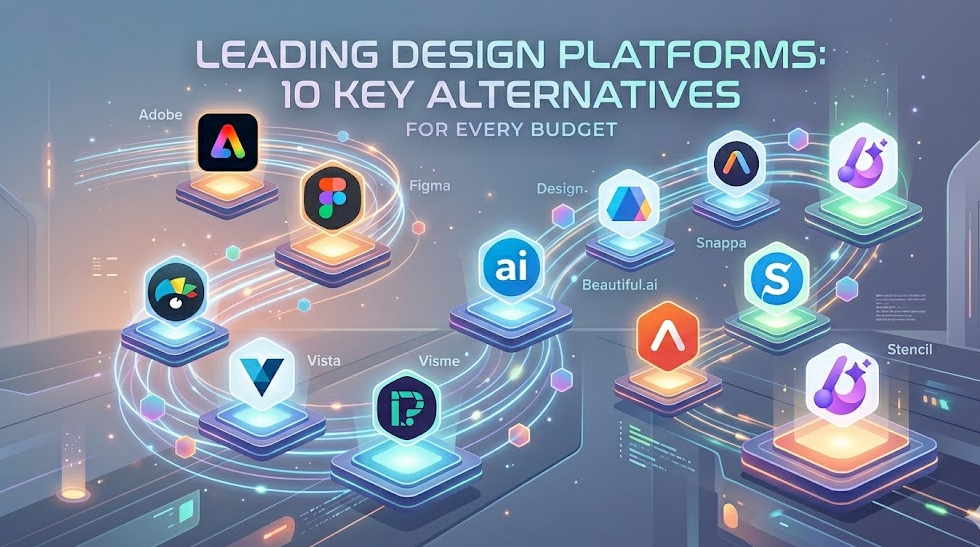
This guide covers the 10 best Canva alternatives across different use cases, budgets, and skill levels — with honest analysis of what each tool does well and where it falls short.
Quick Answer: Best Canva Alternatives at a Glance
- Best Overall: Adobe Express
- Best Free Option: VistaCreate
- Best for Professionals: Figma
- Best for Teams: Visme
- Best for Presentations: Beautiful.ai
- Best Budget Pick: Snappa
- Best for Infographics: Piktochart
- Best for Beginners: DesignCap
Quick Comparison Table
| Tool | Best For | Key Strength | Starting Price | Free Plan |
| Adobe Express | All-around use | Adobe ecosystem | $9.99/mo | Yes |
| Figma | Designers & teams | UI/UX & collaboration | $15/mo | Yes |
| Visme | Business & marketing | Presentations + infographics | $29/mo | Yes |
| VistaCreate | Social media graphics | Large template library | $10/mo | Yes |
| Piktochart | Infographics & reports | Data visualization | $14/mo | Yes |
| Beautiful.ai | Presentations | AI-powered slide design | $12/mo | No |
| Snappa | Social media | Speed & simplicity | $10/mo | Yes |
| DesignCap | Beginners | Ease of use | $4.99/mo | Yes |
| Stencil | Social media marketers | Buffer integration | $15/mo | Yes |
| Microsoft Designer | Microsoft users | Office integration | Free (Preview) | Yes |
What Canva Does Well (And Where It Falls Short)
Canva remains the most beginner-friendly design tool on the market. Its drag-and-drop editor, massive template library, and accessible pricing have made it the default choice for non-designers worldwide. The Brand Kit feature, team collaboration tools, and built-in AI image generator (Magic Studio) are genuinely useful.
But there are real limitations worth acknowledging:
- The free plan has become increasingly restrictive, with more templates and elements locked behind Canva Pro ($15/month per person)
- Advanced typography and layout controls are limited compared to professional tools
- Performance slows noticeably on complex, asset-heavy designs
- Export options (especially PDF print quality) frustrate professional designers
- Teams needing enterprise-level asset management often outgrow it quickly
If any of those resonate with your current situation, the tools below are worth a serious look.
How We Built This List
Each tool on this list was evaluated based on hands-on testing, user reviews from G2 and Trustpilot, Reddit discussions from r/graphic_design and r/marketing, and publicly available feature documentation. Evaluation criteria included ease of use, template quality, collaboration features, AI capabilities, pricing transparency, export options, and platform support.
The 10 Best Canva Alternatives in 2026
1. Adobe Express
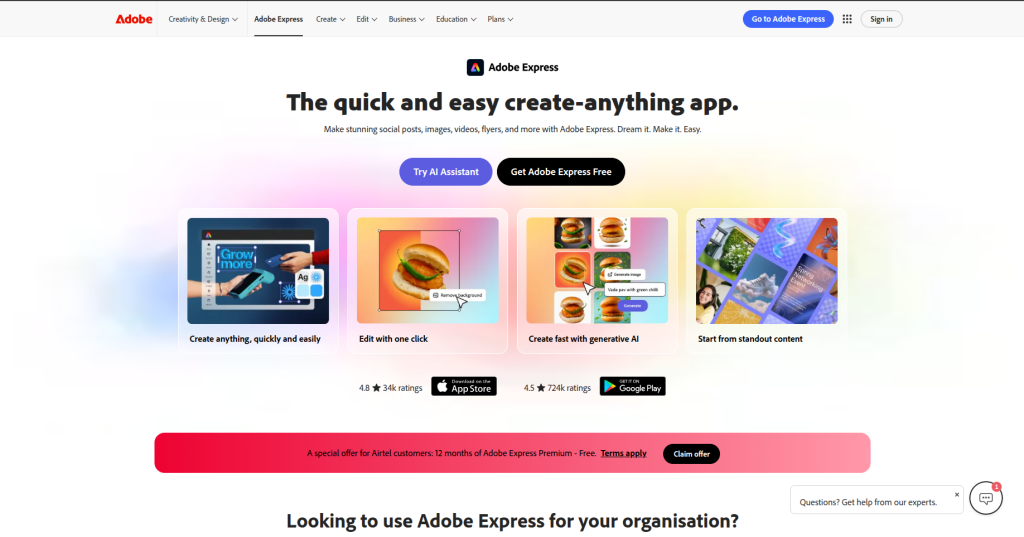
Adobe Express is the most direct Canva competitor for everyday design work, backed by the full Adobe ecosystem. It offers a clean, beginner-friendly interface while giving you access to Adobe Stock assets, fonts, and integration with Photoshop and Illustrator.
Key Features:
- Thousands of professionally designed templates for social media, flyers, and presentations
- One-click background removal and generative AI tools (powered by Adobe Firefly)
- Direct integration with Adobe Creative Cloud for seamless handoff to Photoshop
- Brand Kit with custom colors, fonts, and logos
- Animate feature for creating motion graphics without code
- Bulk scheduling and content calendar for social media teams
Who It’s Best For: Marketers and content teams already inside the Adobe ecosystem, small businesses wanting professional output without a steep learning curve.
Pricing:
- Free: Yes (limited assets)
- Premium: $9.99/month (individual), included with Creative Cloud subscriptions
What We Like: The Firefly AI integration is genuinely useful — generating on-brand images without leaving the tool saves significant time. Adobe Stock access at this price point is a real differentiator.
Things to Consider: Heavy Adobe Creative Cloud users will get more value here, but standalone users may find the free tier too limiting.
Quick Takeaway | Best For: All-around design | Pricing: Mid-range | Learning Curve: Easy | Overall: The strongest Canva replacement for most users
2. Figma
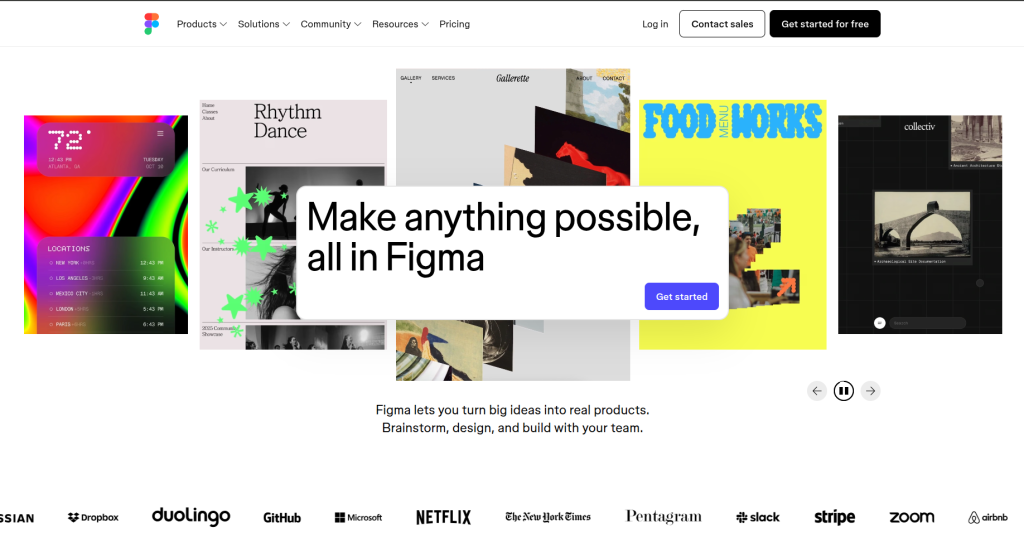
Figma was built for design teams, and that focus shows in everything it does. While Canva targets non-designers, Figma targets professional designers — but its interface has become accessible enough that marketers and product teams use it effectively too.
Key Features:
- Real-time multi-user collaboration with commenting and version history
- Component libraries for brand consistency across large teams
- Advanced vector editing tools that rival desktop software
- FigJam whiteboard for brainstorming and wireframing
- Extensive plugin ecosystem (thousands of third-party plugins)
- Dev Mode for seamless design-to-development handoff
Who It’s Best For: Design teams, product designers, agencies managing multiple brand assets, and any team needing serious collaboration infrastructure.
Pricing:
- Free: Yes (limited projects)
- Professional: $15/editor/month
- Organization: $45/editor/month
What We Like: The collaboration experience is unmatched. Real-time co-editing, threaded comments, and design tokens make it the tool of choice for serious teams.
Things to Consider: Overkill for simple social media graphics. There’s a learning curve if you’re coming from a template-first workflow.
Quick Takeaway | Best For: Design teams & professionals | Pricing: Mid-to-high | Learning Curve: Medium | Overall: Best-in-class for collaborative design work
3. Visme
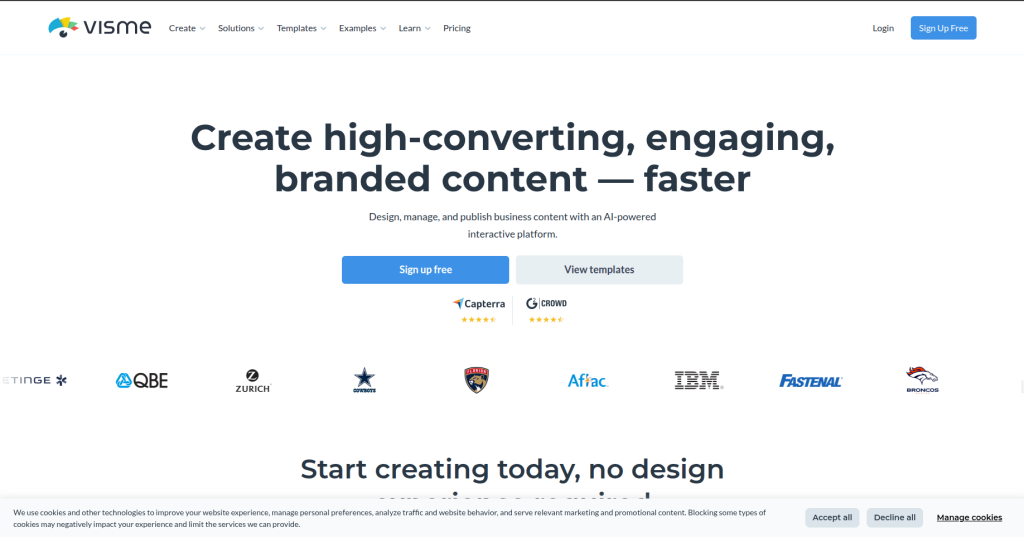
Visme sits in a niche between Canva and PowerPoint — strong on data visualization, presentations, and branded documents. It’s particularly popular with marketing teams that produce a lot of reports, proposals, and presentations.
Key Features:
- AI presentation builder that generates complete slide decks from a prompt
- Robust data visualization tools including charts, maps, and interactive infographics
- Brand management system with multi-brand support
- Animation and interactivity for web-embedded presentations
- Team collaboration with role-based permissions
- Extensive analytics showing how viewers engage with published content
Who It’s Best For: Marketing teams, consultants, educators, and businesses that regularly produce data-heavy presentations and branded reports.
Pricing:
- Free: Yes (limited)
- Starter: $29/month
- Professional: $59/month
- Team plans available
What We Like: The analytics feature is something Canva doesn’t offer — knowing how your audience engages with shared content is genuinely valuable for marketing teams.
Things to Consider: More expensive than most alternatives. The learning curve is steeper than Canva for new users.
Quick Takeaway | Best For: Business presentations & marketing teams | Pricing: Mid-to-high | Learning Curve: Medium | Overall: Best Canva alternative for data-driven content
4. VistaCreate
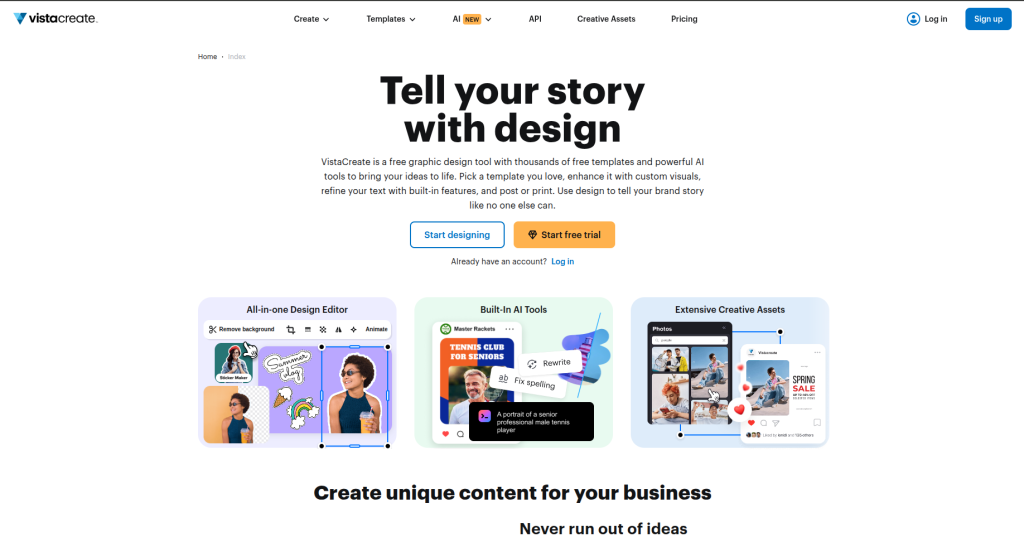
VistaCreate (formerly Crello) is one of the most generous free-tier design tools available. It offers over 150,000 templates across social media formats, print, and video — most of which are available without paying.
Key Features:
- 150,000+ templates covering virtually every design format
- Built-in photo editor with background removal
- Animation tools for creating social media videos and GIFs
- Brand Kit on the free plan (limited to one brand)
- Direct social media publishing integration
- Commercial license on all assets
Who It’s Best For: Content creators, social media managers, small business owners, and anyone who wants strong Canva-like functionality at a lower price.
Pricing:
- Free: Yes (very generous)
- Pro: $10/month
What We Like: The free plan is the most feature-complete in this category. Most users won’t need to upgrade.
Things to Consider: Less name recognition means fewer third-party integrations. Advanced collaboration features lag behind Canva Pro.
Quick Takeaway | Best For: Social media graphics on a budget | Pricing: Free/Low | Learning Curve: Easy | Overall: Best free Canva alternative available
5. Piktochart
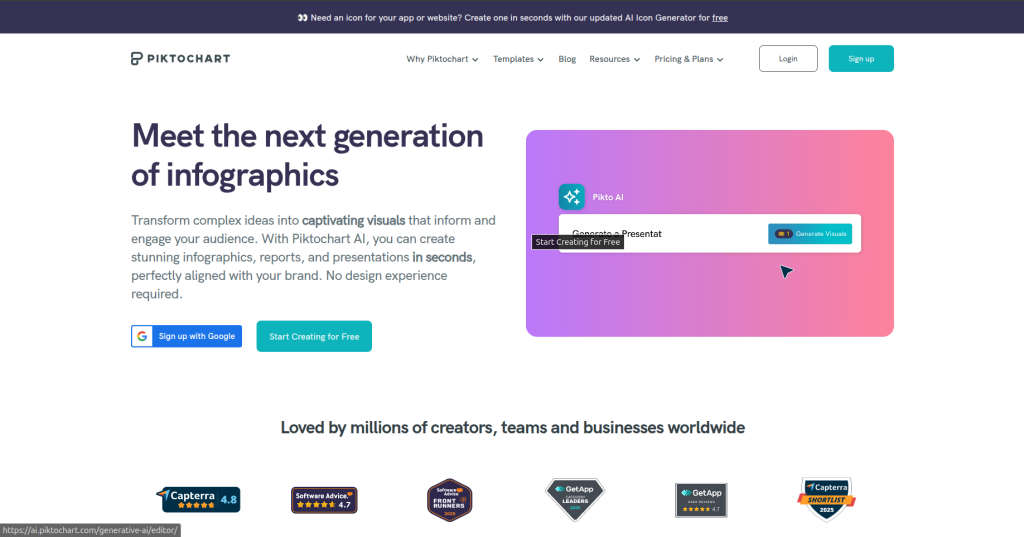
Piktochart built its reputation on infographic creation and has since expanded into a full presentation and report design tool. It’s the go-to choice when data visualization is a priority.
Key Features:
- Specialized infographic editor with smart layout suggestions
- Data import from Google Sheets, Excel, and CSV
- Report builder with professional layouts for business documents
- AI-powered text-to-infographic generator
- Team workspaces with shared asset libraries
- High-resolution PDF and PNG export
Who It’s Best For: Researchers, marketers, educators, HR teams, and anyone producing data-heavy visual content regularly.
Pricing:
- Free: Yes (watermarked exports)
- Pro: $14/month
- Business: $24/month/user
What We Like: No other tool on this list makes infographic creation this fast. The data import feature alone justifies the subscription for teams producing reports.
Things to Consider: Not a general-purpose design tool. If you need versatility beyond infographics and presentations, look elsewhere.
Quick Takeaway | Best For: Infographics & data reports | Pricing: Low-to-mid | Learning Curve: Easy | Overall: Best specialist tool for data visualization
6. Beautiful.ai
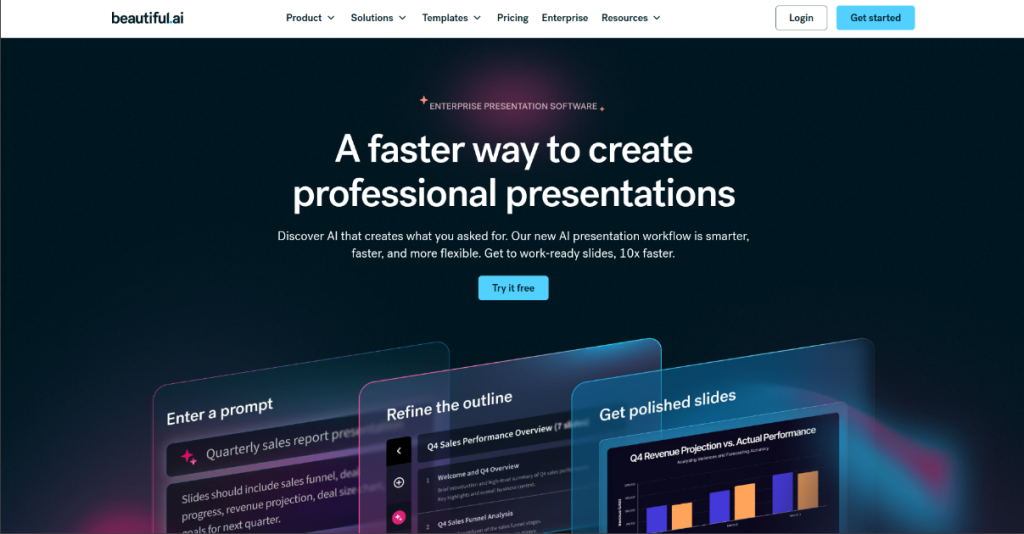
Beautiful.ai focuses entirely on presentations and uses AI to handle layout decisions automatically. Every element you add is adjusted intelligently to maintain visual balance — eliminating the most tedious part of slide design.
Key Features:
- Smart slide templates that auto-adjust as you add content
- 60+ intelligent slide types designed for specific content (timelines, team slides, comparison slides)
- Brand lock to enforce consistent styling across team presentations
- Presenter notes and built-in slideshow mode
- Google Slides and PowerPoint import/export
- Analytics on shared presentations
Who It’s Best For: Executives, consultants, sales teams, and anyone who needs to produce polished presentations quickly without a design background.
Pricing:
- Pro: $12/month
- Team: $50/month for 5 users
- No free plan (14-day trial available)
What We Like: The AI layout engine genuinely saves time. You focus on content; the tool handles the visual balance.
Things to Consider: No free plan. Only useful if presentations are a core part of your workflow — it’s not a general design tool.
Quick Takeaway | Best For: Business presentations | Pricing: Mid-range | Learning Curve: Easy | Overall: Best AI-powered alternative for presentation-focused teams
7. Snappa
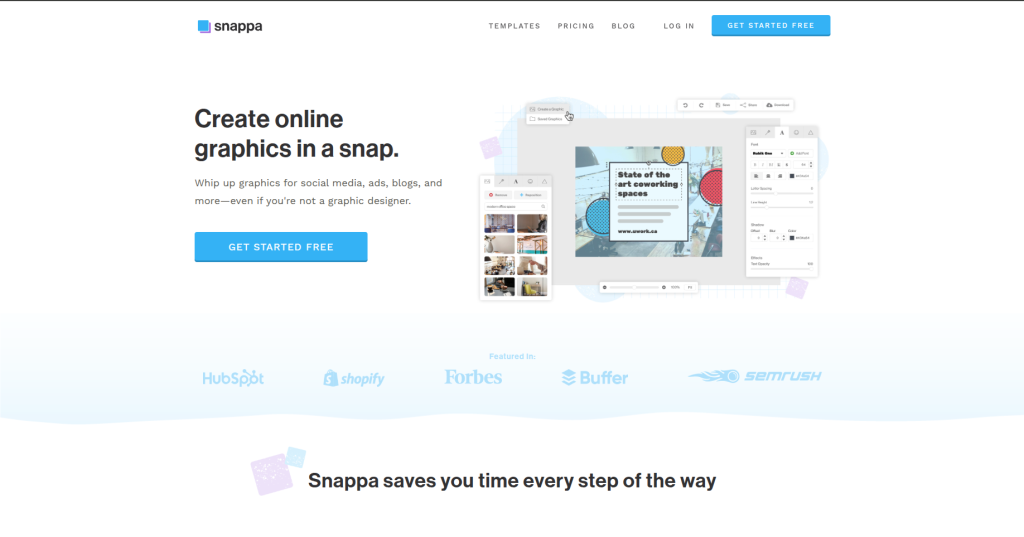
Snappa is a no-frills design tool built specifically for marketers and content creators who need to produce social media graphics, blog headers, and ads quickly. It strips away complexity and focuses on speed.
Key Features:
- Pre-sized templates for every major social media platform
- 5 million+ royalty-free stock photos included in all plans
- One-click background removal
- Team sharing with unlimited downloads on paid plans
- Buffer and HubSpot integration for direct social scheduling
- Simple brand kit management
Who It’s Best For: Solo marketers, bloggers, small business owners, and social media managers who prioritize speed over design depth.
Pricing:
- Free: Yes (limited downloads)
- Pro: $10/month
- Team: $20/month
What We Like: The included stock photo library is genuinely impressive at this price point — removing the need for a separate Unsplash or Shutterstock subscription.
Things to Consider: Limited animation tools. Not suitable for print or complex design projects.
Quick Takeaway | Best For: Fast social media graphics | Pricing: Low | Learning Curve: Very Easy | Overall: Best choice for speed-focused marketers
8. DesignCap
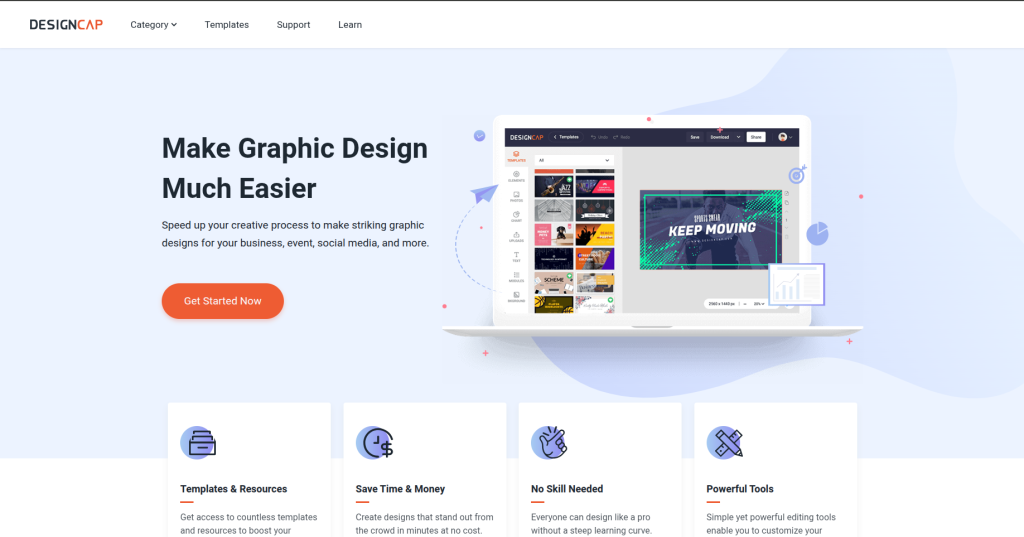
DesignCap is one of the most beginner-friendly design tools available, with a clean interface, organized template library, and enough features for most everyday design needs.
Key Features:
- 10,000+ templates across posters, presentations, social media, and flyers
- One-click chart and data visualization tools
- Photo editing with filters and adjustment tools
- Multi-page design support
- Easy font pairing suggestions
- PNG, JPG, and PDF export (high resolution on paid plans)
Who It’s Best For: Students, small business owners, bloggers, and anyone just starting out with design who finds Canva overwhelming or expensive.
Pricing:
- Free: Yes
- Basic: $4.99/month
- Plus: $5.99/month
What We Like: The cheapest paid plan in this entire comparison at $4.99/month. Significantly more affordable than Canva Pro.
Things to Consider: Smaller template library than competitors. Less suitable for advanced professional work.
Quick Takeaway | Best For: Beginners & budget users | Pricing: Very Low | Learning Curve: Very Easy | Overall: Best entry-level Canva alternative
9. Stencil
Stencil is a lightweight design tool built around speed and social media workflows. Its standout feature is a browser extension that lets you create graphics without ever opening a new tab.
Key Features:
- Browser extension for instant graphic creation while browsing
- 5 million+ stock photos and icons included
- Pre-built templates sized for every social platform
- Direct integration with Buffer, WordPress, and Hootsuite
- Quote graphic templates for text-based social content
- One-click image resizing across formats
Who It’s Best For: Social media marketers, bloggers, and content managers who publish frequently and need the fastest possible workflow.
Pricing:
- Free: Yes (limited)
- Pro: $15/month
- Unlimited: $20/month
What We Like: The Buffer integration is seamless. Creating a graphic and scheduling it in the same workflow without switching tools saves meaningful time.
Things to Consider: Very limited outside social media use cases. Not suitable for presentations, infographics, or print.
Quick Takeaway | Best For: Social media content workflows | Pricing: Mid-range | Learning Curve: Very Easy | Overall: Best Canva alternative for high-volume social posting
10. Microsoft Designer
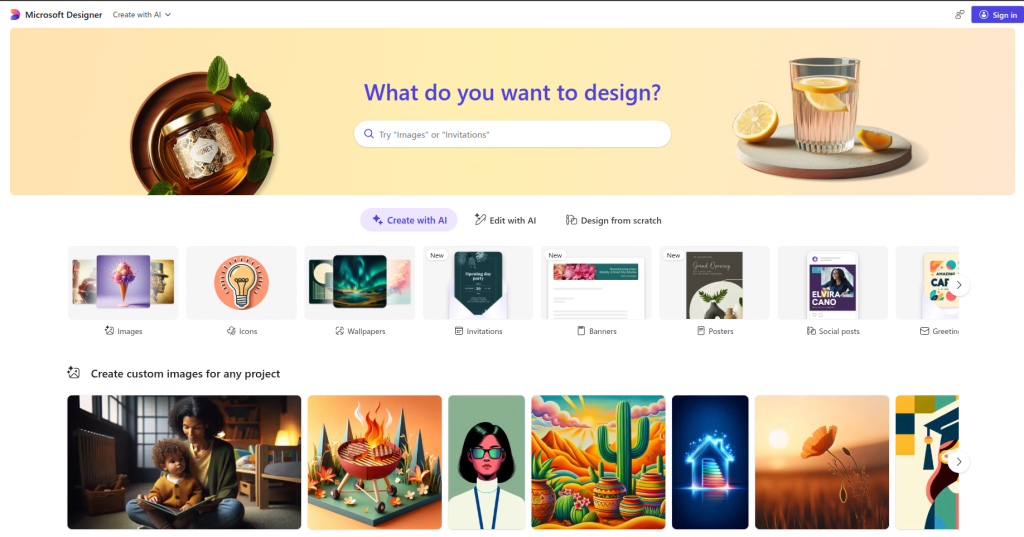
Microsoft Designer is a newer entrant built directly into the Microsoft 365 ecosystem. Powered by DALL-E, it generates images and layouts from text prompts and integrates directly with Word, PowerPoint, and Teams.
Key Features:
- AI image generation from text prompts using DALL-E
- One-click design suggestions for social posts, invitations, and banners
- Deep Microsoft 365 integration (PowerPoint, Word, Teams, Edge)
- Brand templates synchronized with organizational assets
- Directly share to social media platforms
- Currently free for Microsoft 365 subscribers
Who It’s Best For: Microsoft 365 users, enterprise teams, educators using Office products, and anyone who wants AI-generated design without additional software.
Pricing:
- Free for Microsoft 365 subscribers
- Standalone pricing still in preview phase
What We Like: If you’re already paying for Microsoft 365, this is effectively free. The AI generation speed is impressive and the Office integration is tight.
Things to Consider: Still maturing. Template variety and design depth lag behind Canva and Adobe Express. Availability varies by region and subscription tier.
Quick Takeaway | Best For: Microsoft 365 users | Pricing: Free (with M365) | Learning Curve: Easy | Overall: Best zero-cost alternative for enterprise Microsoft users
Detailed Feature Comparison
| Feature | Adobe Express | Figma | Visme | VistaCreate | Piktochart | Beautiful.ai | Snappa | DesignCap | Stencil | MS Designer |
| AI Tools | Yes | Limited | Yes | Limited | Yes | Yes | No | No | No | Yes |
| Collaboration | Yes | Excellent | Yes | Limited | Yes | Yes | Limited | No | No | Yes |
| Templates | 10,000+ | Limited | 10,000+ | 150,000+ | 1,000+ | 60+ types | 2,500+ | 10,000+ | 5,000+ | Growing |
| Free Plan | Yes | Yes | Yes | Yes | Yes | No | Yes | Yes | Yes | Yes |
| Mobile App | Yes | Yes | Yes | Yes | Yes | No | No | No | No | Yes |
| Export Options | Excellent | Excellent | Good | Good | Good | Limited | Basic | Good | Basic | Limited |
| Infographics | Basic | No | Yes | No | Excellent | No | No | Basic | No | No |
What Most Articles Miss
Most Canva alternative roundups compare features on paper without addressing real switching costs. A few things worth knowing before you move:
Template lock-in is real. Designs built in Canva don’t export cleanly to other platforms. Budget time for rebuilding brand templates if you switch.
Collaboration pricing varies wildly. Figma charges per editor. Visme charges per seat. Some tools offer unlimited collaborators on a single plan. Calculate based on actual team size, not advertised pricing.
AI features are still uneven. Several tools advertise AI design capabilities that are effectively limited to image generation. Visme and Beautiful.ai have more integrated AI workflows. Adobe Express benefits most from Firefly’s quality.
Free plans shrink over time. VistaCreate is currently the most generous, but historically, free tiers across this category have become more restrictive as companies pursue profitability. Don’t build workflows around free features without a paid backup plan.
How to Choose the Right Canva Alternative
Choose Adobe Express if: You want a direct Canva replacement with professional output quality and Adobe’s asset library.
Choose Figma if: Your team does serious design work and needs real-time collaboration infrastructure.
Choose Visme if: You produce frequent data-heavy presentations, reports, or marketing materials.
Choose VistaCreate if: Budget is your primary concern and you mostly create social media graphics.
Choose Piktochart if: Infographics and visual reports are core to your content strategy.
Choose Beautiful.ai if: You need polished presentations fast and don’t want to manage layout manually.
Choose Snappa if: You’re a solo marketer focused exclusively on fast social content creation.
Choose DesignCap if: You’re new to design and want the cheapest possible paid starting point.
Choose Stencil if: You publish social content at high volume and need Buffer/Hootsuite integration.
Choose Microsoft Designer if: You’re embedded in the Microsoft 365 ecosystem and want zero additional cost.
Final Verdict
There’s no single best Canva alternative — the right choice depends entirely on your use case.
For most users replacing Canva, Adobe Express covers the widest range of needs at a comparable price. Teams doing serious collaborative design work should look at Figma. Budget-constrained users will get the best free experience from VistaCreate.
If presentations are your primary output, Beautiful.ai or Visme are meaningfully better than Canva. If infographics are your core format, Piktochart wins without contest.
The market has matured enough in 2026 that Canva is no longer the default answer for every design need. These alternatives are genuinely competitive — and in many cases, better.
FAQ
What is the best free alternative to Canva?
VistaCreate offers the most complete free plan among Canva alternatives, including 150,000+ templates and animation tools at no cost. Microsoft Designer is also free for Microsoft 365 subscribers.
Is Adobe Express better than Canva?
For users who need professional output and Adobe asset access, yes. Adobe Express offers better AI tools via Firefly and tighter integration with Photoshop and Illustrator. Canva has a larger template library and a more established ecosystem.
What is the best Canva alternative for teams?
Figma is the strongest option for design teams needing real-time collaboration. Visme is better suited for marketing teams focused on presentations and branded documents.
Is there a cheaper alternative to Canva Pro?
Yes. DesignCap starts at $4.99/month, Snappa at $10/month, and VistaCreate at $10/month — all below Canva Pro’s $15/month per user price.
What Canva alternative is best for infographics?
Piktochart is the specialist choice. It offers dedicated infographic templates, direct data import from Google Sheets and Excel, and professional export quality that Canva’s infographic tools don’t match.
Can Figma replace Canva for marketing teams?
Partially. Figma is more powerful but less template-driven. Marketing teams that primarily create social media graphics and presentations may find the workflow less efficient in Figma than in Canva or Visme.
What is the best Canva alternative for presentations?
Beautiful.ai for AI-assisted professional presentations. Visme for data-rich marketing presentations. Google Slides remains the most universally accessible free option.
Are there Canva alternatives with better AI features?
Adobe Express (Firefly AI), Beautiful.ai (smart layouts), and Visme (AI presentation builder) all offer more integrated AI workflows than Canva’s Magic Studio for their respective use cases.