
Slack built the modern team chat category, but a lot of teams are rethinking that choice going into 2026. Rising per-seat costs, message history limits on cheaper tiers, notification overload, and gaps in enterprise-grade admin controls are pushing IT leaders and founders to look elsewhere. If you already have Microsoft 365 or Google Workspace, paying extra for Slack on top of a bundled chat tool can feel redundant. If you run a regulated business, Slack’s compliance add-ons can get expensive fast.
This guide breaks down the best Slack alternatives in 2026, based on real feature comparisons, current pricing, and practical use cases for startups, agencies, remote teams, and enterprises. Whether you want something free, something secure, or something that plugs straight into your existing software stack, you will find a fit below.
Quick Summary: Fast Answers
| Tool | Best For | Starting Price | Key Strength | Main Limitation |
| Microsoft Teams | Microsoft 365 users | Free (Essentials from $4/user/mo) | Deep Office integration | Confusing bundle pricing |
| Google Chat | Google Workspace users | Included from $7/user/mo | Native Gmail/Drive integration | Weaker standalone chat features |
| Discord | Startups, communities | Free | Best-in-class voice channels | Not built for business admin |
| Mattermost | Security-first tech teams | Free (self-hosted); $10/user/mo Pro | Self-hosting and compliance | Steep technical setup |
| Rocket.Chat | Regulated industries | Free (up to 50 users); paid from ~$4–8/user/mo | Full data ownership | Setup and maintenance overhead |
| ClickUp Chat | Teams wanting chat + tasks in one | Free; Unlimited from $7/user/mo | Chat baked into project management | Chat is secondary to task features |
| Zoom Team Chat | Meeting-heavy teams | Free; Pro from $13.33/user/mo | Seamless video-to-chat handoff | Pricier than dedicated chat apps |
| Chanty | Small businesses on a budget | Free (up to 10); Business from $3/user/mo | Lowest cost paid tier | Smaller integration library |
| Flock | Lean teams wanting built-in tools | Free (up to 20); Pro from $4.50/user/mo | Polls, to-dos, notes built in | Video calling is a known weak point |
| Element (Matrix) | Security-focused organizations | Free tier; paid/custom quote | End-to-end encrypted, federated chat | Smaller mainstream app ecosystem |
Best overall: Microsoft Teams, for its balance of price, features, and enterprise readiness.
Best free option: Rocket.Chat, for genuinely unlimited core features at zero cost when self-hosted.
Best for enterprises: Microsoft Teams or Mattermost Enterprise, depending on compliance needs.
Best for startups: Chanty or Flock, for the lowest cost per seat.
Best for security-focused teams: Element (Matrix), for end-to-end encryption and federation.
How We Chose These Slack Alternatives
We evaluated each tool against ten criteria that matter most to real teams making a switch: ease of use, messaging experience (threads, search, reactions), video and audio quality, integration depth, AI productivity features, security and compliance certifications, scalability for growing headcount, pricing transparency, mobile usability, and admin controls.
Our conclusions draw on direct feature comparisons of each vendor’s published pricing and documentation, verified user reviews from G2, Capterra, and TrustRadius, and common workflow patterns reported by remote teams, agencies, and enterprises. Pricing figures reflect current published rates and are subject to change, so always confirm on the vendor’s site before signing a contract.
Main Alternatives to Slack
1. Microsoft Teams
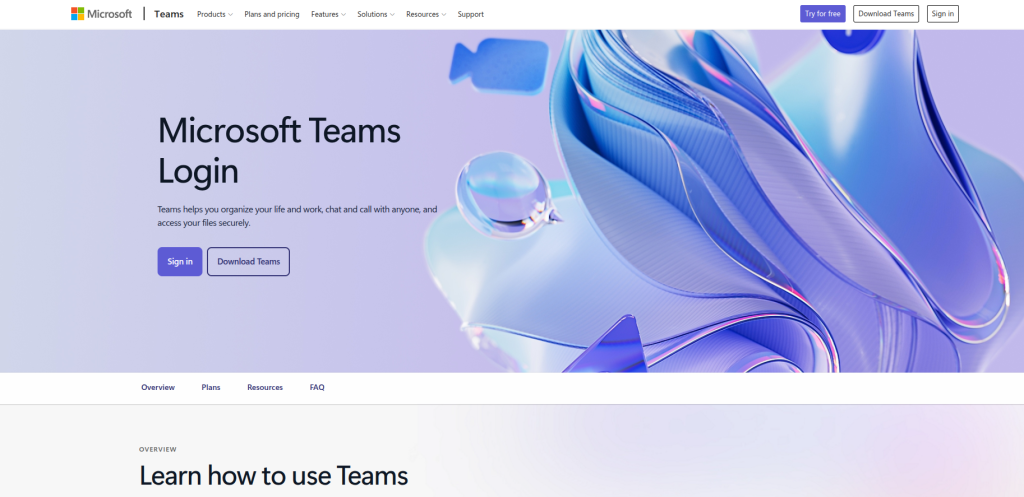
Overview: Microsoft Teams is the default chat and meeting tool for any organization already running Microsoft 365. It combines persistent channels, video calls, and file collaboration through OneDrive and SharePoint.
Key Features:
- Unlimited chat with 250-person conversation threads
- Video meetings supporting up to 300 interactive participants
- Deep integration with Word, Excel, PowerPoint, and Outlook
- Copilot AI available as an add-on for meeting recaps and drafting
Pros:
- Free if your organization already pays for Microsoft 365
- Familiar interface for anyone using Office apps
- Strong compliance tooling for enterprise (E3/E5 tiers)
Cons:
- Pricing is genuinely confusing since Teams is mostly bundled rather than sold standalone
- The interface can feel heavier than purpose-built chat apps
- Hidden add-on costs for phone systems and premium AI features add up quickly
Pricing: A generous free plan is available. The standalone Teams Essentials plan starts at roughly $4 per user per month, while Microsoft 365 Business bundles that include Teams range from about $7 to $22 per user per month depending on tier, with Enterprise E3/E5 pricing negotiated directly.
Who Is It Best For? Organizations already invested in Microsoft 365, especially mid-size and enterprise teams that need calendar, email, and document integration alongside chat. Less ideal for lean startups with no Microsoft footprint, since the pricing math only favors Teams once you factor in the bundled apps.
Where It Beats Slack: Cost, when bundled with existing Microsoft licenses, and tighter integration with Office documents and Outlook scheduling.
Where Slack Still Wins: App marketplace breadth, cleaner UI for pure messaging, and a more polished third-party integration experience.
2. Google Chat (Google Workspace)
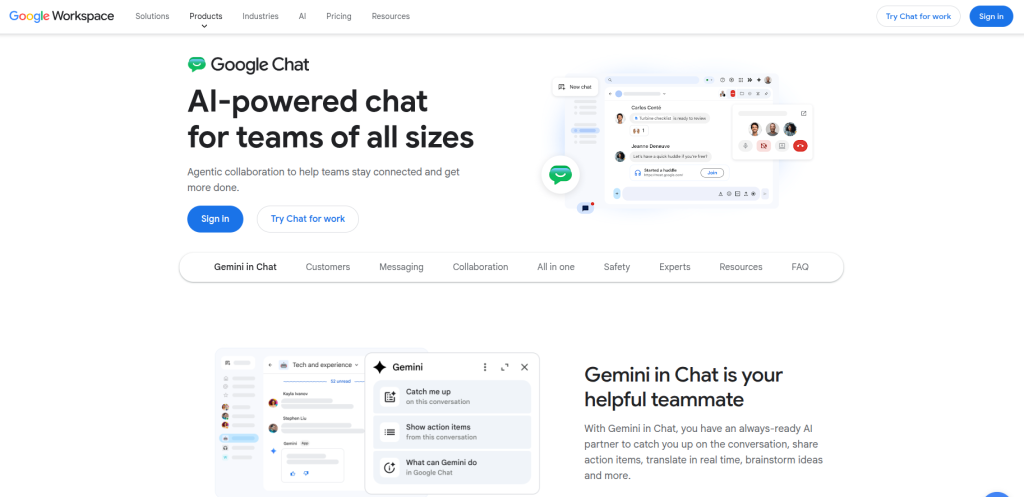
Overview: Google Chat is bundled into every Google Workspace subscription, offering direct messaging, spaces (channels), and tight integration with Gmail, Drive, and Google Meet.
Key Features:
- Native integration with Gmail, Docs, Sheets, and Meet
- Gemini AI assistant for summarizing threads and drafting replies
- Spaces function similarly to Slack channels
Pros:
- No extra cost if you already pay for Google Workspace
- Simple, fast interface with minimal learning curve
- AI features are included rather than a separate add-on at most tiers
Cons:
- Chat features feel secondary to Gmail and Drive rather than a first-class product
- Fewer third-party integrations than Slack’s marketplace
- Search and thread organization are weaker than dedicated chat tools
Pricing: Google Workspace plans start around $7 per user per month for Business Starter, rising to about $14 for Standard and $22 for Business Plus, with custom Enterprise pricing available.
Who Is It Best For? Startups and small businesses already using Gmail and Google Drive as their core productivity stack. Not ideal for teams that want chat as their primary hub rather than a secondary feature of an email suite.
Where It Beats Slack: Zero incremental cost for Workspace users and faster context switching between email, docs, and chat.
Where Slack Still Wins: Purpose-built messaging features like advanced search, workflow automation, and a larger app ecosystem.
3. Discord
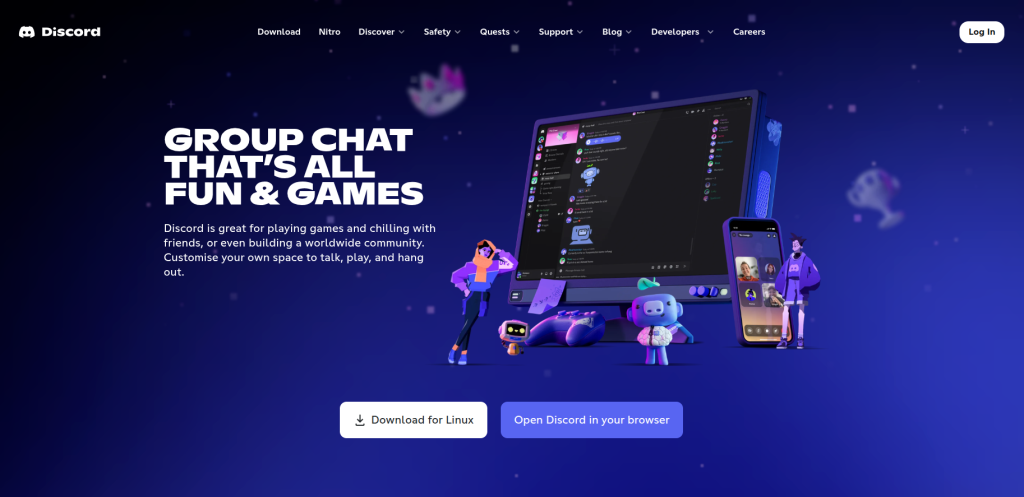
Overview: Originally built for gaming communities, Discord has become a legitimate option for startups and creative teams that want low-friction voice channels and casual, always-on chat.
Key Features:
- Persistent voice channels teammates can drop in and out of freely
- Free screen sharing and video calls
- Highly customizable with bots and community-style roles
Pros:
- Completely free for unlimited members and messages
- Voice channel experience is smoother than most business tools
- Popular with developers, designers, and remote-first startups
Cons:
- Lacks formal admin controls, audit logs, and compliance certifications businesses need
- Message threading and search are less structured than Slack
- Not designed with enterprise security or HR use cases in mind
Pricing: Free for all core features. Discord Nitro (a personal subscription, not a business plan) adds cosmetic and file-size perks but does not unlock enterprise controls.
Who Is It Best For? Small startups, open-source communities, and creative or gaming-adjacent teams that want a casual, always-on space. Not suited to regulated industries or larger enterprises needing compliance and admin governance.
Where It Beats Slack: Cost (completely free) and voice channel quality.
Where Slack Still Wins: Enterprise security, admin permissions, and workflow integrations built for business processes.
4. Mattermost
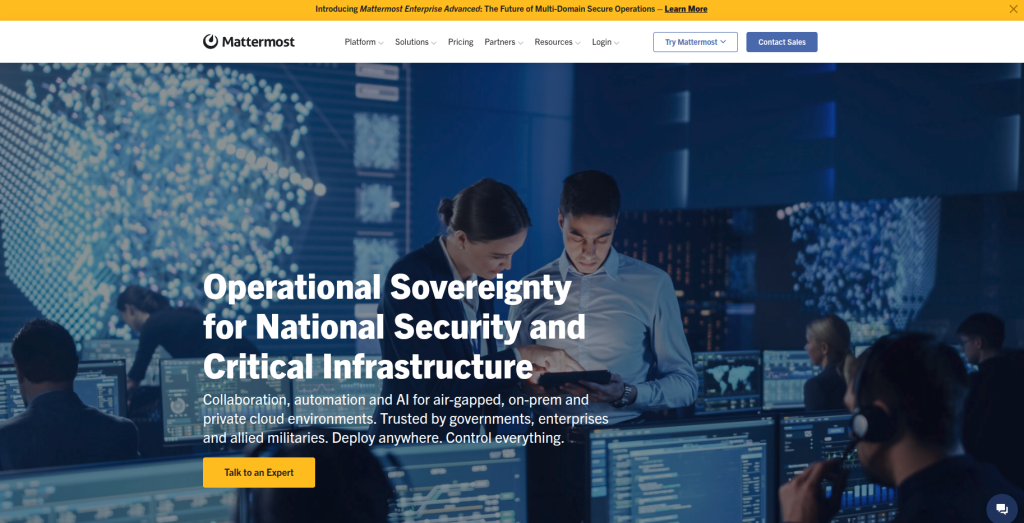
Overview: Mattermost is an open-source, self-hostable messaging platform aimed at technical and security-conscious teams that want Slack-like functionality without handing data to a third-party cloud.
Key Features:
- Self-hosted or cloud deployment options
- SSO, SAML, and advanced permission controls on paid tiers
- Deep integrations with GitLab, GitHub, Jira, and DevOps tooling
Pros:
- Free self-hosted Starter tier with no user cap for core messaging
- Strong data sovereignty for regulated industries
- Popular with engineering and DevOps teams for incident response workflows
Cons:
- Requires technical resources to self-host and maintain
- No free trial on paid tiers, and the free tier lacks SSO and advanced permissions
- UI feels less polished than consumer-grade chat apps
Pricing: The Starter tier is free and self-hosted. The Professional tier costs around $10 per user per month billed annually, and Enterprise pricing is custom-quoted based on seat count and compliance requirements.
Who Is It Best For? DevOps teams, security-conscious organizations, and companies in regulated industries like finance, healthcare, or government that need to keep messaging data on their own infrastructure.
Where It Beats Slack: Full control over data hosting, lower long-term cost at scale, and deep developer tool integrations.
Where Slack Still Wins: Ease of setup and a much larger non-technical user base and integration marketplace.
Expert Insight: If your compliance team has ever asked “where exactly does our chat data live,” Mattermost answers that question better than almost anything else on this list.
5. Rocket.Chat
Overview: Rocket.Chat is another open-source, self-hostable alternative built for organizations that prioritize data ownership, customization, and compliance over out-of-the-box polish.
Key Features:
- End-to-end encryption and data loss prevention
- Real-time translation across more than 50 languages
- Omnichannel support features including LiveChat widgets for customer-facing teams
Pros:
- Free Starter tier supports up to 50 users with genuinely useful features
- Strong fit for banks, NGOs, and government agencies needing custom deployment
- Highly customizable thanks to open API and plugin architecture
Cons:
- Setup and ongoing maintenance require dedicated IT resources
- Enterprise pricing is not published and requires a sales conversation
- Steeper learning curve than plug-and-play SaaS chat tools
Pricing: A free Starter plan covers up to 50 users on self-managed hosting. Paid Pro plans generally run from roughly $4 to $8 per user per month, with Enterprise available on custom quote.
Who Is It Best For? Regulated industries such as banking, healthcare, and government, along with any organization that wants to fork or heavily customize its chat platform.
Where It Beats Slack: Data sovereignty, customization depth, and lower cost for large self-hosted deployments.
Where Slack Still Wins: Faster onboarding and a more consistent out-of-the-box experience without engineering involvement.
6. ClickUp Chat
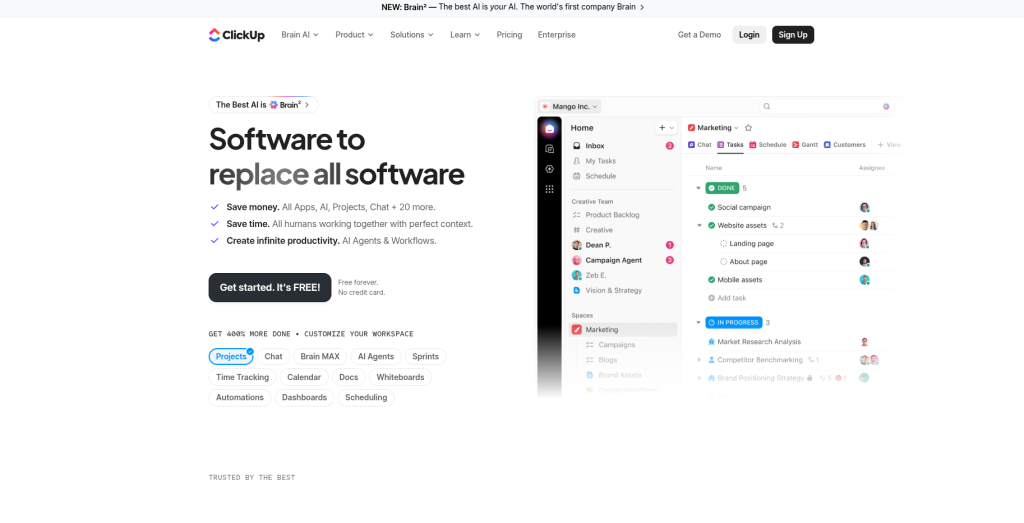
Overview: ClickUp built chat directly into its all-in-one project management platform, so conversations, tasks, and docs live in the same workspace instead of separate tools.
Key Features:
- Chat threads convert directly into trackable tasks
- Native integration with ClickUp’s docs, whiteboards, and dashboards
- 1,000+ integrations including Slack, Zoom, and Google Workspace
Pros:
- Eliminates the gap between “we talked about it” and “it’s tracked”
- Generous free plan for small teams
- One subscription covers both chat and project management
Cons:
- Chat is a secondary feature, not the core product, so it lacks some dedicated messaging polish
- The broader ClickUp platform has a real learning curve
- AI features are billed as a separate add-on on top of workspace plans
Pricing: A free plan is available. The Unlimited plan starts at roughly $7 per user per month billed annually, with Business and Business Plus tiers running higher, and Enterprise available on request.
Who Is It Best For? Project-driven teams, agencies, and small businesses that want to consolidate task management and communication into a single tool rather than paying for two separate subscriptions.
Where It Beats Slack: Turning conversations into actionable, trackable work without switching apps.
Where Slack Still Wins: Pure messaging experience, search quality, and dedicated chat app maturity.
7. Zoom Team Chat
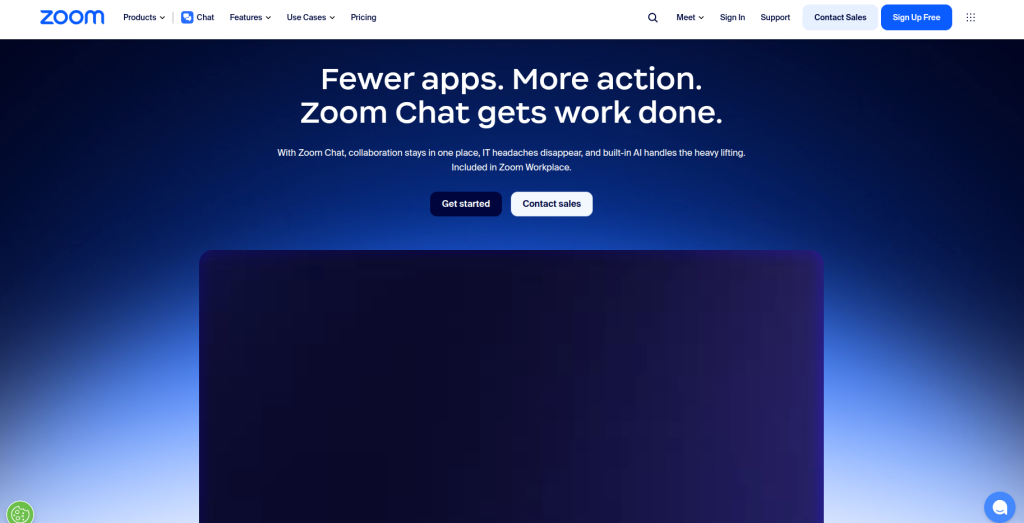
Overview: Zoom expanded from video conferencing into full team chat, letting users move seamlessly between messaging and meetings inside one Workplace subscription.
Key Features:
- Chat and video meetings in a single unified app
- AI Companion for meeting summaries and message drafting
- Screen sharing and whiteboarding built into chat threads
Pros:
- Best-in-class video and audio quality
- Convenient for meeting-heavy teams who want chat and calls unified
- AI Companion is included at no extra cost on paid plans
Cons:
- More expensive than dedicated chat-first tools
- Chat features feel like an extension of video conferencing rather than a standalone product
- Free plan caps group meetings at 40 minutes, pushing teams toward paid tiers quickly
Pricing: A free Basic plan is available. The Pro plan starts at roughly $13.33 per user per month billed annually, with Business and Business Plus tiers priced higher and bundling phone system add-ons.
Who Is It Best For? Teams that run frequent video meetings and want messaging tightly coupled with calls, such as client-facing agencies or sales teams.
Where It Beats Slack: Video and audio call quality, and a smoother transition from chat into a live meeting.
Where Slack Still Wins: Dedicated messaging depth, lower cost for chat-first (not meeting-first) teams.
8. Chanty
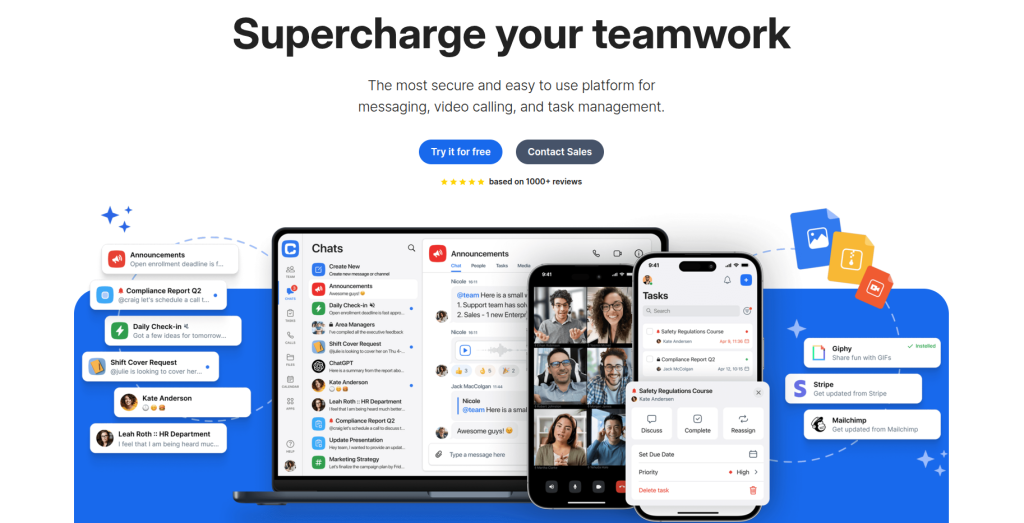
Overview: Chanty is a budget-friendly team chat app built around a unified “Teambook” hub that combines conversations, pinned messages, and lightweight task management.
Key Features:
- Message-to-task conversion with Kanban boards
- Unlimited searchable message history, even on the free plan
- Video calls supporting up to 1,000 participants on paid tiers
Pros:
- One of the lowest-cost paid business chat tools on the market
- Unlimited message history included on the free plan
- Simple, low-friction interface with a short learning curve
Cons:
- Smaller integration library compared to Slack or Microsoft Teams
- Free plan capped at just 5-10 team members
- Fewer advanced admin and compliance features for large enterprises
Pricing: A free plan covers small teams. The Business plan costs roughly $3 per user per month billed annually, or about $4 per user monthly.
Who Is It Best For? Small to mid-sized businesses and startups that want core team chat plus lightweight task tracking without a big budget. Less suited to large enterprises with complex compliance requirements.
Where It Beats Slack: Price, and built-in task management that removes the need for a separate tool.
Where Slack Still Wins: Integration breadth and third-party app ecosystem.
9. Flock
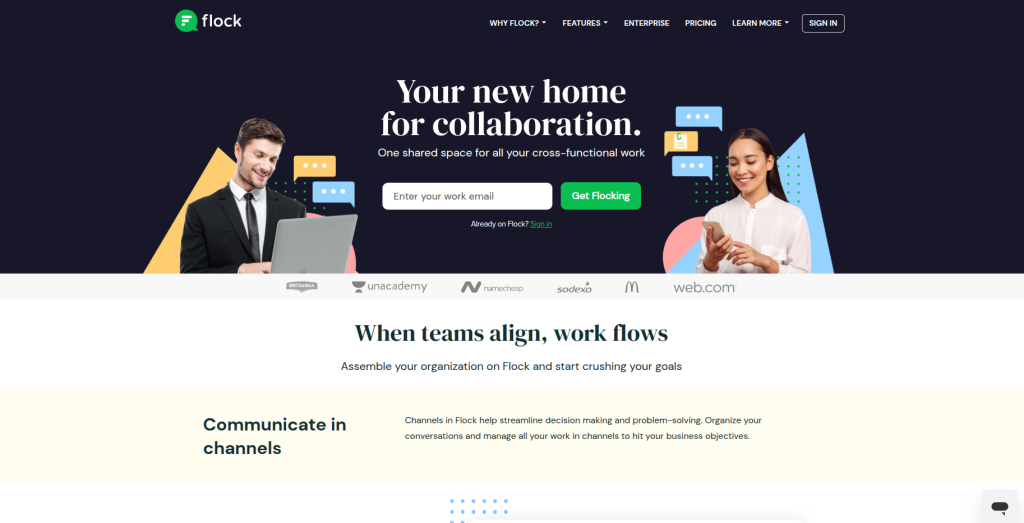
Overview: Flock packages messaging with lightweight productivity tools like polls, shared to-dos, and notes, aimed at small and mid-sized teams looking for an affordable, all-in-one workspace.
Key Features:
- Built-in polls, reminders, and shared to-do lists
- Drag-and-drop file sharing with persistent search
- Over 40 third-party integrations including Trello, Asana, and GitHub
Pros:
- Competitive pricing, especially on the Pro tier
- Clean, easy-to-navigate interface
- Built-in productivity tools reduce the need for extra apps
Cons:
- Video conferencing quality is a frequently cited weak point in user reviews
- Notification management, including extra emails for missed messages, has drawn complaints
- Free plan message search is capped, unlike some competitors offering unlimited history for free
Pricing: A free plan covers up to 20 members. The Pro plan runs from roughly $4.50 to $6 per user per month, and Enterprise is available by custom quote for organizations over 100 members.
Who Is It Best For? Small and mid-sized businesses across marketing, HR, and sales functions that want built-in productivity tools without paying for separate task management software.
Where It Beats Slack: Lower price point and native productivity tools like polls and to-do lists.
Where Slack Still Wins: Video call reliability and a larger integration ecosystem.
10. Element (Matrix)
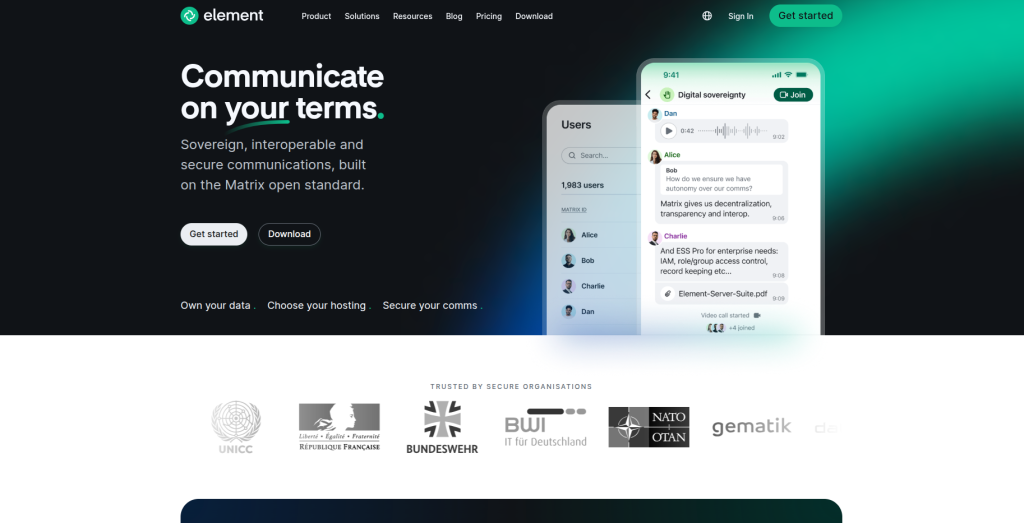
Overview: Element is built on the open, federated Matrix protocol and is the go-to option for organizations that need end-to-end encrypted communication with full control over their infrastructure.
Key Features:
- End-to-end encryption by default across chats
- Federation, meaning your organization can communicate securely with other Matrix-based networks
- Self-hosting available for complete data control
Pros:
- Among the strongest privacy and encryption guarantees of any tool on this list
- Federated architecture avoids vendor lock-in
- Popular with governments, NGOs, and privacy-focused organizations
Cons:
- Smaller mainstream integration ecosystem than Slack or Teams
- Self-hosting requires meaningful technical investment
- Enterprise pricing is quote-based rather than published, which slows procurement
Pricing: A free tier is available, with paid and Enterprise pricing available on request depending on hosting model and compliance requirements.
Who Is It Best For? Government agencies, journalists, NGOs, and any security-focused organization where end-to-end encryption is non-negotiable. Overkill for a typical small business without heightened security needs.
Where It Beats Slack: Encryption depth and freedom from a single vendor’s cloud infrastructure.
Where Slack Still Wins: Ease of use, integration breadth, and faster onboarding for non-technical teams.
Comparison Table
| Tool | Free Plan | Video Calls | Integrations | Security | Best For | Starting Price |
| Microsoft Teams | Yes | Yes, up to 300 | Extensive (Microsoft 365) | Strong (E3/E5 compliance) | M365 organizations | ~$4/user/mo |
| Google Chat | Yes | Via Google Meet | Moderate (Google ecosystem) | Strong (Workspace security) | Google Workspace users | ~$7/user/mo |
| Discord | Yes | Yes, unlimited | Limited business integrations | Weak for enterprise compliance | Startups, communities | Free |
| Mattermost | Yes (self-hosted) | Via integration | Strong (DevOps tools) | Very strong (self-hosted) | Technical/security teams | ~$10/user/mo |
| Rocket.Chat | Yes (up to 50 users) | Yes, basic | Moderate | Very strong (self-hosted) | Regulated industries | ~$4-8/user/mo |
| ClickUp Chat | Yes | Via integration | Extensive (1,000+) | Moderate | Project-driven teams | ~$7/user/mo |
| Zoom Team Chat | Yes | Excellent | Moderate | Strong | Meeting-heavy teams | ~$13.33/user/mo |
| Chanty | Yes (5-10 users) | Yes, up to 1,000 | Limited | Moderate (HIPAA available) | Small businesses | ~$3/user/mo |
| Flock | Yes (20 users) | Weak point | Moderate (40+) | Moderate | Lean small/mid teams | ~$4.50/user/mo |
| Element | Yes | Via integration | Limited mainstream | Excellent (E2E encryption) | Security-focused orgs | Custom quote |
Slack vs Alternatives: Which One Should You Choose?
Choose Microsoft Teams if your organization already pays for Microsoft 365 and wants chat, video, and Office apps under one login.
Choose Google Chat if your team lives in Gmail and Google Drive and you want chat included at no extra cost.
Choose Discord if you’re a small, informal startup or community that wants free, high-quality voice channels and doesn’t need enterprise compliance.
Choose Mattermost or Rocket.Chat if data sovereignty, self-hosting, or regulatory compliance are non-negotiable and you have technical staff to manage deployment.
Choose ClickUp Chat if you want messaging and task management fused into a single subscription.
Choose Zoom Team Chat if your team’s communication is centered around frequent video meetings.
Choose Chanty or Flock if you’re a small business trying to minimize software spend while keeping core chat and light productivity features.
Choose Element if end-to-end encryption and federated, vendor-independent architecture are hard requirements.
Stay with Slack if you value the largest third-party app marketplace, the most mature workflow automation, and don’t mind paying a premium for polish and integration breadth.
Practical Use Cases & Workflows
Startups: Early-stage teams usually prioritize low cost and fast setup. Chanty, Flock, or Discord help small teams get started quickly without lengthy procurement.
Remote Teams: Distributed teams need strong async messaging and reliable video. Microsoft Teams or Zoom Team Chat work well when meetings and messaging need to coexist smoothly.
Agencies: Client-facing agencies often benefit from ClickUp Chat, where conversations can turn directly into tasks and deliverables without losing context.
Enterprises: Large organizations with compliance needs often choose Microsoft Teams for licensing efficiency, or Mattermost when self-hosting and audit control matter more.
Developers & Technical Teams: Engineering and DevOps teams often prefer Mattermost or Rocket. Chat for GitHub, GitLab, Jira integrations and full in-house data control
Limitations & Considerations
Switching platforms is rarely frictionless, and teams should expect some adjustment around search, shortcuts, and notification habits. Self-hosted tools like Mattermost and Rocket. Chat also require technical expertise to deploy and maintain. Integration lock-in is another factor, as Slack-specific bots or workflows may not transfer easily. Bundled tools such as Microsoft Teams and Zoom Team Chat can also carry hidden costs through AI, storage, or phone add-ons. Finally, security-focused platforms often trade convenience for control, while choosing tools like Google Chat or Teams can deepen ecosystem lock-in.
Final Verdict
There is no single “best” Slack alternative for every team, only the best fit for your budget, existing tools, and security needs.
Best overall choice: Microsoft Teams, for its blend of pricing, features, and enterprise scalability.
Best free Slack replacement: Discord for informal teams, or Rocket.Chat for technical teams wanting self-hosted control.
Best enterprise option: Microsoft Teams for organizations in the Microsoft ecosystem, or Mattermost Enterprise for those requiring self-hosted compliance.
Best secure messaging platform: Element (Matrix), for end-to-end encryption and vendor-independent architecture.
Best option for startups: Chanty or Flock, for the lowest cost per seat with core productivity tools included.
If you’re unsure where to start, map your decision against two questions: what productivity suite are you already paying for, and how strict are your security and compliance requirements? Those two answers narrow this list down fast, and any of the tools above will get your team communicating better than email ever did.
Frequently Asked Questions
What is the best alternative to Slack in 2026?
Microsoft Teams is generally the best overall alternative for organizations already using Microsoft 365, thanks to its balance of price, features, and enterprise readiness. For teams outside that ecosystem, Chanty and Flock offer strong value at a lower cost.
Which Slack alternative is free?
Discord is completely free for unlimited members and messages. Rocket.Chat and Mattermost also offer genuinely usable free, self-hosted tiers for teams with technical resources.
Is Microsoft Teams better than Slack?
It depends on your existing software stack. Teams wins on cost for Microsoft 365 organizations and offers deeper Office integration, while Slack generally offers a more polished standalone messaging experience and a larger app marketplace.
What do startups use instead of Slack?
Startups commonly choose Chanty, Flock, or Discord for their low cost and fast setup, or ClickUp Chat when they want messaging bundled with project management from day one.
Which Slack alternative is most secure?
Element (Matrix) offers the strongest end-to-end encryption and federated architecture. Mattermost and Rocket.Chat are close behind, particularly for organizations that self-host and need compliance certifications like HIPAA or SOC 2.
Can I use Microsoft Teams without Microsoft 365?
Yes, through the standalone Teams Essentials plan, though it lacks the business email and Office app access that come with the bundled plans.
Is there a Slack alternative with unlimited free message history?
Chanty offers unlimited searchable message history even on its free plan, which is more generous than several competitors that cap free-tier search.
Which tool is best for video-heavy remote teams?
Zoom Team Chat, given Zoom’s reputation for video and audio call quality, though it comes at a higher price point than chat-first alternatives.
How much does it cost to switch from Slack to a competitor?
Costs vary widely. Free tools like Discord or self-hosted Rocket.Chat can reduce direct software spend to zero, while enterprise tools like Microsoft Teams or Zoom range from roughly $4 to $22+ per user per month depending on tier.
Do Slack alternatives support the same integrations?
Most major alternatives support common integrations like Google Drive, GitHub, and Zapier, but niche or custom Slack bots may need to be rebuilt or replaced during migration.