
Zapier once dominated workflow automation. But in 2026, the landscape has shifted dramatically. Rising task costs, restrictive free plans, and the emergence of AI-powered automation tools have left thousands of users searching for alternatives.
If you’re paying $25-$100+ monthly for Zapier while hitting task limits, or if you’re frustrated by its complexity when building simple workflows, you’re not alone. Many teams are discovering that Zapier alternatives offer better value, more powerful AI capabilities, superior integrations, and significantly lower costs.
This guide explores the best Zapier alternatives available today. Whether you need a free automation tool for a bootstrap startup, an open-source platform for developers, or an enterprise-grade solution with advanced AI workflows, you’ll find practical options backed by current pricing, real features, and honest assessments.
We’ll help you choose based on your budget, technical skill, integration needs, and automation goals.
How We Selected These Zapier Alternatives
We evaluated each tool using a systematic methodology to ensure this guide reflects genuine value, not marketing hype.
Selection Criteria:
- Pricing transparency: Free plan availability, true cost at scale, no hidden charges
- Automation flexibility: Workflow builder capability, conditional logic, multi-step workflows
- Integrations: Number of supported apps, quality of pre-built connectors, API access
- AI capabilities: Native AI features, AI automation builder, intelligent task handling
- Ease of use: Beginner-friendly interface, learning curve, documentation quality
- Reliability: Uptime, error handling, audit logs, security standards
- Scalability: Task limits, concurrent workflows, enterprise readiness
- Developer experience: API access, webhook support, custom code execution, community
- Open-source availability: Source code transparency, self-hosting options
- Support quality: Documentation, community forums, customer support responsiveness
- Real-world reviews: G2, Capterra, Reddit discussions, ProductHunt feedback
- 2026 feature set: Latest AI automation, emerging capabilities, product roadmap
Important note: No single tool is best for everyone. Different platforms serve different needs. A freelancer’s ideal choice differs from an enterprise’s requirements. This guide provides clear “best for” recommendations so you can match tools to your specific situation.
Quick Comparison Table: Which Tool Is Right for You?
| Your Need | Best Tool | Why |
| Free alternative | Activepieces, n8n (self-hosted), IFTTT | $0 with meaningful features |
| Beginners | Integrately, Albato, IFTTT | Simple UI, minimal learning curve |
| AI automation | Make, Gumloop, Lindy AI | Built-in AI agents, smart workflows |
| Developers | n8n, Pipedream, Windmill | Code execution, API-first, webhooks |
| Open-source | n8n, Activepieces, Kestra | Full source code control, self-hosting |
| Small business | Make, Integrately, Zapier alternative for SMB: Zoho Flow | Affordable, reliable, scalable |
| Enterprise | Make, Workato, Tray.io | Advanced features, compliance, support |
| Startups | Albato, Integrately, Relay.app | Freemium model, minimal commitment |
| Microsoft ecosystem | Microsoft Power Automate | Native Teams, Outlook, Excel integration |
| Advanced workflows | Make, n8n, Tray.io | Complex logic, error handling, monitoring |
| Ecommerce | Make, Integrately, Zoho Flow | Shopify, WooCommerce integrations |
| AI-first workflows | Gumloop, Lindy AI, Bardeen | AI agents as primary feature |
The Best Zapier Alternatives in 2026
1. Make (Formerly Integromat)
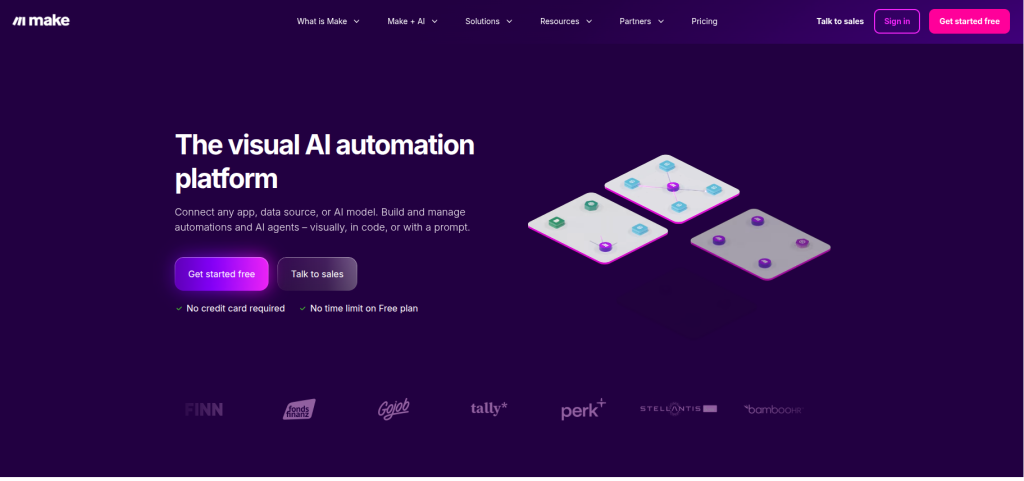
Make is arguably the strongest all-around Zapier alternative. It combines a powerful visual workflow builder, AI-enhanced automation, thousands of pre-built integrations, and competitive pricing. Make has evolved from a niche tool to a sophisticated platform that handles everything from simple automations to complex multi-step enterprise workflows.
In 2026, Make introduced native AI agents within workflows, allowing you to build autonomous automation that makes decisions without predefined rules.
Best For
- Small businesses and startups scaling automation needs
- Agencies managing client automations
- Marketing teams coordinating cross-platform campaigns
- Ecommerce businesses automating order workflows
- Anyone looking for Zapier-level features at lower costs
Key Features
- Visual workflow builder with 1,000+ integrations
- Conditional logic, loops, and error handling
- Scenario templates for quick setup
- AI automation module (beta in many regions, standard in 2026)
- Advanced data mapping and transformations
- Webhooks and API access
- Real-time monitoring and execution logs
- Mobile app for workflow monitoring
- Team collaboration and role-based access
Pros
- Significantly cheaper than Zapier at comparable usage levels
- More intuitive workflow builder for complex scenarios
- Strong community with extensive templates
- Reliable execution and fast performance
- Excellent documentation and video tutorials
- Flexible pricing that scales with actual usage
- Native data transformation tools (no external service needed)
Cons
- Interface can feel cluttered to absolute beginners
- Operations (task-equivalent) pricing still adds up at high volume
- Learning curve steeper than IFTTT or Integrately
- Some integrations are community-built (less polished)
Pricing (2026)
- Free: Up to 1,000 operations monthly across all scenarios
- Standard: $10.59/month (10,000 ops)
- Plus: $26.36/month (50,000 ops)
- Professional: $84.49/month (unlimited)
(Operations count as every step executed in a workflow)
Why Choose It Over Zapier
Make’s pricing aligns with actual usage. A workflow with 5 steps counts as 5 operations, not 1 task. Zapier counts the entire workflow as 1 task. For complex automations, Make is 40-60% cheaper. Make also excels at scenarios Zapier handles poorly: API requests with data transformation, multi-condition logic, and error recovery workflows.
Real example: An ecommerce business automating Shopify orders to Slack, Google Sheets, and Klaviyo. In Zapier, this is 3 separate zaps (3 tasks per order). In Make, it’s one workflow (1 operation per step, approximately 6-8 operations). Make costs roughly 70% less for this common scenario.
2. n8n
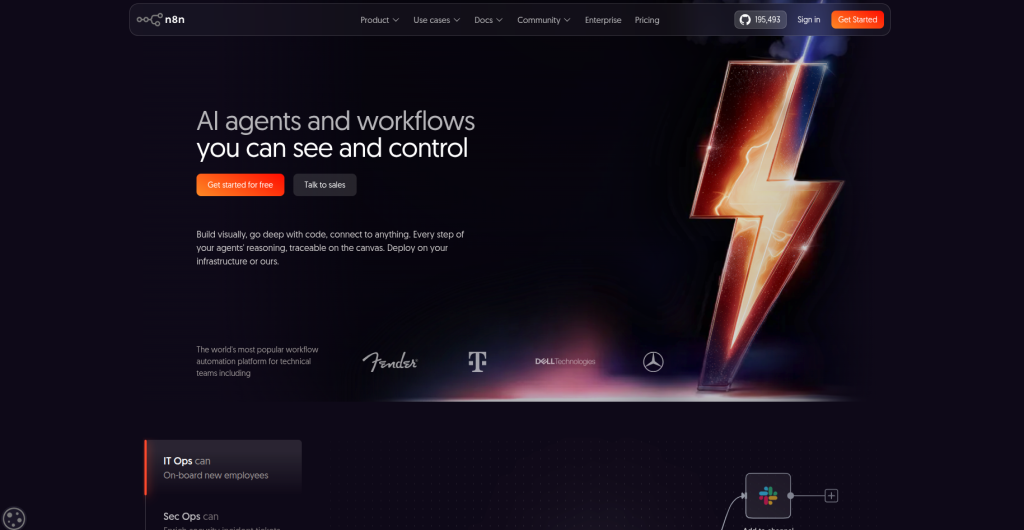
n8n is an open-source workflow automation platform designed for developers and technical teams. It offers a free self-hosted version, generous cloud tiers, and exceptional flexibility for building custom automations.
If you want source code control, the ability to self-host, and unlimited workflow creation without vendor lock-in, n8n is the answer.
Best For
- Developers and technical teams
- Organizations prioritizing data privacy (self-hosted option)
- Teams wanting unlimited workflows and no task limits
- Startups avoiding vendor lock-in
- Companies needing custom code execution within workflows
- Internal tool builders and DevOps teams
Key Features
- Open-source (fully available on GitHub)
- Self-hosting option (enterprise on-premises)
- Infinite workflows (no limit on automation count)
- JavaScript code execution within workflows
- Webhook support and API access
- 400+ integrations and growing
- Flexible trigger and action system
- SQL query support within workflows
- Advanced error handling and conditional logic
- Multi-user workspace with role-based control
Pros
- Completely free self-hosted version (unlimited workflows)
- No vendor lock-in; you own your data
- Exceptional for developers; JavaScript knowledge is valuable
- Transparent pricing; no surprise costs
- Active open-source community
- Great for custom integrations and edge cases
- Unlimited automation creation on all plans
- Strong security posture for self-hosted deployments
Cons
- Steeper learning curve than low-code platforms
- Self-hosting requires technical expertise and server maintenance
- Smaller ecosystem than Make or Zapier
- Cloud hosting costs more than self-hosting, less than Zapier
- Documentation geared toward developers
- Community support is good but smaller than competitors
Pricing (2026)
- Self-hosted: $0 (your server costs)
- Cloud Free: 5,000 workflow executions/month (single workflow limit)
- Cloud Pro: $20/month per user (custom executions)
- Cloud Enterprise: Custom pricing
Why Choose It Over Zapier
n8n removes artificial limits. Zapier restricts workflow count based on plan; n8n doesn’t. You can build 100 workflows for the same price Zapier charges for 5. For developers, JavaScript execution within workflows means you rarely need a third service. Self-hosting eliminates recurring costs entirely for resource-conscious organizations.
Real example: A DevOps team automating infrastructure alerts. They built 47 interconnected workflows in n8n (would cost $100+/month in Zapier). n8n self-hosted: hosting server cost ~$30/month. Zapier equivalent: $300+/month.
3. Pipedream
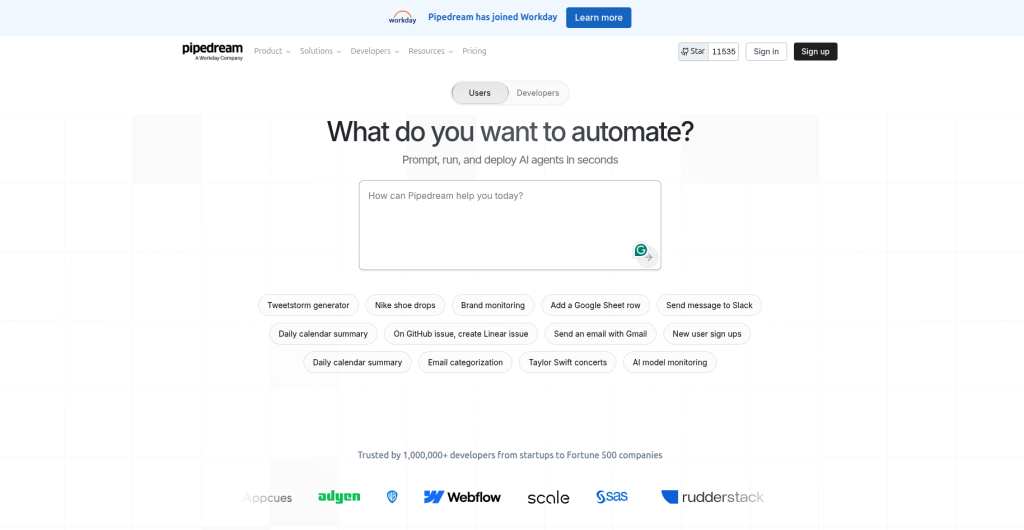
Pipedream is a workflow automation platform built specifically for developers. It emphasizes code-first workflow building, powerful integrations, and transparent execution.
Unlike low-code tools that hide complexity, Pipedream shows you exactly what’s happening with each step, making debugging and optimization straightforward.
Best For
- Developers building custom integrations
- SaaS companies automating internal processes
- API-heavy workflows and data pipelines
- Teams needing reliable webhook handling
- Applications requiring fine-grained control and transparency
Key Features
- Code-first workflow builder (Node.js, Python, Bash, Go)
- 800+ pre-built integrations and data sources
- Webhook/API event sources
- Instant debugging and data inspection
- SQL queries for workflow data
- Real-time event monitoring dashboard
- Automatic API documentation
- Developer-friendly error messages and logs
- Team collaboration with environment variables
- Scheduled workflows and cron triggers
Pros
- Ideal for developers who prefer code over visual builders
- Clear pricing with no hidden operations costs
- Excellent for webhook handling and streaming data
- Every step shows actual code and data passed
- Free tier is genuinely useful for development
- Strong API documentation
- Fast execution
- Version control integration capabilities
Cons
- Not beginner-friendly; requires coding knowledge
- Smaller integration library than Make or Zapier
- Limited to 10,000 executions on free tier
- No advanced visual builder for non-technical users
- Community smaller than alternatives
Pricing (2026)
- Free: 10,000 daily executions, source code available
- Professional: $25/month (unlimited executions)
- Enterprise: Custom pricing
Why Choose It Over Zapier
Pipedream’s transparency is invaluable for debugging complex workflows. You see exact data transformations, API responses, and execution logs. Zapier hides these details. For developers, this means faster troubleshooting and fewer failed automations in production.
Real example: An API integration team at a SaaS company building webhook handlers for customer events. Pipedream’s debugging dashboard made error resolution 10x faster compared to Zapier’s opaque execution logs.
4. Microsoft Power Automate
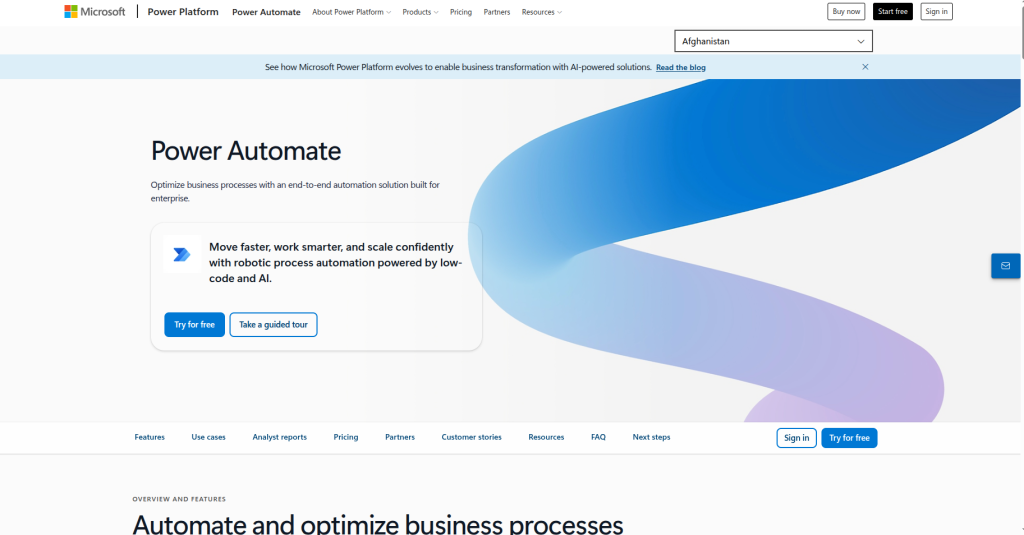
Power Automate is Microsoft’s enterprise automation platform. If your organization runs on Microsoft 365 (Office 365), Teams, Outlook, and SharePoint, Power Automate integrates seamlessly.
It’s often overlooked because it’s bundled with Microsoft subscriptions, but it’s a legitimate, feature-rich automation platform.
Best For
- Organizations heavily invested in Microsoft 365
- Enterprises prioritizing vendor alignment
- Teams automating internal business processes
- SharePoint, Outlook, and Teams workflows
- Companies needing official Microsoft support
- Large organizations with compliance requirements
Key Features
- Seamless Microsoft 365 integration
- Cloud and desktop flow options
- Process advisor for workflow optimization
- RPA (robotic process automation) capabilities
- 1,000+ connectors
- Scheduled, cloud, and desktop flows
- Advanced approval workflows
- Business process maps and automation
Pros
- Often included in Microsoft 365 licensing (no extra cost)
- Exceptional Microsoft integrations
- Enterprise-grade security and compliance
- Desktop automation (RPA) capabilities
- Strong for internal business processes
- Official Microsoft support
Cons
- Pricing confusing; licensing depends on Microsoft 365 tier
- Less intuitive than Make or Integrately
- Not ideal for non-Microsoft tools (third-party integrations weaker)
- Smaller third-party integration library
- Limited free tier
Pricing (2026)
- Included in Microsoft 365 subscriptions (limited flows)
- Power Automate Premium: $15/user/month (unlimited cloud flows)
- Per-flow licensing: $100-$300/month depending on volume
Why Choose It Over Zapier
If you’re already paying for Microsoft 365, Power Automate is functionally free. It eliminates the need for a separate automation platform. For organizations with heavy SharePoint, Teams, and Outlook requirements, nothing matches Power Automate’s native integration depth.
Real example: A corporate HR department automating employee onboarding in SharePoint, Teams, and Outlook. Power Automate required zero additional software purchase (already licensed). Zapier or Make would have required additional spend on top of Microsoft costs.
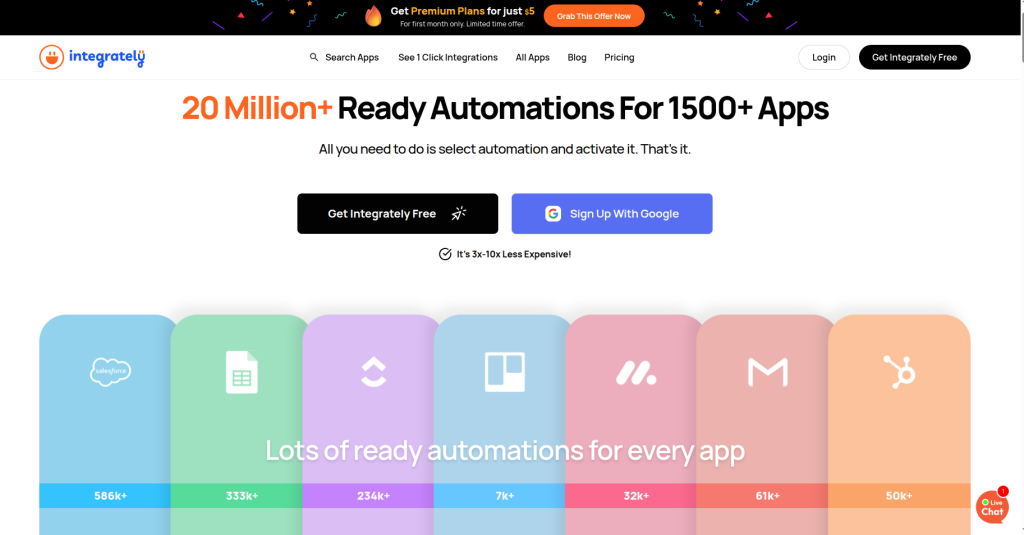
5. Integrately
Integrately is a user-friendly, affordable automation platform positioned as the “Zapier alternative for everyone.” It emphasizes simplicity, transparent pricing, and generous free tiers.
In 2026, Integrately added AI workflow suggestions and has improved its integration library significantly.
Best For
- Beginners and non-technical users
- Freelancers and solo entrepreneurs
- Small businesses avoiding complexity
- Budget-conscious teams
- Users preferring simplicity over advanced features
- Anyone overwhelmed by Zapier’s interface
Key Features
- Drag-and-drop automation builder
- 1,000+ integrations
- Pre-built workflow templates
- Conditional logic (if-this-then-that)
- Multi-step automation support
- Workflow scheduling
- Real-time sync and API access
- Team collaboration tools
Pros
- Extremely intuitive interface
- Generous free plan (300 tasks/month)
- Very affordable paid plans ($9.99 starts)
- No learning curve for beginners
- Excellent customer support
- Quick workflow setup (minutes, not hours)
- Clear pricing transparency
Cons
- Smaller integration library than Make or n8n
- Limited advanced features (not ideal for complex logic)
- Some third-party integrations less polished
- Less suitable for developers wanting code control
- Slower execution compared to Make
Pricing (2026)
- Free: 300 tasks/month
- Starter: $9.99/month (2,000 tasks)
- Professional: $19.99/month (10,000 tasks)
- Business: $49.99/month (unlimited tasks)
Why Choose It Over Zapier
Integrately’s free plan (300 tasks) is 30x larger than Zapier’s (10 tasks). For simple automations, you may never need paid plans. Even at scale, Integrately’s pricing tops out at $49.99 for unlimited tasks. Zapier’s equivalent plan costs $1,200+/year.
Real example: A small marketing agency running 20 simple automations (email workflows, form submissions, social posting). Integrately Business: $49.99/month. Zapier equivalent: $500+/month. Annual savings: $5,400.
6. Activepieces
Activepieces is an open-source, no-code automation platform with an emphasis on community, transparency, and ease of use.
It’s newer than alternatives but rapidly maturing. The open-source model makes it ideal for organizations wanting to avoid vendor lock-in while maintaining simplicity.
Best For
- Organizations prioritizing open-source solutions
- Teams wanting to self-host automation
- Developers who want non-technical team members to build workflows
- Startups avoiding recurring software costs
- Companies wanting source code transparency
Key Features
- Open-source (GitHub available)
- Cloud and self-hosted options
- 200+ integrations and growing
- Simple visual workflow builder
- Webhook support
- Multi-step automation
- Template marketplace
- Collaborative teams workspace
- Real-time debugging
Pros
- Completely free open-source version
- Minimal learning curve
- No vendor lock-in with self-hosting
- Growing integration library
- Active community
- Transparent business model
- Regular updates
Cons
- Smaller integration library than Make or Zapier
- Younger project (less battle-tested)
- Smaller community than established competitors
- Limited enterprise features
- Support primarily community-driven
Pricing (2026)
- Self-hosted: $0
- Cloud Free: 500 tasks/month
- Cloud Pro: $10/month (10,000 tasks)
- Cloud Business: $30/month (unlimited)
Why Choose It Over Zapier
Activepieces offers the best combination of openness and simplicity. You get source code transparency like n8n but with Zapier-like ease of use. For teams wanting to avoid vendor dependency while keeping things simple, it’s unbeatable.
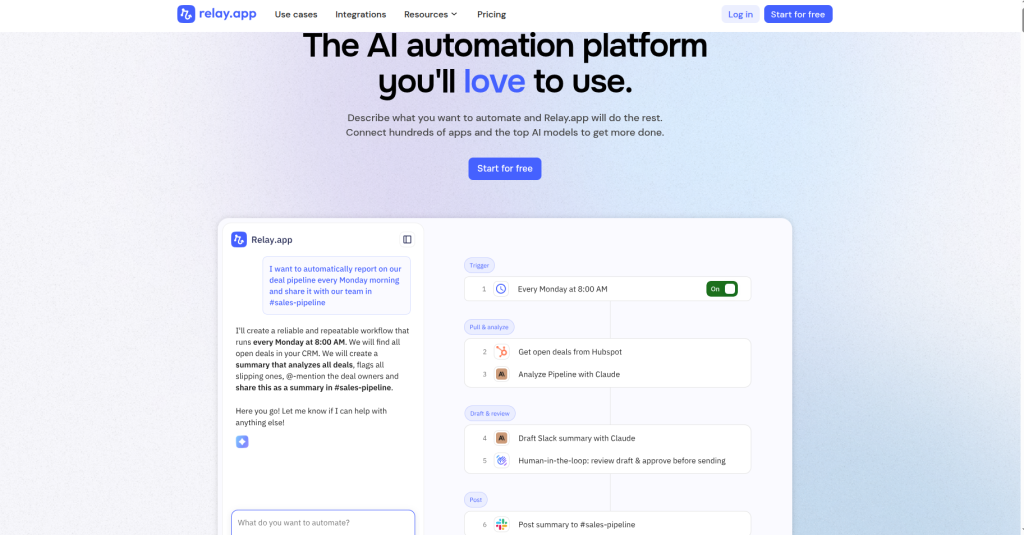
7. Relay.app
Overview
Relay.app is a modern, API-first workflow automation platform designed for speed and developer experience.
It prioritizes fast execution, real-time sync, and exceptional reliability.
Best For
- Teams prioritizing speed and reliability
- Real-time workflow requirements
- Developer-friendly automation needs
- Startups wanting a modern stack
- Companies needing advanced async processing
Key Features
- API-first architecture
- 500+ integrations
- Real-time data syncing
- Advanced async and parallel processing
- Powerful workflow conditional logic
- Transparent execution logs
- Developer-friendly documentation
- Team collaboration features
Pros
- Exceptional speed and reliability
- Modern development experience
- Great for async workflows
- Transparent pricing
- Strong API documentation
- Powerful data transformation
- Proactive customer support
Cons
- Smaller integration library
- Slightly higher price point
- Less suitable for non-technical users
- Younger platform than alternatives
- Smaller community
Pricing (2026)
- Free: 5,000 executions/month
- Pro: $35/month (50,000 executions)
- Custom: Enterprise pricing
Why Choose It Over Zapier
Relay.app excels at real-time synchronization and high-frequency workflows. If you’re automating real-time data pipelines or high-volume operations, Relay’s architecture is purpose-built. Zapier and Make use batch processing; Relay is event-driven.
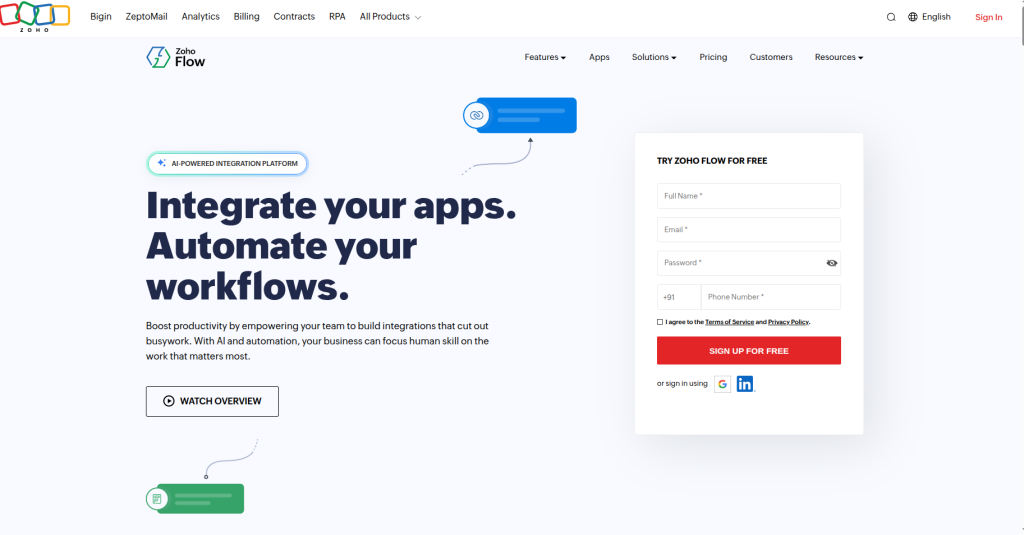
8. Zoho Flow
Zoho Flow is part of the Zoho ecosystem, offering deep integration with Zoho’s business applications (CRM, Books, Inventory, HR).
If you’re using Zoho products, Flow provides exceptional native connectivity.
Best For
- Zoho ecosystem users
- Businesses using Zoho CRM, Books, or HR
- Companies wanting integrated business software
- Indian and Asian market focus
- Mid-market businesses
Key Features
- 1,000+ integrations
- Visual workflow builder
- Conditional logic
- Multi-step workflows
- Scheduled triggers
- Real-time sync
- Template marketplace
- Task automation
Pros
- Exceptional Zoho product integration
- Affordable pricing
- Good documentation
- Reliable execution
- Scalable for growing businesses
Cons
- Less intuitive than Make or Integrately
- Smaller third-party integration library than Zapier
- Community smaller than competitors
- Weaker developer experience
Pricing (2026)
- Free: 5 workflows, 10,000 tasks/month
- Pro: $25/month per user
- Enterprise: Custom
Why Choose It Over Zapier
For Zoho ecosystem users, Flow is a no-brainer. Deep native integration eliminates data sync issues. Plus, pricing is transparent and significantly cheaper than Zapier for comparable needs.
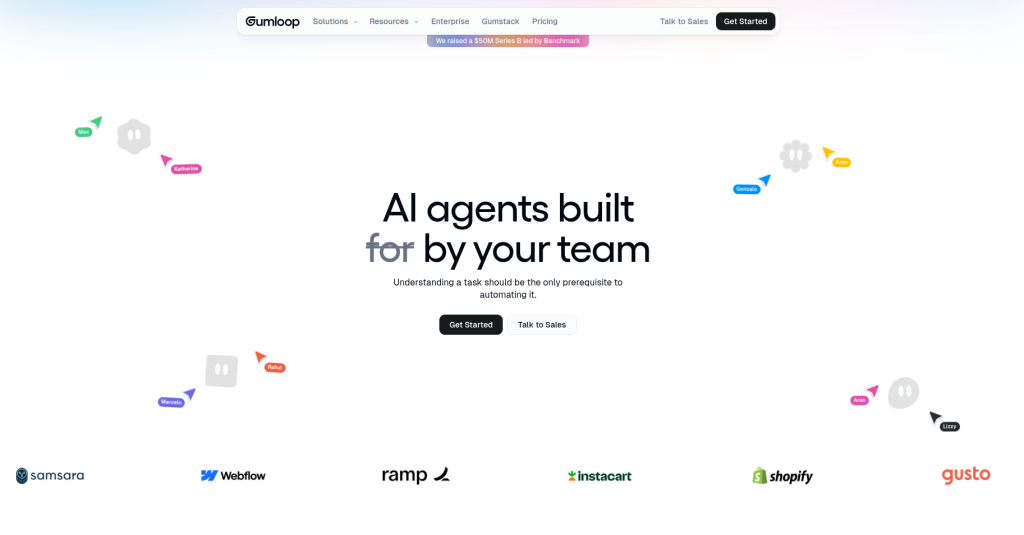
9. Gumloop
Gumloop is an AI-first automation platform emphasizing autonomous workflows and AI agents.
In 2026, as AI automation becomes standard, Gumloop positions itself as purpose-built for AI workflows, not just traditional integrations.
Best For
- Teams prioritizing AI automation
- Marketing automation at scale
- Customer support automation
- Data analysis and reporting automation
- Organizations wanting autonomous agents in workflows
- Teams exploring AI-powered business processes
Key Features
- Native AI agent builder
- GPT-4, Claude integration
- Autonomous task completion
- Smart data extraction
- Workflow templates with AI
- Real-time monitoring
- No-code AI workflow builder
Pros
- Purpose-built for AI workflows
- Autonomous agent capabilities
- Good for non-repetitive tasks (traditional automation struggles here)
- Growing integration library
- Transparent AI capabilities
Cons
- Higher cost than traditional automation tools
- Learning curve for AI concepts
- Smaller community
- Newer platform (less proven)
- Limited to English language initially
Pricing (2026)
- Starter: $49/month (basic AI workflows)
- Professional: $149/month (advanced AI)
- Enterprise: Custom
Why Choose It Over Zapier
Zapier requires predefined rules for every scenario. Gumloop’s AI agents handle variability. For customer support automation with AI summarization, content generation, and smart routing, Gumloop’s purpose-built approach is far more capable than Zapier’s rigid task structure.
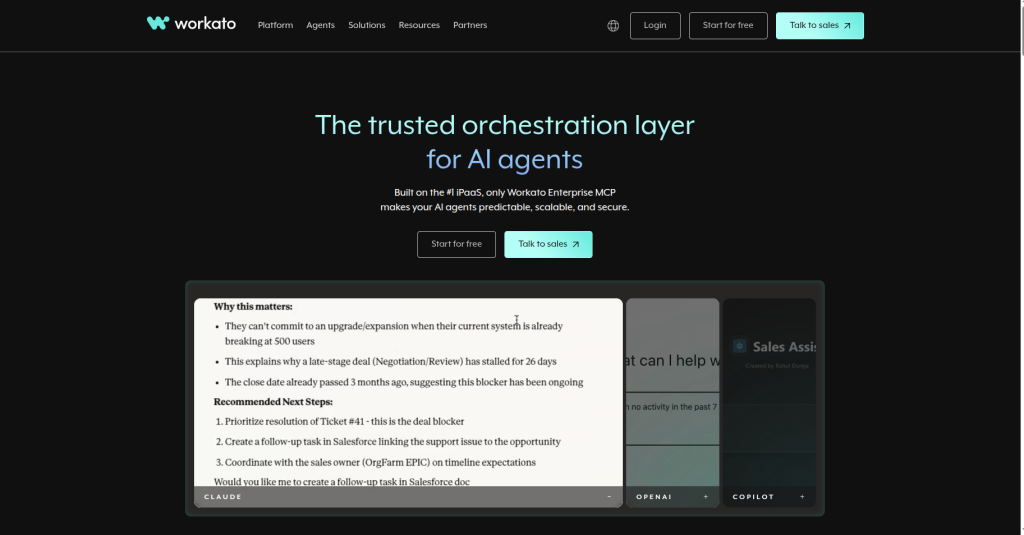
10. Workato
Workato is a powerful automation platform built for growing and enterprise businesses.
It combines AI-powered workflows, enterprise-grade security, and deep app integrations to automate complex business processes.
Best For
- Large enterprises
- Organizations needing advanced security
- Compliance-heavy industries (finance, healthcare)
- Complex integration requirements
- Companies with dedicated integration teams
- Hybrid and multi-cloud environments
Key Features
- 1,200+ pre-built integrations
- Advanced security and compliance
- Real-time and batch automation
- Custom connectors
- Advanced error handling
- Comprehensive audit logs
- Dedicated support
- On-premise option
Pros
- Enterprise-grade reliability
- Comprehensive compliance support
- Extensive connector library
- Advanced features
- Dedicated support
- Proven track record with large enterprises
Cons
- Expensive for small teams
- Complex pricing model
- Learning curve
- Overkill for small business
- Slower decision-making process
Pricing (2026)
- Custom enterprise pricing (typically $5,000+/month for meaningful usage)
Why Choose It Over Zapier
Workato handles scale Zapier struggles with. Enterprise compliance requirements, high-volume task execution, and integration complexity are Workato’s strength.
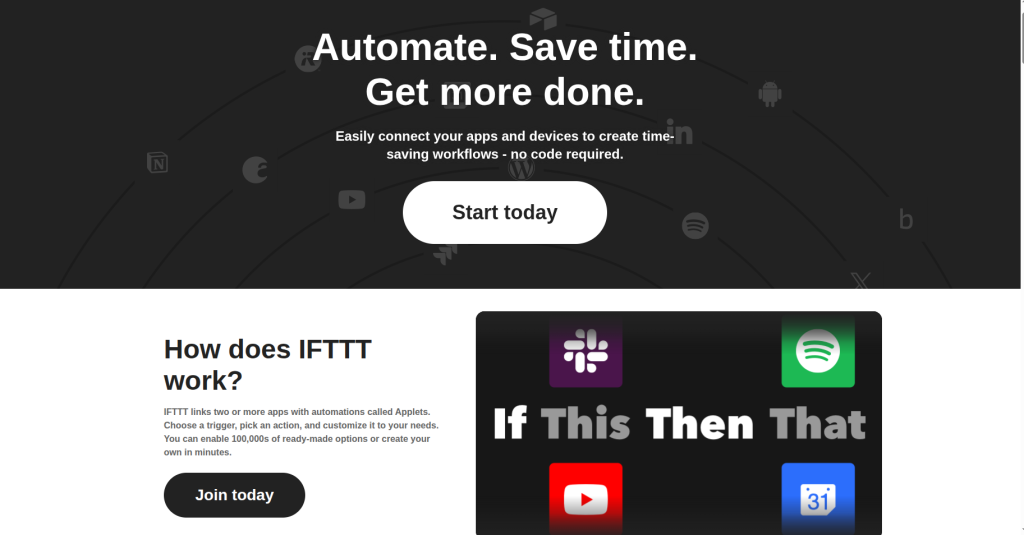
11. IFTTT
IFTTT (If This, Then That) is an easy-to-use automation platform for personal productivity and smart home integrations.
It’s best suited for simple app connections and single-trigger workflows that take just minutes to set up.
Best For
- Beginners wanting absolute simplicity
- Single-trigger automations
- Mobile users
- Personal productivity automation
- People not needing complex multi-step workflows
Key Features
- If-this-then-that simplicity
- 700+ integrations
- Mobile app
- Applets (pre-built automation templates)
- Quick setup
Pros
- Extremely simple to use
- Mobile-first design
- Free tier adequate for basic needs
- Quick to set up
Cons
- Limited to simple automations
- Can’t handle multi-step workflows effectively
- Smaller integration library than competitors
- Limited data transformation
Pricing (2026)
- Free: Limited applets
- Pro: $4.99/month (unlimited applets)
Why Choose It Over Zapier
IFTTT costs 5% of Zapier while handling simple automations equally well. If you need nothing more complex than “when tweet posted, save to spreadsheet,” IFTTT is perfect.
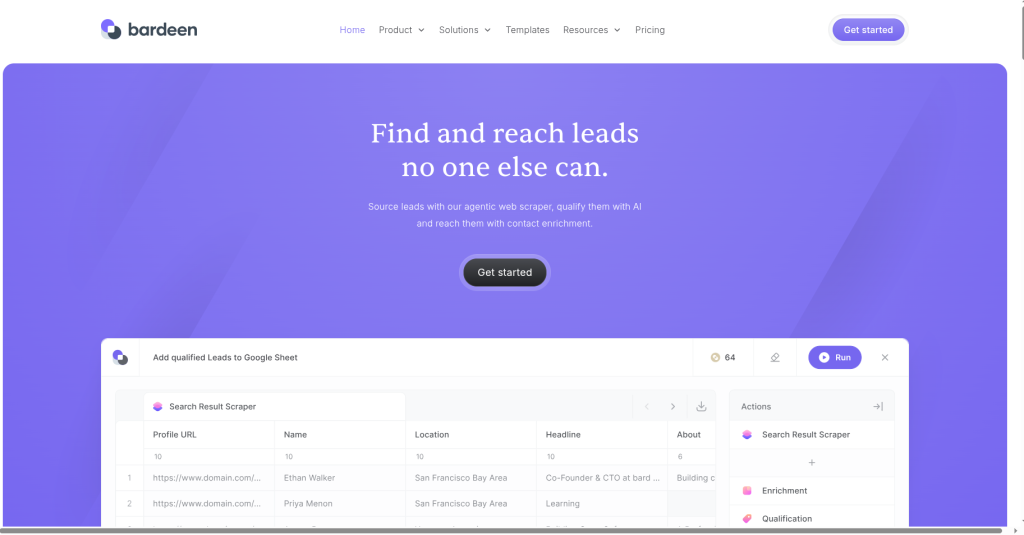
12. Bardeen
Bardeen combines AI and browser automation to eliminate repetitive online tasks.
It helps teams automate research, data entry, outreach, and other workflows without complex setup.
Best For
- Sales teams automating lead research
- Recruiters automating candidate screening
- Marketing teams automating data collection
- Teams automating information gathering
- Anyone repetitively doing the same browser actions
Key Features
- Browser-based automation
- AI learns from your actions
- Data extraction automation
- Form filling automation
- No-code automation builder
- Integration with web tools
Pros
- Learns from observation (minimal setup)
- Great for data extraction
- Browser automation strength
- Easy for non-technical users
Cons
- Limited to browser-based automation
- Not ideal for deep integrations
- Smaller ecosystem
- Execution limited to browser
Pricing (2026)
- Free: Basic automation
- Pro: $99/year (AI learning features)
Why Choose It Over Zapier
Bardeen excels where traditional automation fails: learning from actions you perform. For sales teams that need CRM data populated from emails and LinkedIn, Bardeen’s AI learning is far more practical than Zapier’s rule-based system.
Best AI Tools for Students in 2026 (Ranked): Read More
Comprehensive Comparison Table
| Factor | Make | n8n | Pipedream | Power Automate | Integrately | Activepieces | Relay | Zoho Flow | Gumloop | IFTTT |
| Free Plan | 1,000 ops/mo | Unlimited (self-hosted) | 10,000 exec/mo | Limited | 300 tasks/mo | 500 tasks/mo | 5,000 exec/mo | 10,000 tasks/mo | None | Limited |
| Paid Starting | $10.59/mo | $20/mo | $25/mo | $15/user/mo | $9.99/mo | $10/mo | $35/mo | $25/mo | $49/mo | $4.99/mo |
| Integrations | 1,000+ | 400+ | 800+ | 1,000+ | 1,000+ | 200+ | 500+ | 1,000+ | 200+ | 700+ |
| AI Features | Native | Code-based | Limited | Limited | Emerging | None | None | None | Native | None |
| Open Source | No | Yes | No | No | Yes | Yes | No | No | No | No |
| Code Execution | No | Yes (JS) | Yes (Node/Python) | Limited | No | No | No | No | Limited | No |
| Ease of Use | Good | Developer | Developer | Moderate | Excellent | Excellent | Good | Moderate | Good | Excellent |
| Self-Hosting | No | Yes | No | No | No | Yes | No | No | No | No |
| Workflow Limit | Based on plan | Unlimited | Unlimited | Unlimited | Based on plan | Unlimited | Unlimited | Based on plan | Unlimited | Based on plan |
| Best For | All-around | Developers | Developers | Microsoft users | Beginners | Open-source teams | Real-time | Zoho users | AI workflows | Simplicity |
| Enterprise Ready | Yes | Yes | Yes | Yes | No | Limited | Yes | Yes | No | No |
| Price for 100k Operations | $26.36 | $20 | $150 | $15+ | $49.99 | $30 | $75 | $25+ | $149+ | N/A |
Conclusion
Zapier’s dominance has eroded in 2026. Strong alternatives exist for every use case, most at significantly lower cost.
For freelancers and solopreneurs: Integrately free or Activepieces delivers everything needed at near-zero cost.
For startups and growing businesses: Make remains the strongest all-around choice. Its balance of features, pricing, and ease of use is unmatched.
For developers: n8n and Pipedream offer flexibility and transparency Zapier can’t match.
For Microsoft-dependent enterprises: Power Automate justifies itself through Microsoft 365 integration.
For AI-first automation: Gumloop and Make with AI modules handle autonomous workflows Zapier cannot.
For privacy-conscious organizations: Activepieces and n8n self-hosted eliminate vendor dependency.
The right choice depends on your specific needs: budget, technical skill, integration requirements, and workflow complexity. Use this guide’s decision matrix to match your situation to the best tool.
The era of one-size-fits-all automation is over. In 2026, specialized platforms win. Your job is finding which specialization matches your business.
Frequently Asked Questions (FAQ)
What is a good free Zapier alternative?
Activepieces (self-hosted at $0) and Integrately (300 tasks/month cloud) are excellent free options. IFTTT and n8n (self-hosted) are also genuinely free. Choose based on whether you prefer simplicity (Integrately) or flexibility (n8n).
How much does Zapier cost vs. alternatives?
Zapier’s free plan allows 100 tasks/month. Alternatives offer 300-1,000+ tasks free. Paid plans start at $10/month (Make, n8n cloud) vs. $25/month (Zapier). At scale (100k tasks/month), Make costs $26/month vs. Zapier’s $200+/month.
Can I migrate from Zapier to Make easily?
Yes. Most Zapier workflows have direct Make equivalents. Migration typically takes 2-4 hours per workflow. Export Zapier workflows as JSON for reference, then rebuild in Make using similar trigger/action logic.
What’s the best Zapier alternative for AI automation?
Gumloop and Make with AI modules are purpose-built for AI workflows. Bardeen excels at learning-based browser automation. Choose Gumloop for sophisticated AI agents, Make for balanced features, Bardeen for data extraction.
Do these alternatives work with Zapier integrations?
No single alternative uses Zapier’s integration library directly. However, most target apps (Slack, HubSpot, Shopify, etc.) have native connectors in alternatives. Coverage is 95%+ similar across platforms.
What is the best open-source Zapier alternative?
n8n is the most mature. Activepieces offers simplicity. Both offer self-hosting and full source transparency. n8n has larger community; Activepieces grows faster but smaller ecosystem.
Is Zapier being replaced by AI automation?
Zapier remains for rule-based automation. AI automation (Gumloop, advanced Make) handles variable scenarios. In 2026, most businesses use both: Zapier/Make for reliability, AI agents for complex decisions.
What’s the cheapest way to automate 1,000 apps?
Integrately unlimited ($49.99/month) covers all 1,000+ apps. Make’s $10.59/month covers 1,000+ apps with operation limits. For unlimited everything, n8n self-hosted at $0 is cheapest but requires server costs.
Can I build complex workflows in Make or n8n like Zapier?
Yes, both exceed Zapier’s complexity handling. Make and n8n support loops, nested conditionals, error handling, and custom code where Zapier struggles. They’re more advanced, not less.
Should startups use Zapier or alternatives?
Startups with technical co-founders choose Make or n8n. Non-technical founders choose Integrately. Both scale to enterprise. Avoid Zapier unless you specifically need it; alternatives offer better value for early-stage growth.